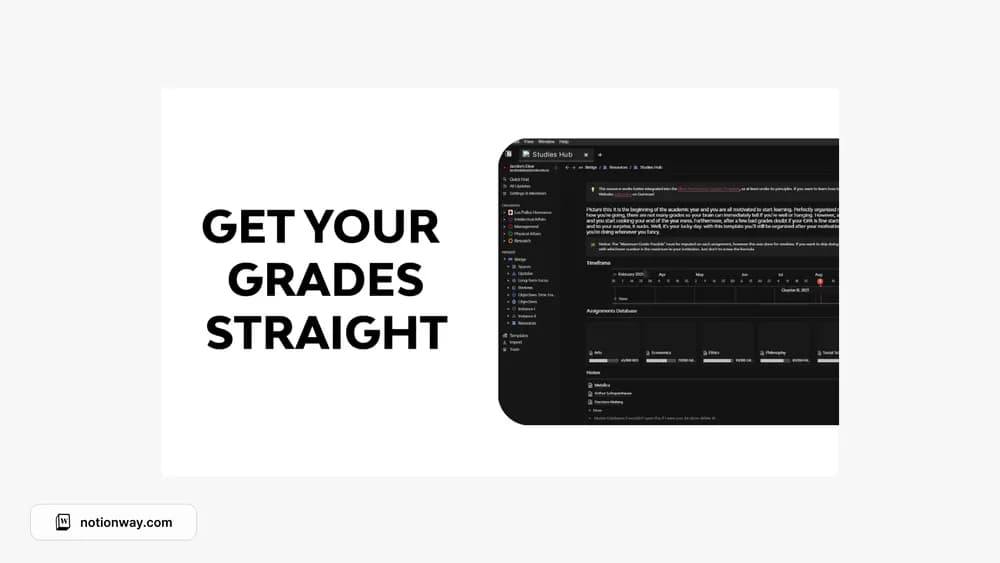
About Resource: Studies Hub
A study hub can give you a dependable place to return when motivation varies. Use this as a structure for checking what needs attention. The important habit is updating the workspace often enough that the overview reflects the work still ahead of you.
What’s included
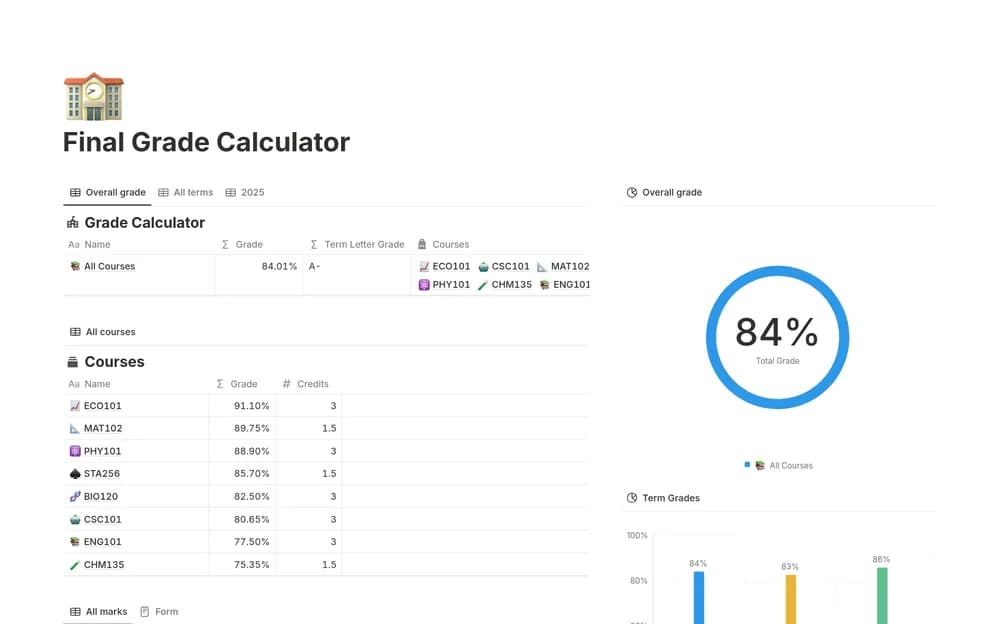
- An academic dashboard centered on keeping grades understandable
- A place to organize study information across the year
- A GPA-oriented approach described by the creator, with limited public formula detail
How to use it in practice
Test the grading setup with results you can calculate yourself. Record the grading scale and any assessment weights beside the course so you can explain the total later. When a result changes, compare the dashboard with the institution’s record. Use uncertain or ungraded work as a planning signal rather than treating it as a confirmed final mark.
Set it up in your workspace
- Follow the original creator’s checkout or access instructions to obtain the Notion page. Open that page while signed in, then duplicate it into the workspace you want to use.
- Bring in one course and its current tasks. Choose a short weekly review time before adding the rest.
- Try one complete example before adding a large backlog. Check that its views and any calculations show what you expect, then replace the sample content with your own.
Who it suits and what to consider
Students who want a more consistent overview of their work. Choose it if grade visibility is your main need, but inspect the calculation properties first. Schools use different credit weights, scales, and rounding rules, which a generic dashboard may need adapting to match.