About Revision Round & Version Log
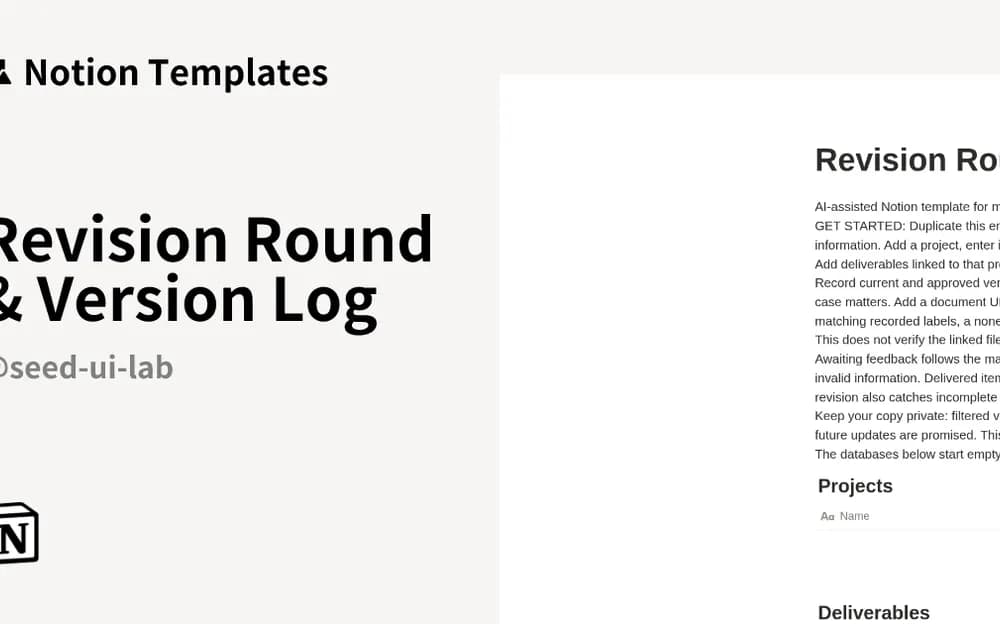
Record revision rounds, version labels, and approved versions for client deliverables in Notion, with checks that flag rounds over the allowance.
What’s included
- Connected project and deliverable databases
- Revision allowance applied to each deliverable
- Current and approved version labels with document links
- Formula checks for incomplete records and excess rounds
- Awaiting feedback, ready to deliver, and needs revision queues
How to use it in practice
Create one active project and set its included rounds, then add its deliverables with the current version label and document link. Record each revision round as client feedback arrives. Check the ready-to-deliver queue to see whether labels match and rounds are within the allowance. Mark finished items delivered at the end of the week.
Set it up in your workspace
- Open the original Notion Marketplace listing and add the template to your chosen workspace while signed in. Keep its example records until you understand how the pages connect.
- Create one active project and set its included rounds, then add its deliverables with the current version label and document link.
- Try one complete example before adding a large backlog. Check that its views and any calculations show what you expect, then replace the sample content with your own.
Who it suits and what to consider
Freelance copywriters and designers who include a set number of revision rounds in their projects. Everything is recorded manually, and the checks cover your entries, not the documents or actual client approval. The purchase goes through itch.io, and the databases start empty.