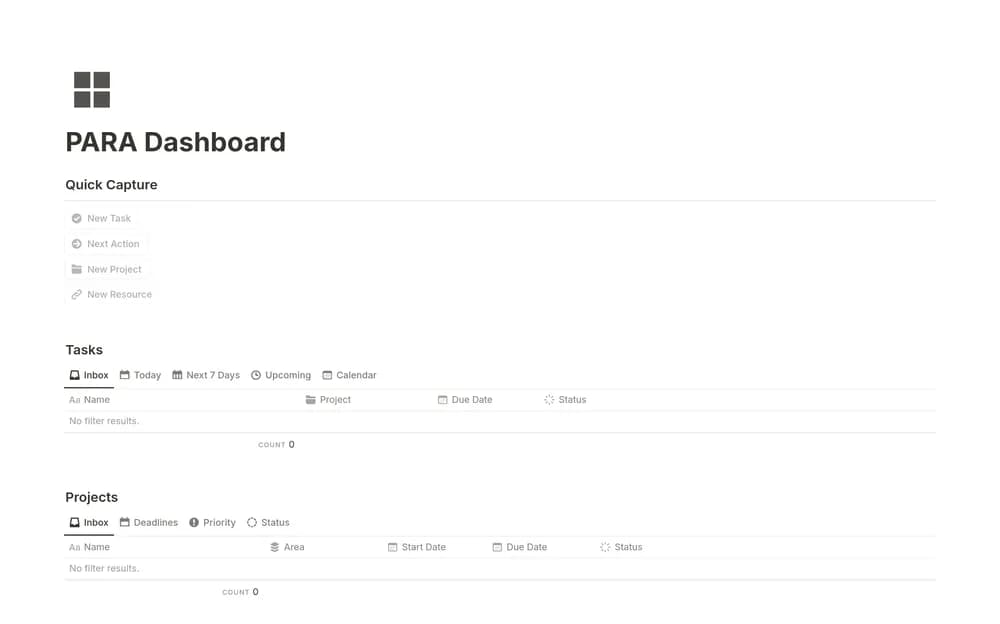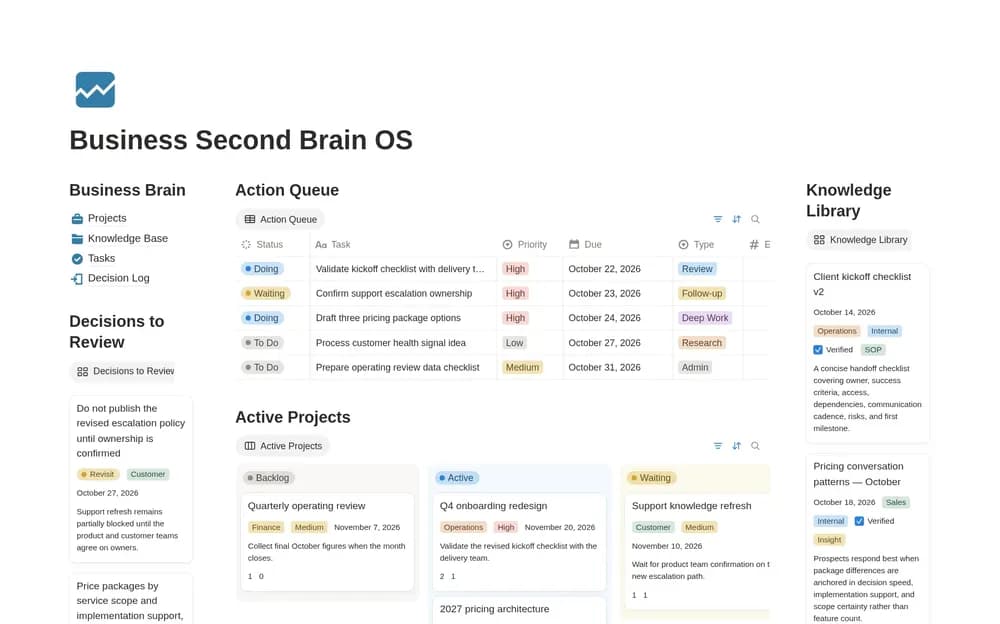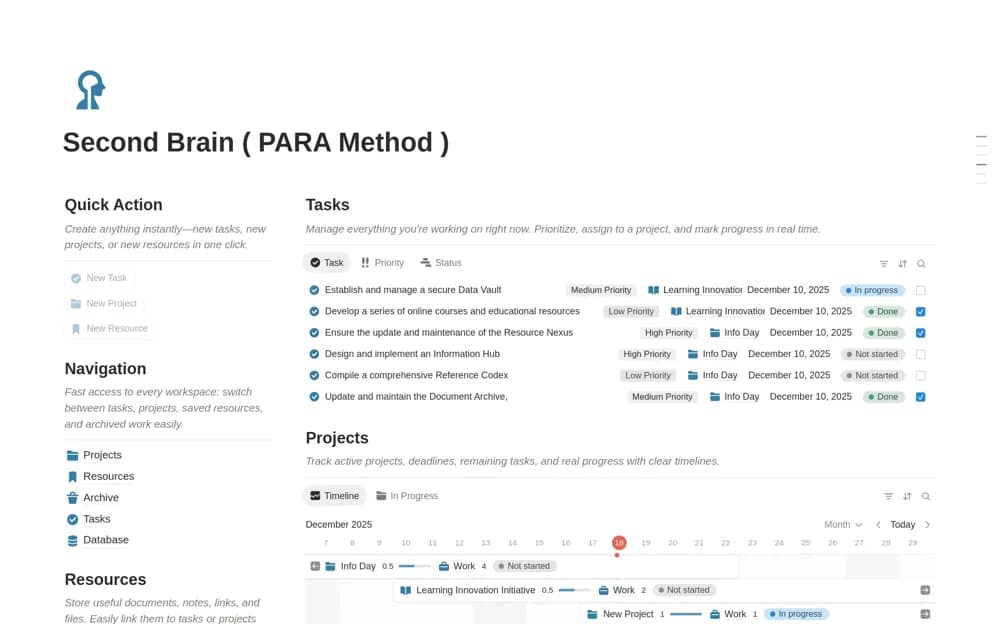
About Second Brain OS: All-in-One Productivity System
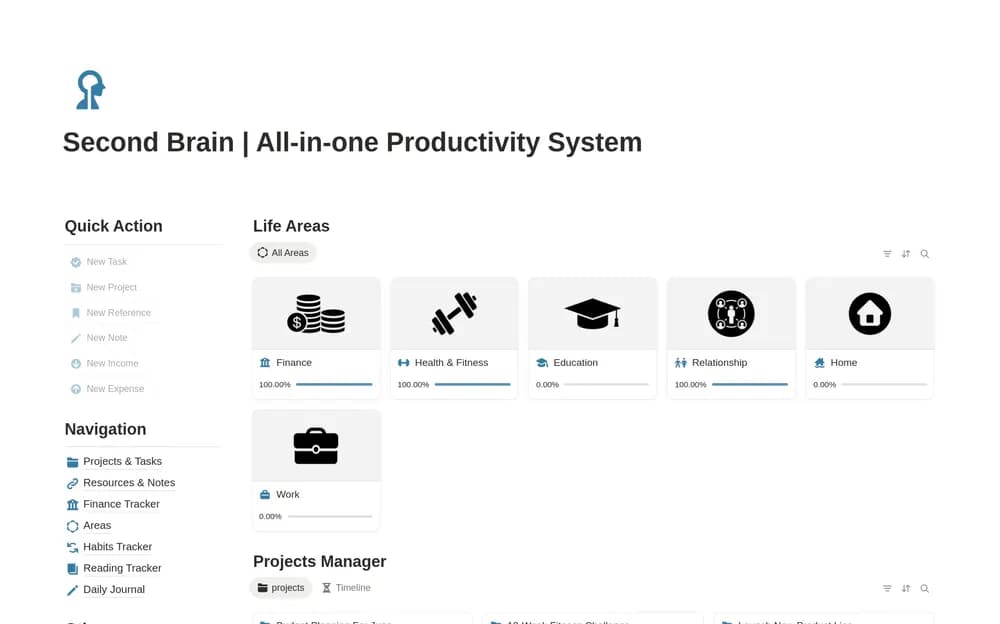
Run life areas, projects, tasks, notes, habits, reading, and finances from one Notion second brain dashboard with quick-capture buttons.
What’s included
- Life areas dashboard for finance, health, education, work, home, and relationships
- Projects and tasks system
- Notes and resources structure
- Habit tracker, daily journal, and reading tracker
- Finance tracker with monthly overview and a calendar view
How to use it in practice
Start by naming your life areas and linking one active project to each. Capture notes and tasks with the quick buttons for a week rather than migrating old material. Log habits and a short journal entry daily, then hold a short review at the end of the week to decide which modules you will keep.
Set it up in your workspace
- Open the original Notion Marketplace listing and add the template to your chosen workspace while signed in. Keep its example records until you understand how the pages connect.
- Start by naming your life areas and linking one active project to each.
- Try one complete example before adding a large backlog. Check that its views and any calculations show what you expect, then replace the sample content with your own.
Who it suits and what to consider
Students, professionals, and freelancers consolidating several apps into one Notion workspace. An all-in-one system takes time to adopt. The listing does not describe bank connections, so finance entries are manual.