About Service Desk Ticket Management System
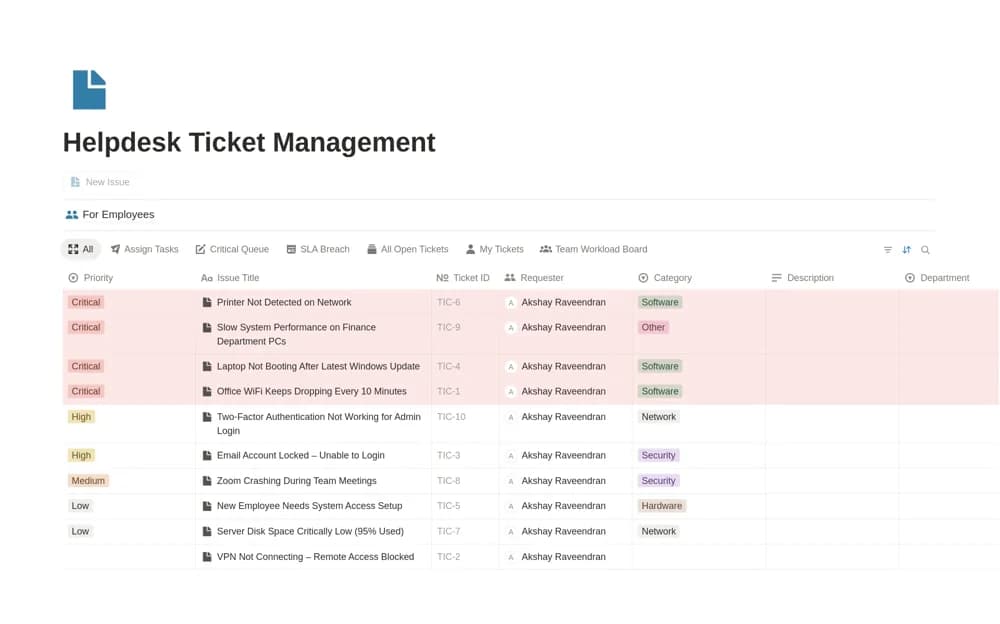
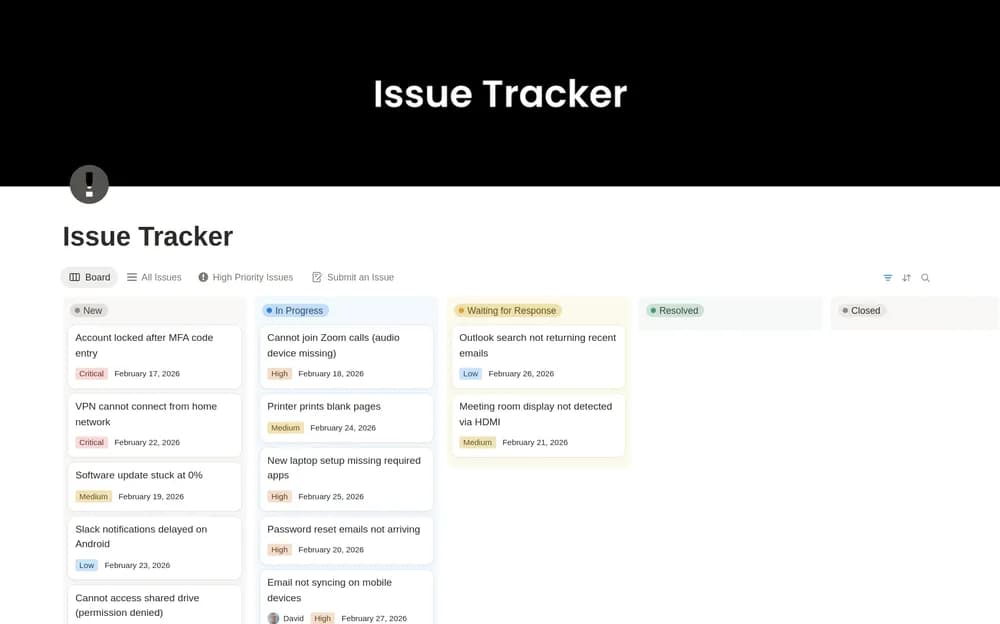
Manage internal IT tickets in Notion with assigned support staff, issue categories, resolution status, and a team knowledge base.
What’s included
- Internal support-ticket database
- Assignee, user, category, and resolution records
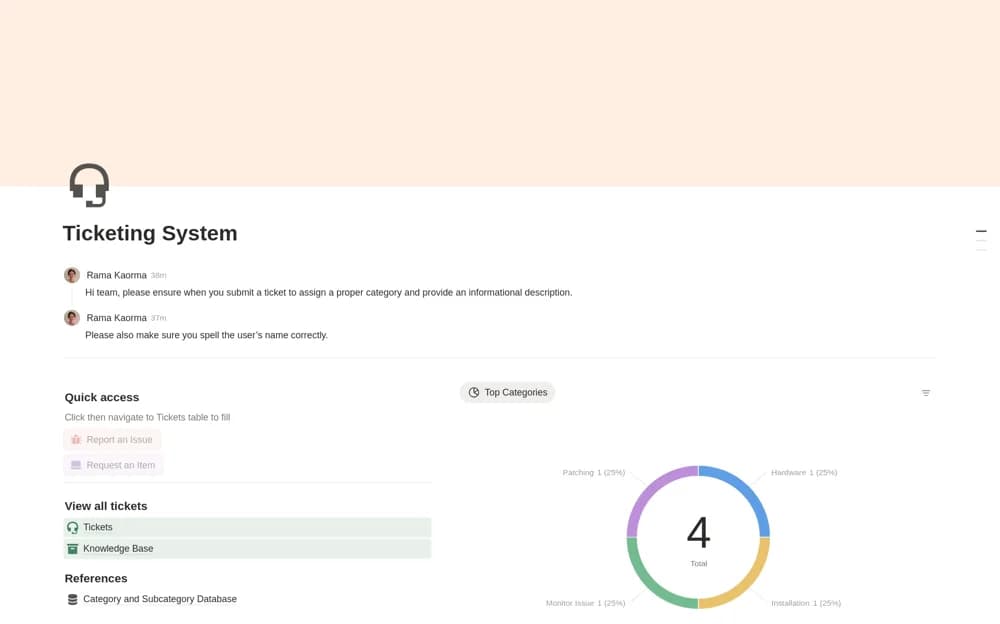
- Common-issue indicators
- Support knowledge base and ticket-creation buttons
How to use it in practice
Record a real request with the affected user and a clear description, then assign the staff member handling it. Update the resolution status as work proceeds and document a reusable fix in the knowledge base. Review common categories periodically to identify problems worth addressing at their source.
Set it up in your workspace
- Open the original Notion Marketplace listing and add the template to your chosen workspace while signed in. Keep its example records until you understand how the pages connect.
- Record a real request with the affected user and a clear description, then assign the staff member handling it.
- Try one complete example before adding a large backlog. Check that its views and any calculations show what you expect, then replace the sample content with your own.
Who it suits and what to consider
Small IT support teams maintaining an internal queue and documentation of recurring issues. The creator explicitly assumes IT staff use the workspace and customers do not have access. It is not a documented self-service customer portal.