About Simple Monthly Budget Planner
Plan each month’s money in Notion with an overview of income, bills, daily spending, debt repayments, and savings progress, plus a calendar view.
What’s included
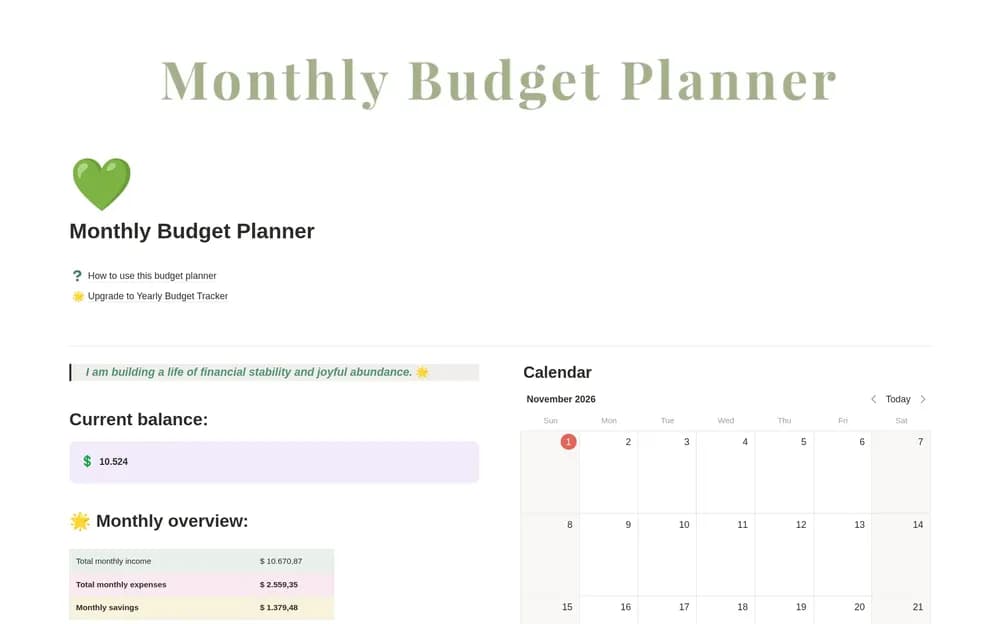
- Monthly overview of income, expenses, savings, and available balance
- Income tracker by source
- Expense tracker for bills by category
- Daily spending tracker
- Debt and savings trackers with a calendar view
How to use it in practice
Enter this month’s expected income and fixed bills first, then record day-to-day purchases as they happen for one week. Add any outstanding balances to the debt tracker and log a repayment if one falls due. Put a small amount into savings and record it. At the end of the week, check the monthly overview to see what remains available.
Set it up in your workspace
- Open the original Notion Marketplace listing and add the template to your chosen workspace while signed in. Keep its example records until you understand how the pages connect.
- Enter this month’s expected income and fixed bills first, then record day-to-day purchases as they happen for one week.
- Try one complete example before adding a large backlog. Check that its views and any calculations show what you expect, then replace the sample content with your own.
Who it suits and what to consider
Budgeting beginners who want monthly totals and debt and savings tracking without spreadsheets. All amounts are entered manually, and the listing does not mention bank imports. Separate expense and daily spending sections mean deciding upfront where each purchase belongs.