About Take Control of Weekly Spending: Weekly Budget Planner
Decide where money goes before each week starts, sorting expenses into Must Pay, Important, and Optional and testing them against four decision checks.
What’s included
- Weekly budget for income, expenses, savings, and upcoming payments
- This Week and Next Week sections
- Must Pay, Important, and Optional priority levels
- Need, Affordability, Value, and Timing decision checks
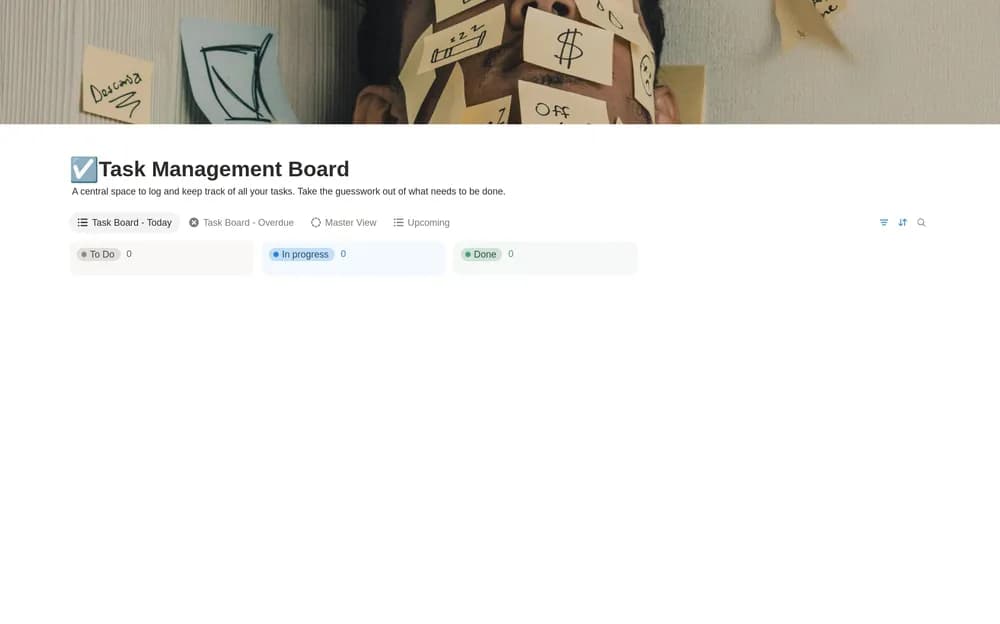
- Kanban, calendar, weekly, planned, and decision views on one database
How to use it in practice
On Sunday, list your expected income and every payment due in the next two weeks. Assign each expense a priority level, then run optional purchases through the four decision checks. During the week, record what you actually spend against the plan. Next Sunday, look at which optional items you skipped or delayed and adjust the following week’s plan.
Set it up in your workspace
- Open the original Notion Marketplace listing and add the template to your chosen workspace while signed in. Keep its example records until you understand how the pages connect.
- On Sunday, list your expected income and every payment due in the next two weeks.
- Try one complete example before adding a large backlog. Check that its views and any calculations show what you expect, then replace the sample content with your own.
Who it suits and what to consider
People who overspend week to week and want to plan purchases before they happen rather than only log them. The single-database setup is intentionally simple; the listing does not mention monthly reports or bank imports, so totals depend on manual entries.