About Small Company Finances
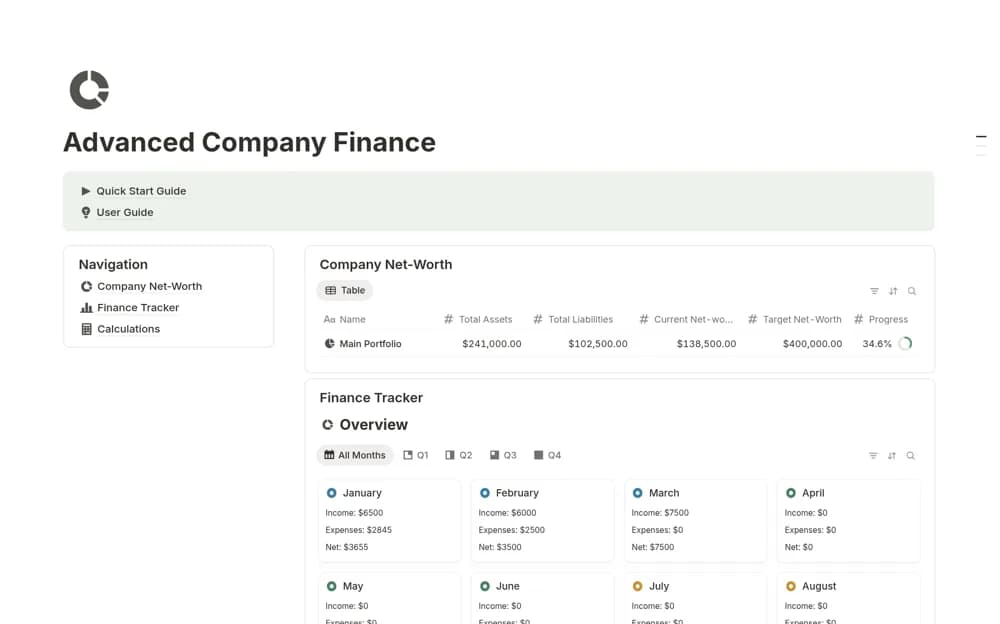
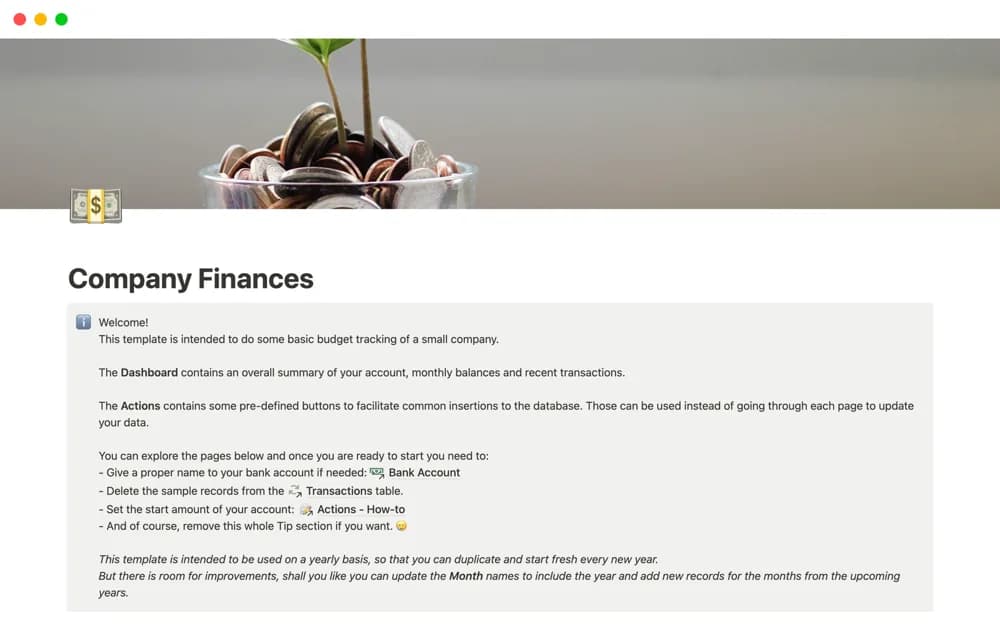
A simple business-budget dashboard with transaction-entry buttons, intended to begin fresh each year and provide an accessible starting point for recording company finances.
What’s included
- Overall budget dashboard
- Transaction-entry action buttons
- A yearly starting structure
How to use it in practice
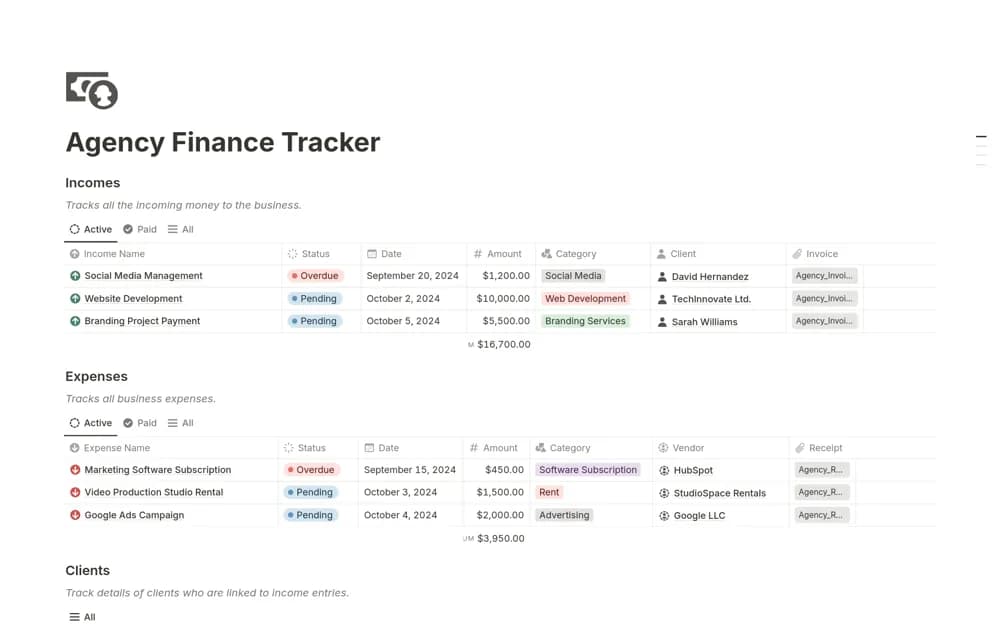
Enter a few income and expense transactions from a completed month and compare the dashboard with the source records. Decide how you want to preserve year-end history before starting a new annual copy. Keep categories consistent so a simple tracker stays useful as the number of entries grows.
Set it up in your workspace
- Open the original Notion Marketplace listing and add the template to your chosen workspace while signed in. Keep its example records until you understand how the pages connect.
- Enter a few income and expense transactions from a completed month and compare the dashboard with the source records.
- Try one complete example before adding a large backlog. Check that its views and any calculations show what you expect, then replace the sample content with your own.
Who it suits and what to consider
Small-business owners who prefer a focused budget tracker over a multi-module finance workspace. The creator describes a fresh annual setup that can be adjusted for multiple years. Detailed invoicing, bank connections, and statutory reports are not confirmed in the listing.