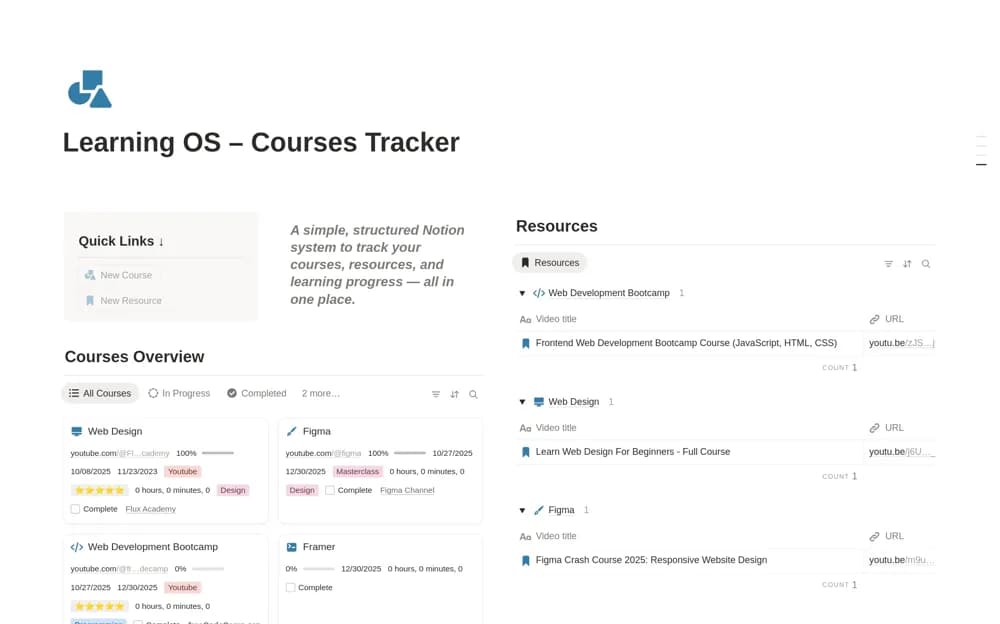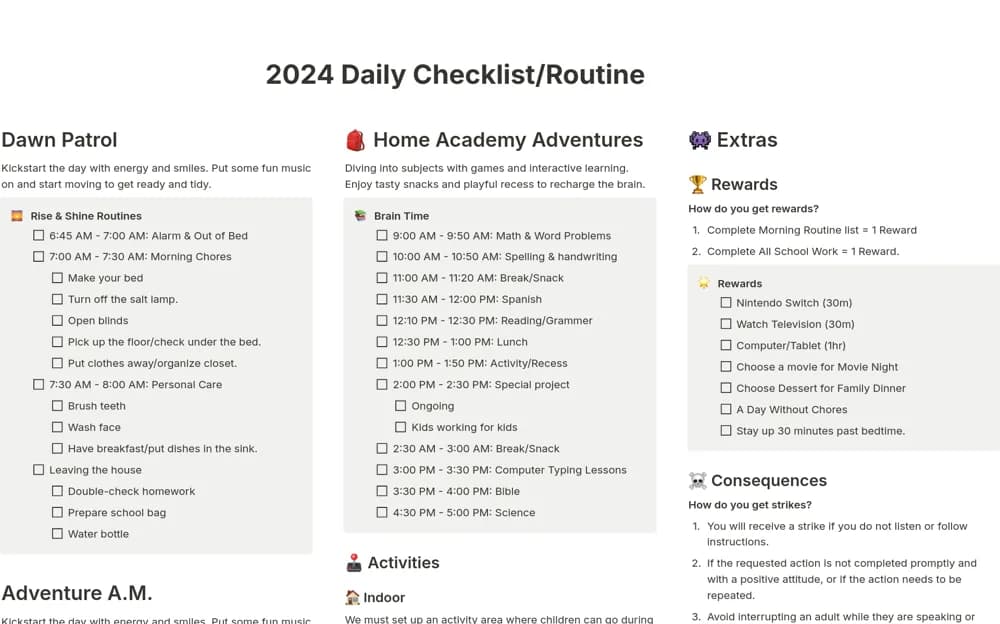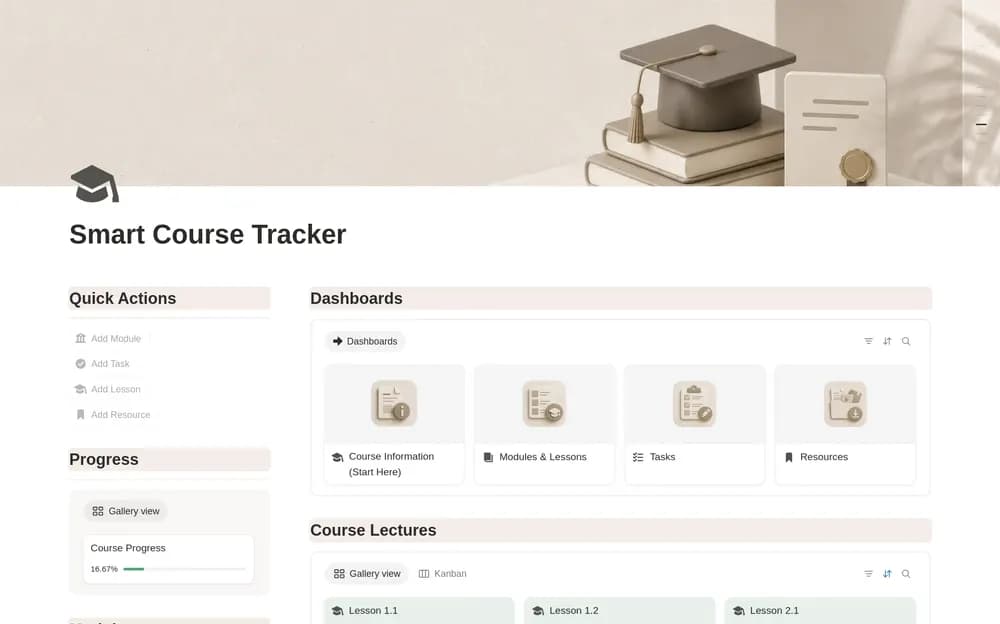
About Smart Course Tracker
Map any course, class, or certification in Notion as modules and lessons, with linked coursework, deadlines, and a library of resources.
What’s included
- Course overview with institution, teacher, dates, and goals
- Modules and lessons roadmap
- Coursework tasks with priorities and deadlines
- Resources hub for notes, readings, and recordings
- Example content with a setup guide
How to use it in practice
Follow the setup guide to remove the examples, then enter one course you are taking now. Recreate its syllabus as modules and lessons and link this week’s assignments to the relevant lesson. Save the readings and recordings you use, and check upcoming deadlines at the end of the week to see what is next.
Set it up in your workspace
- Open the original Notion Marketplace listing and add the template to your chosen workspace while signed in. Keep its example records until you understand how the pages connect.
- Follow the setup guide to remove the examples, then enter one course you are taking now.
- Try one complete example before adding a large backlog. Check that its views and any calculations show what you expect, then replace the sample content with your own.
Who it suits and what to consider
Students, professionals, and lifelong learners following a structured course or certification. Each course must be built by hand from its syllabus; the listing does not mention importing content from a learning platform.