About SWOT Analysis
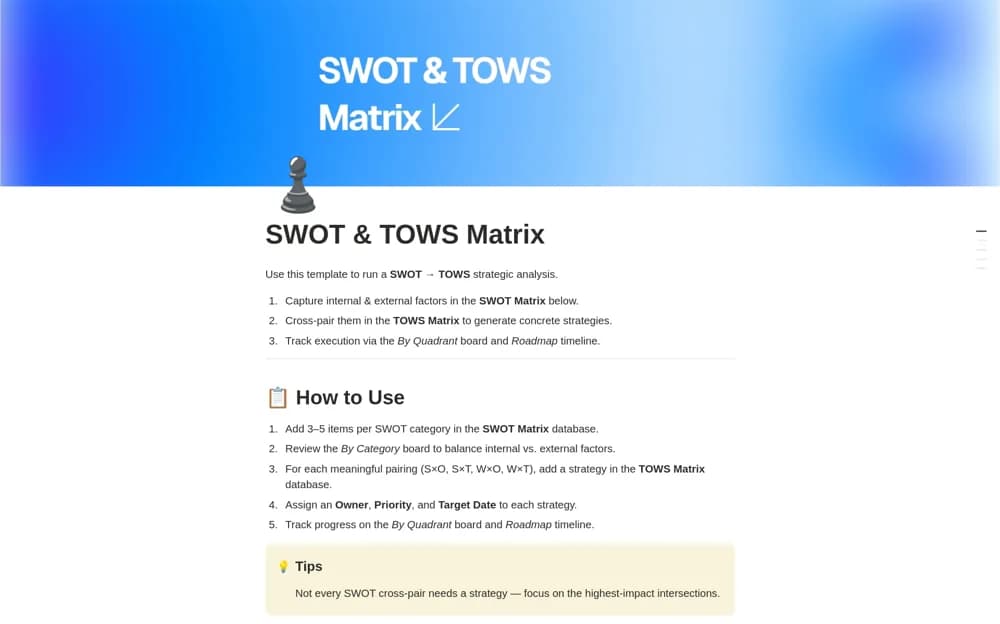
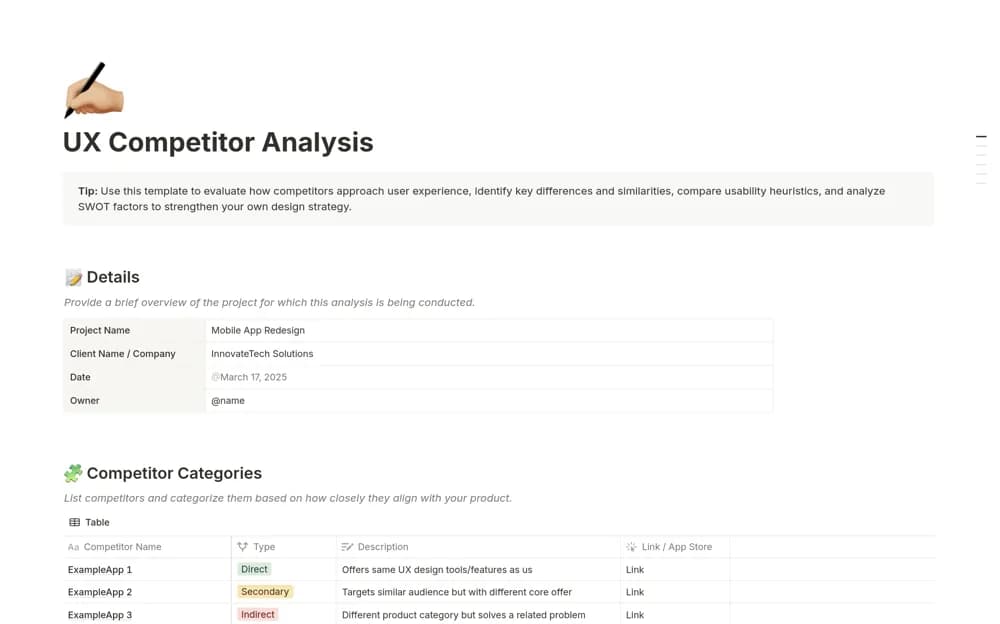
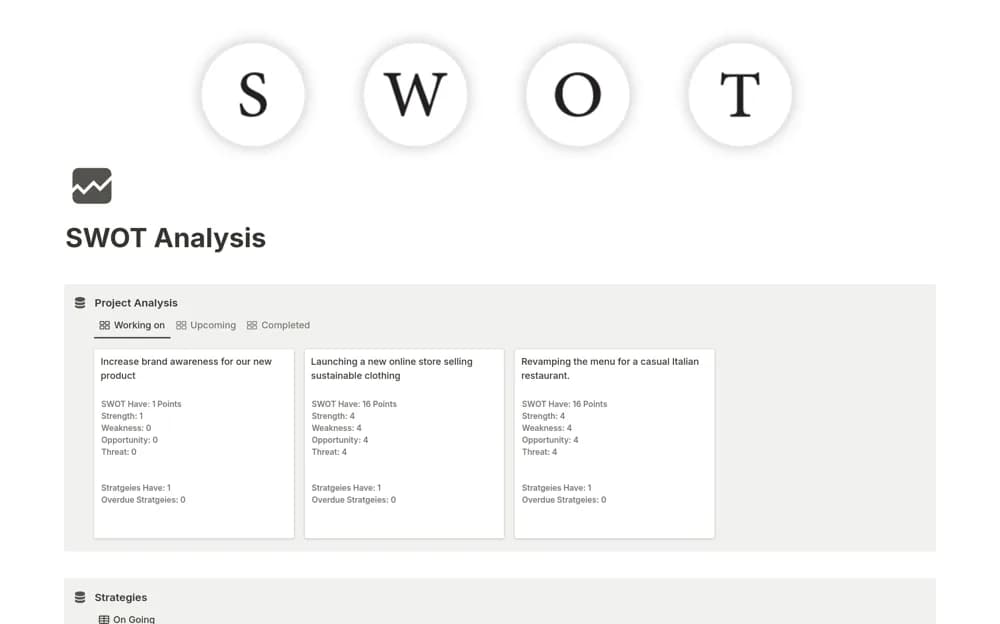
Connect SWOT findings to actions in Notion with analysis records, linked solutions, strategy goals, measures, and review timelines.
What’s included
- Analysis hub for projects or campaigns
- Categorized SWOT observations
- Solutions linked to individual findings
- Strategy goals, measures, and timelines
How to use it in practice
Choose one decision and record the evidence behind each strength, weakness, opportunity, or threat. Link the most consequential points to a proposed response, then define how you will judge the result. Review the strategy later using the agreed measure rather than treating a completed SWOT table as the outcome.
Set it up in your workspace
- Open the original Notion Marketplace listing and add the template to your chosen workspace while signed in. Keep its example records until you understand how the pages connect.
- Choose one decision and record the evidence behind each strength, weakness, opportunity, or threat.
- Try one complete example before adding a large backlog. Check that its views and any calculations show what you expect, then replace the sample content with your own.
Who it suits and what to consider
Teams that want a SWOT exercise to lead to a few explicit decisions and follow-up actions. SWOT categories organize judgments; they do not validate a market claim. Keep evidence and uncertainty visible when discussing the results.