About Task Management Kanban
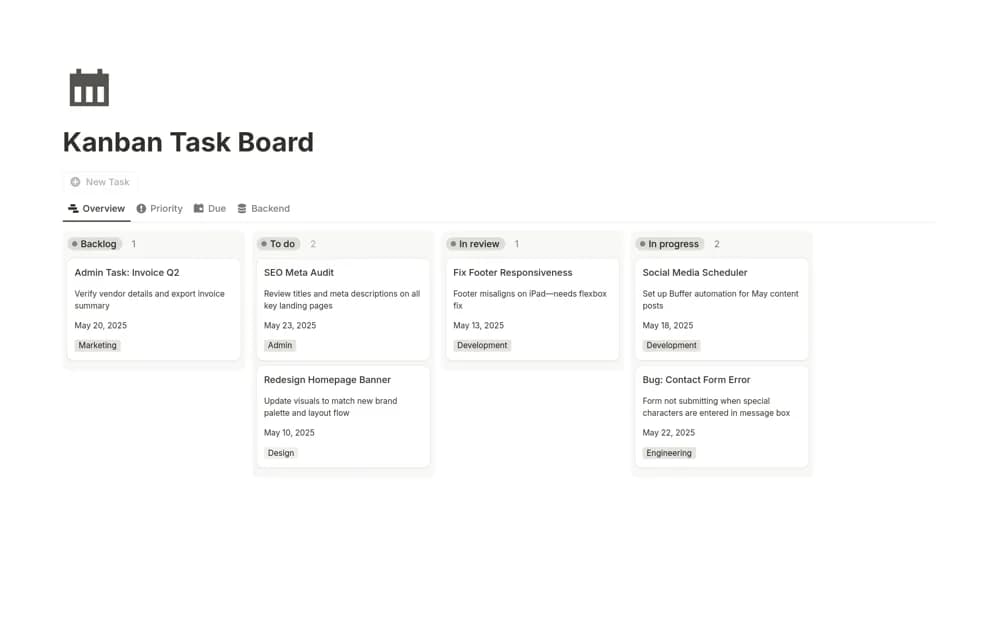
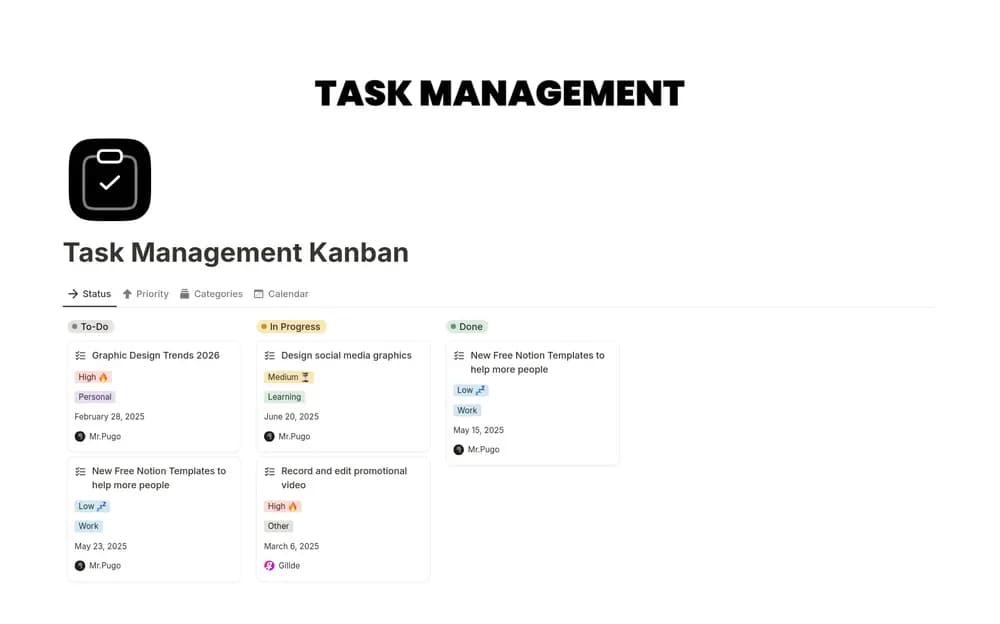
Move tasks through To-Do, In-Progress, and Done columns on a Notion Kanban board with priority levels, assignees, attachments, and calendar views.
What’s included
- Three-stage board with To-Do, In-Progress, and Done
- Priority levels
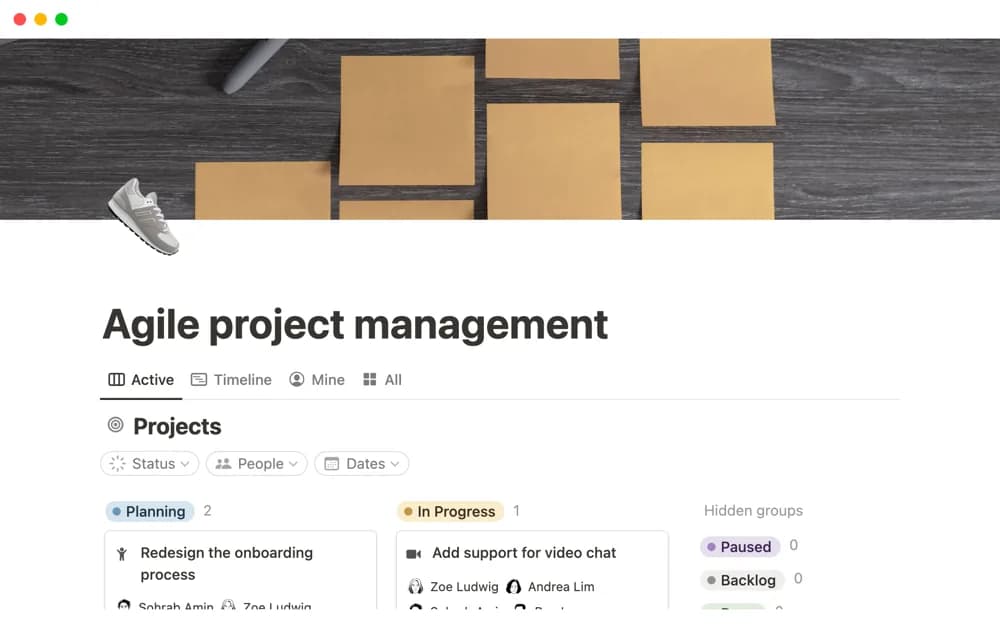
- Board, list, calendar, and by-priority views
- Task assignment and file attachments
How to use it in practice
Add the work you are handling this week and give each card a priority. If you work with others, share the page and assign one task to each person. Move cards along as work progresses, and check the calendar view midweek to see whether deadlines cluster.
Set it up in your workspace
- Open the original Notion Marketplace listing and add the template to your chosen workspace while signed in. Keep its example records until you understand how the pages connect.
- Add the work you are handling this week and give each card a priority.
- Try one complete example before adding a large backlog. Check that its views and any calculations show what you expect, then replace the sample content with your own.
Who it suits and what to consider
Individuals and small teams who want a simple shared board for personal tasks, projects, or study plans. With only three stages, teams that need review or blocked columns will have to add them. Sharing and assignment depend on the members of your Notion workspace.