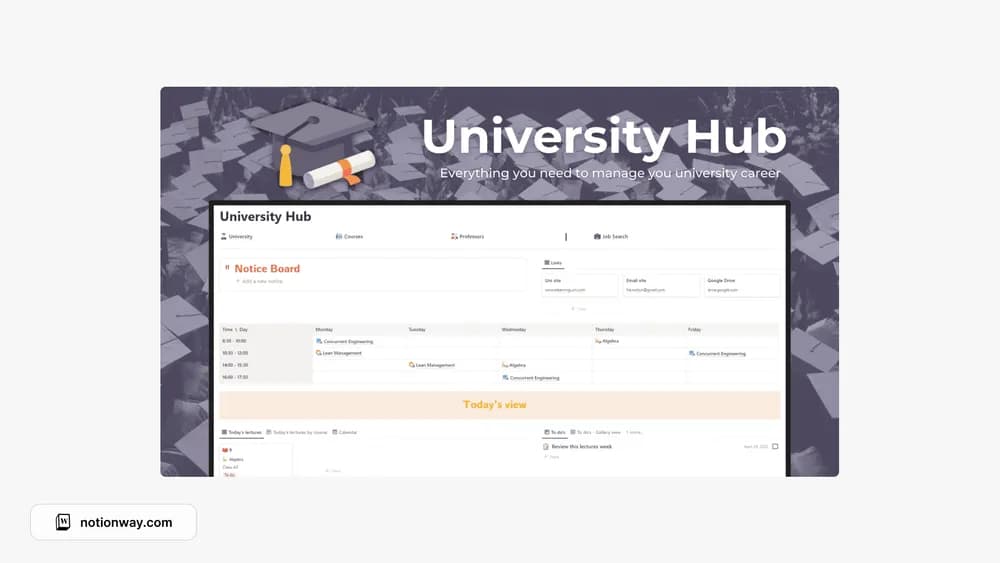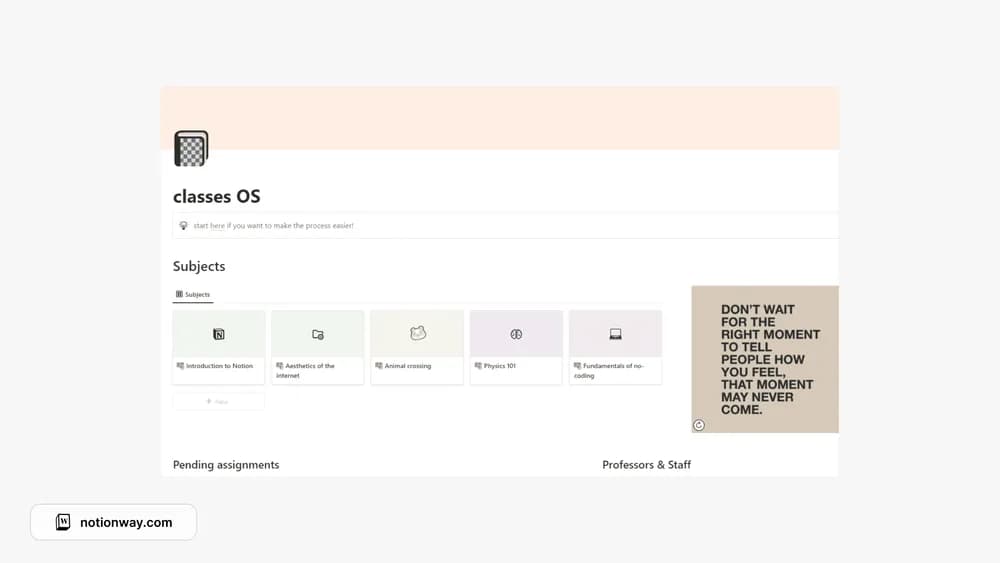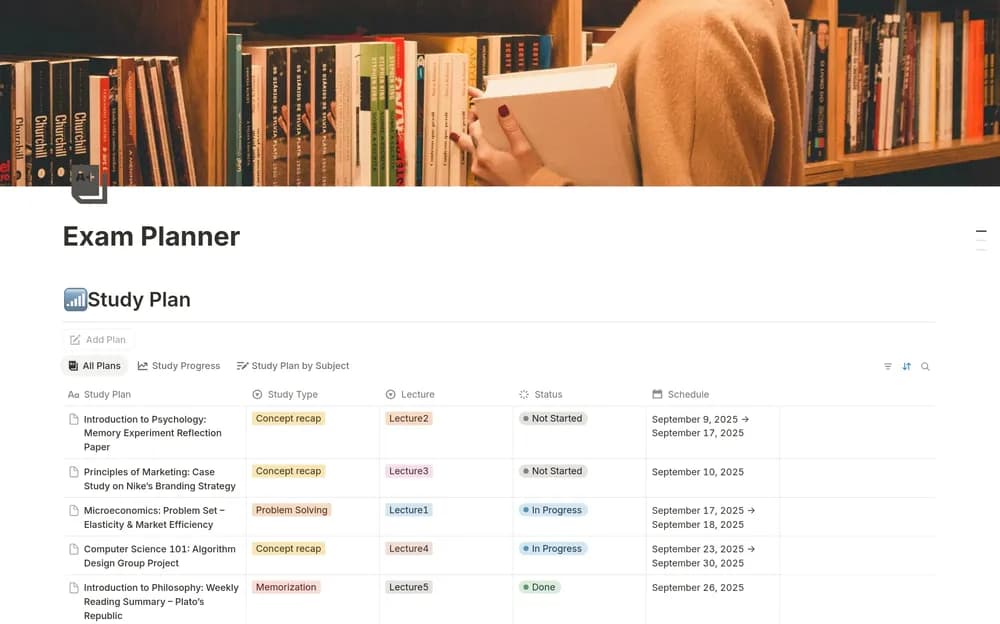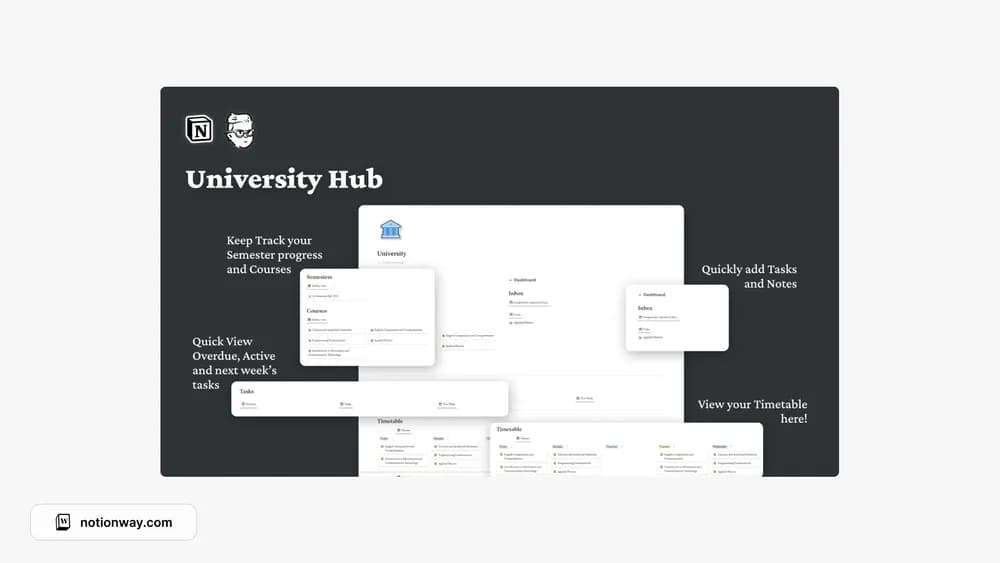
About University Hub Notion Template
This University Hub is a separate creator listing from the similarly named hub elsewhere in the collection. Compare the actual preview rather than choosing by the title alone. A useful academic home page should make your courses and upcoming work easy to reach.
What’s included
- Assignment and exam tracking with a master list
- Overdue, today, and weekly views
- Course home pages, a weekly schedule, and an overview calendar
How to use it in practice
Add a course and a few real deadlines, then compare the today and weekly views with the master list. If a task is overdue, give it a realistic next action instead of repeatedly moving the date without a plan. Use the course home for subject context and the calendar for seeing crowded periods across courses.
Set it up in your workspace
- Follow the original creator’s checkout or access instructions to obtain the Notion page. Open that page while signed in, then duplicate it into the workspace you want to use.
- Open the creator preview and add the current week’s commitments. Check how the structure fits your own course load.
- Try one complete example before adding a large backlog. Check that its views and any calculations show what you expect, then replace the sample content with your own.
Who it suits and what to consider
Students who want a single starting place for university work. A focused alternative to a larger student operating system. It is useful when the main problem is seeing schoolwork by date and course rather than maintaining many lifestyle trackers.