About University Minder
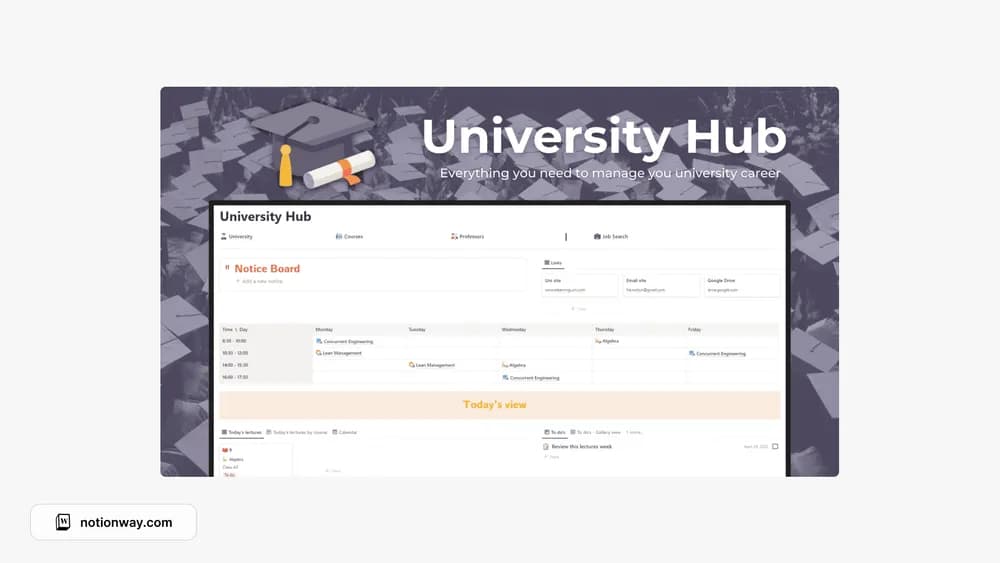
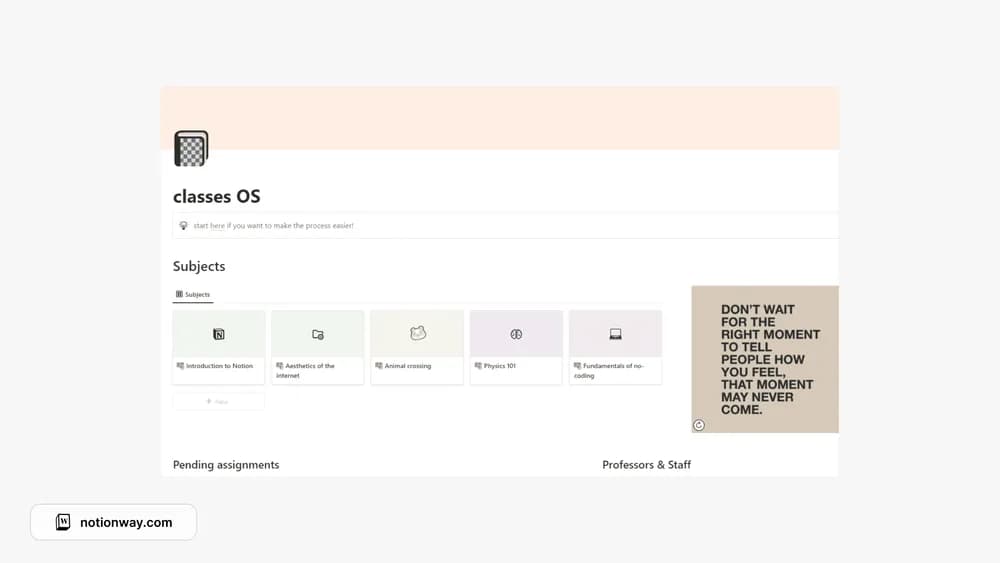
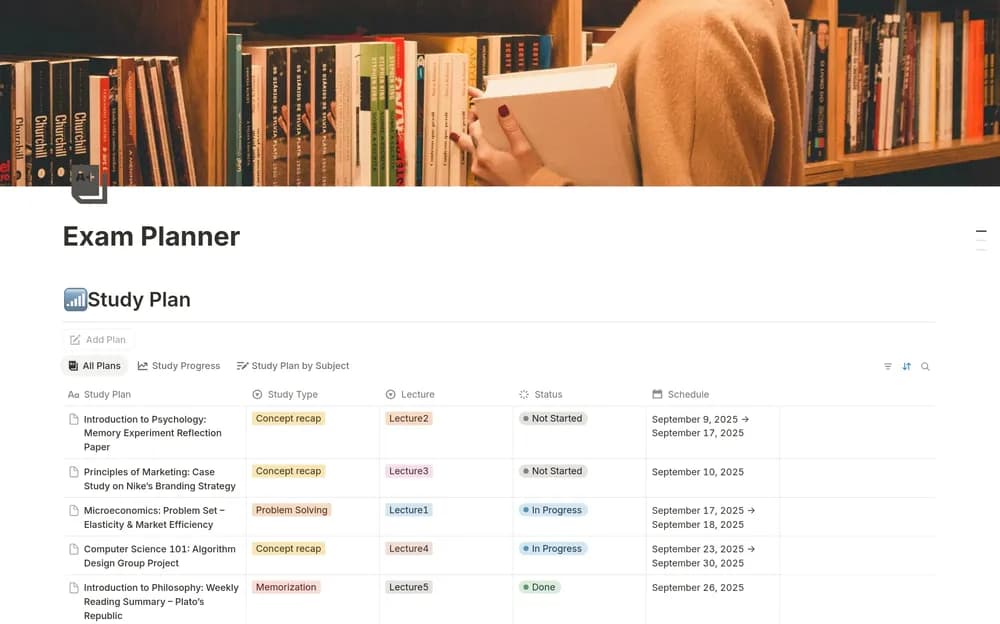
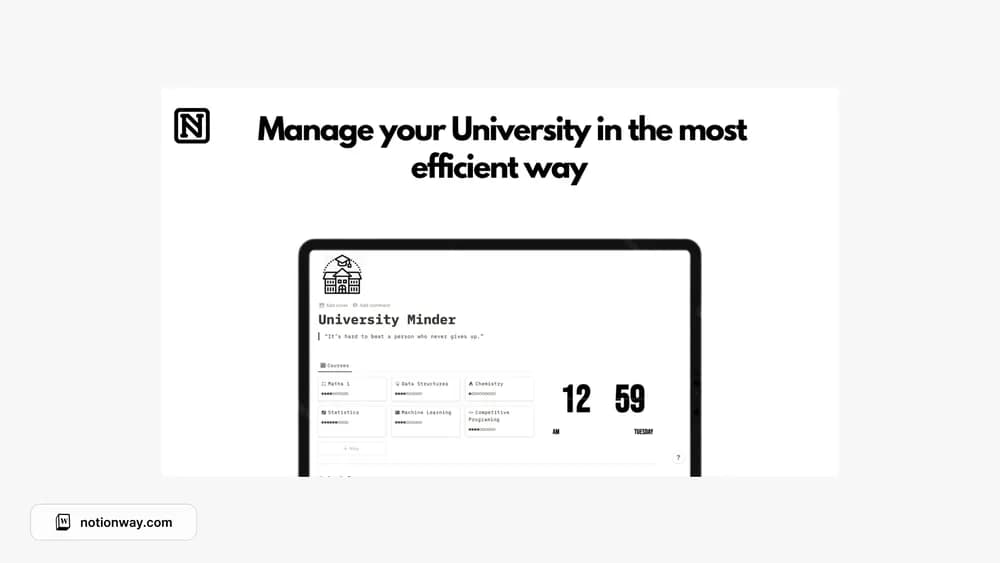
University Minder is included in the source roundup’s student collection. The roundup gives little detail about its internals, so the creator preview matters here. Use it to check whether the structure matches your courses and the way you like to organize deadlines.
What’s included
- Course lists, notes, a university schedule, and goal-grade tracking
- Homework and exam countdowns showing days until deadlines
- A Pomodoro timer and minimal or Tokyo-inspired themes
How to use it in practice
Replace one sample course with your own and add its next homework deadline. Check the countdown against a calendar, then attach the notes you will need to complete the work. Use the timer for a specific study action, such as solving one problem set. Review the schedule at the start of each week and update any changes from your course portal.
Set it up in your workspace
- Follow the original creator’s checkout or access instructions to obtain the Notion page. Open that page while signed in, then duplicate it into the workspace you want to use.
- Look through the creator’s preview and try the layout with one course before transferring your whole semester.
- Try one complete example before adding a large backlog. Check that its views and any calculations show what you expect, then replace the sample content with your own.
Who it suits and what to consider
University students comparing academic dashboards. Suited to students who want deadlines and a focus tool together. A countdown makes a date visible; add the notification method you need rather than assuming every countdown sends an alert.