About User Interview Form & Notes – UX Research
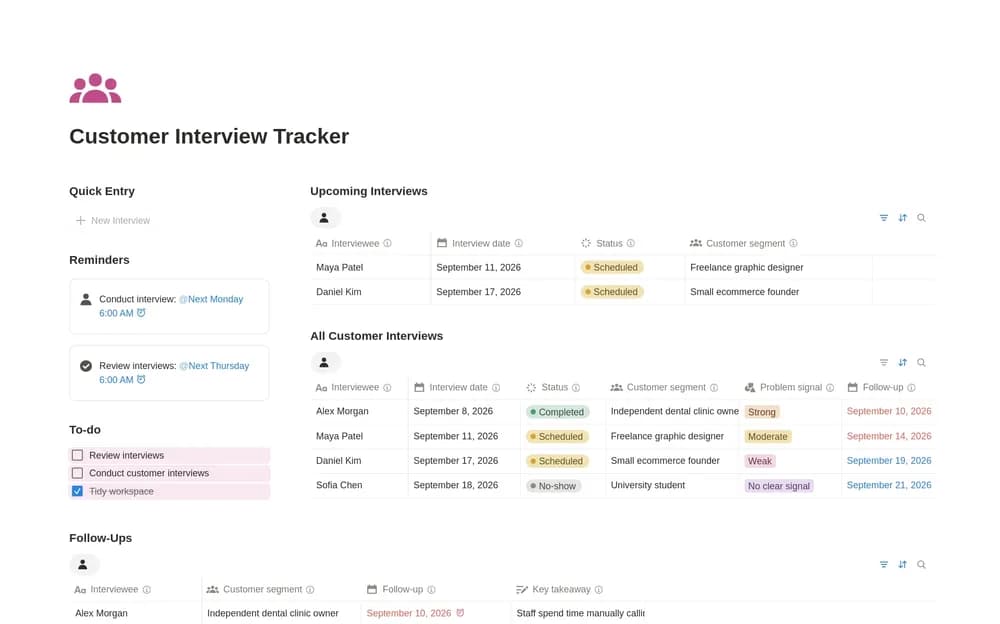
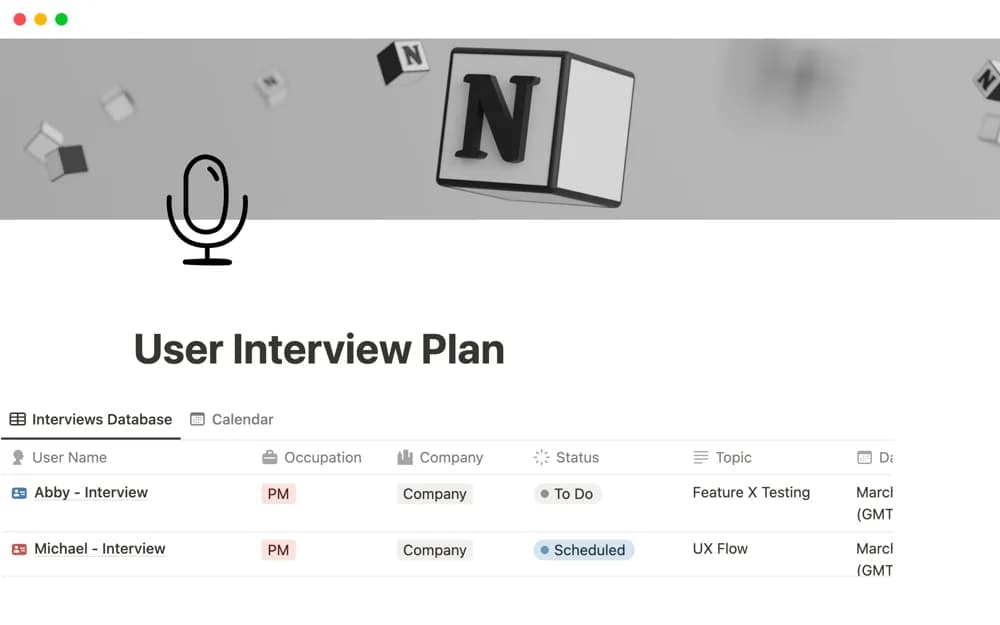
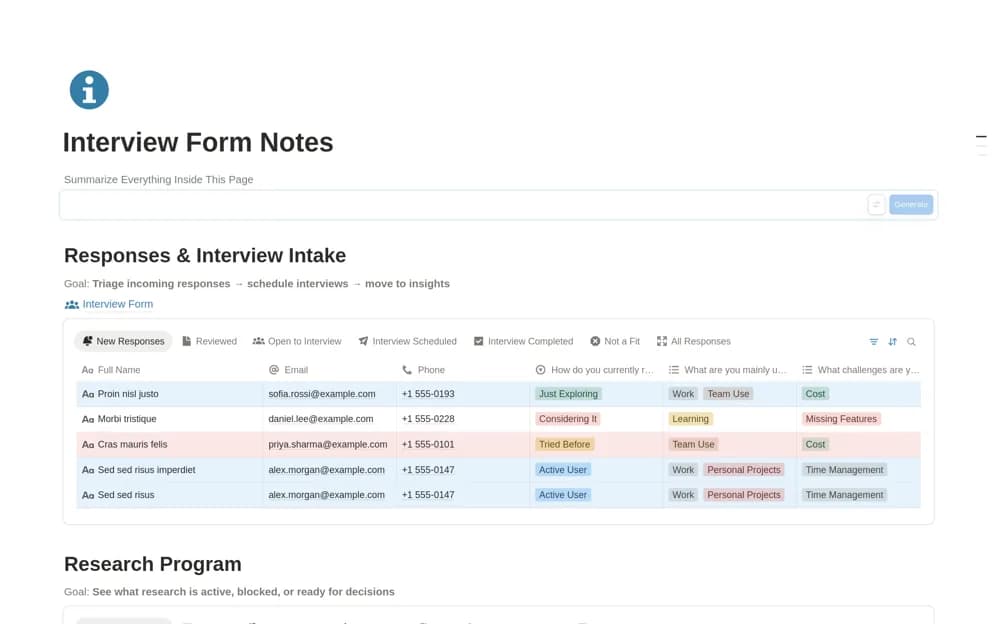
Connect user-research intake, interview notes, and study programs in Notion, with consent fields and views from new response to synthesis.
What’s included
- Shareable feedback and interview-intake form
- Consent and contact-preference fields
- Notes linked to users and research programs
- Interview and synthesis review views
How to use it in practice
Define the study goal before adapting the intake form and explain how responses will be used. Test a submission, then link an interview to the appropriate program. Keep participant quotes separate from your conclusions and compare the notes across the study before documenting a product decision.
Set it up in your workspace
- Open the original Notion Marketplace listing and add the template to your chosen workspace while signed in. Keep its example records until you understand how the pages connect.
- Define the study goal before adapting the intake form and explain how responses will be used.
- Try one complete example before adding a large backlog. Check that its views and any calculations show what you expect, then replace the sample content with your own.
Who it suits and what to consider
UX researchers and product teams organizing participant conversations around a defined research question. Form consent fields need to match your actual research process. Recruitment services, automatic transcription, and verified research conclusions are not documented.