 Free
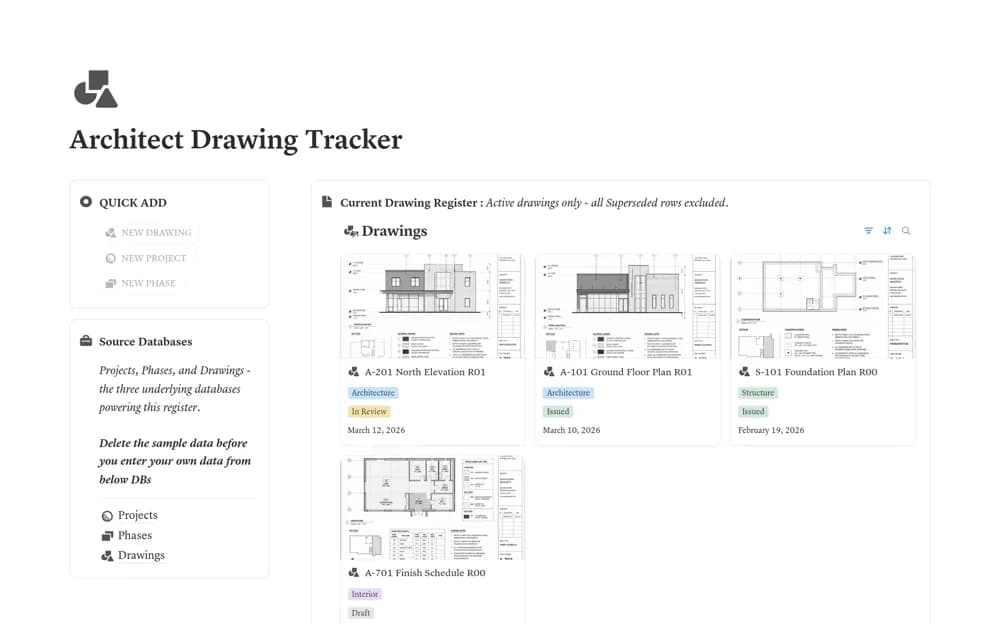
Architect Drawing Revision Register
A drawing revision register with separate projects, phases, and drawing records, including current, issued, superseded, historical, and missing-file-link views.
Keep architectural project planning and client context close to the work. Find Notion templates for studio phases, briefs, responsibilities, project references, and adapting a shared workspace to your practice.
Showing 1–4 of 4 templates
FreeA drawing revision register with separate projects, phases, and drawing records, including current, issued, superseded, historical, and missing-file-link views.
 Paid
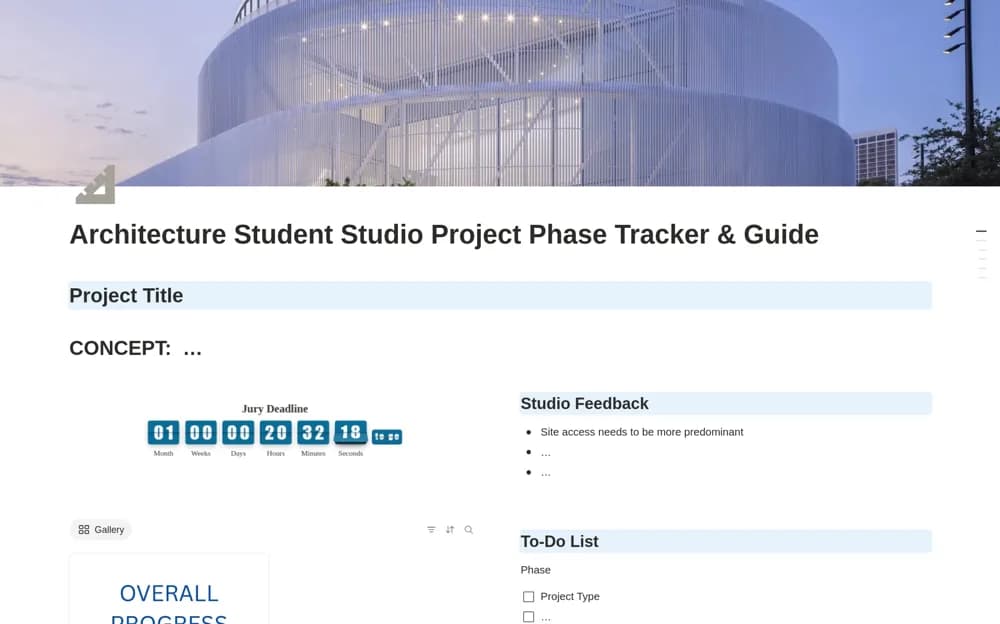
An architecture studio tracker connecting design phases, presentation deadlines, feedback, and project progress.
 Free
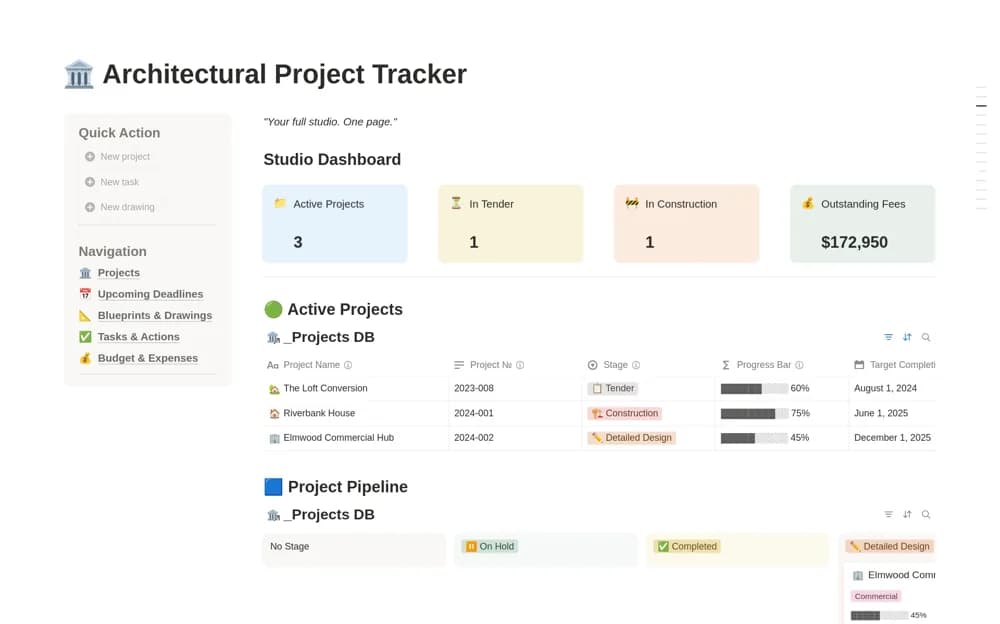
An architectural project workspace with phase tracking, fees and outstanding invoices, a drawing register, consultants, tasks, deadlines, and a studio overview.
 Paid
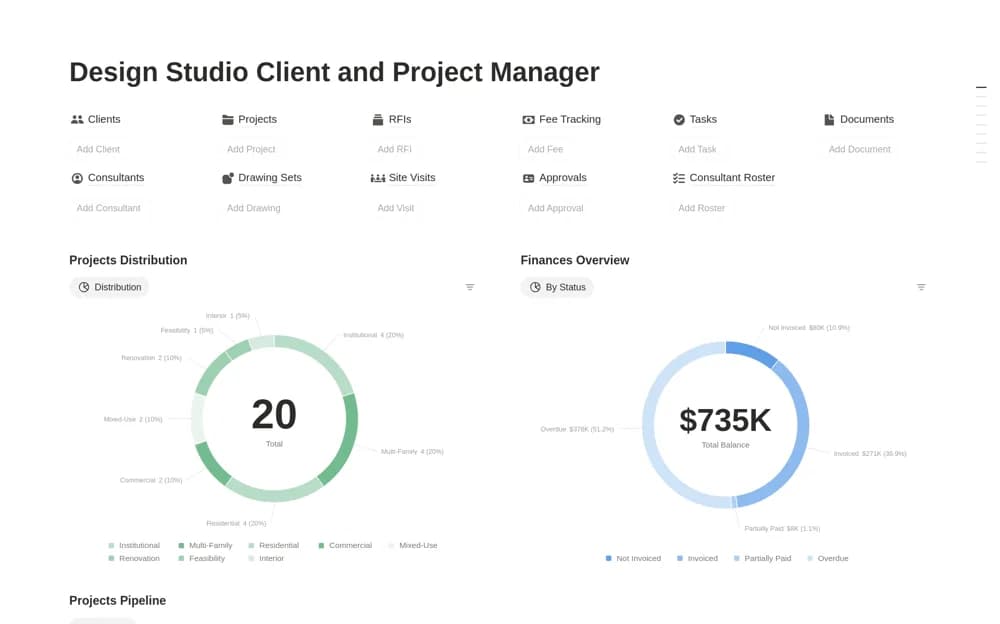
A studio operations workspace linking clients, design projects, drawings, approvals, site visits, and fees.
Compare the purpose and included features before choosing a workspace.
Architects and design coordinators who need revision history without cluttering the current drawing list.
Architecture students and designers managing a structured studio project.
Solo architects and small design teams coordinating project delivery and fee administration.
4 working templates from 4 creators: 2 free and 2 paid, with paid options from $10 to $169. Links last checked October 11, 2026.
| Template | Best for | Price | Creator |
|---|---|---|---|
| Architect Drawing Revision Register | Architects and design coordinators who need revision history without cluttering the current drawing list. | Free | NotoMantra |
| Architect Student Studio Project Phase Tracker | Architecture students and designers managing a structured studio project. | $10 | archi_templates |
| Architectural Project Tracker | Solo architects and small design teams coordinating project delivery and fee administration. | Free | OrgArchnized |
| Design Studio Client and Project Manager | Architecture and design studios coordinating delivery across clients and consultants. | $169 | Nation4Business |
Choose a phase tracker when you need to see the next project milestone, or a studio manager when several engagements need coordination. Keep the approved brief and latest decisions linked to the project. Use appropriate specialist tools for drawings and technical documentation, with Notion acting as an index. Confirm professional and local project requirements independently rather than assuming a general template includes them.
Project phases and decisions
Current brief and drawing links
Clear studio responsibilities
About the directoryUse one project to connect the brief, phase, responsibilities, meeting decisions, and current drawing references. Record which options are still being explored and which the client has approved. Keep maintained design files in their working tools, with links from the project page. Review scope and open decisions before each client meeting.
Jump straight to any listing in the collection.
It can organize context and coordination around a project. It does not automatically provide drawing tools, technical verification, construction administration, or the records your practice requires. Choose a clear home for each record and connect those sources where useful.
It depends on the job you need it to do. Good starting points in this collection include Architect Drawing Revision Register (architects and design coordinators who need revision history without cluttering the current drawing list), Architect Student Studio Project Phase Tracker (architecture students and designers managing a structured studio project) and Architectural Project Tracker (solo architects and small design teams coordinating project delivery and fee administration). Compare the included features below, then try your first choice with a week of real information before moving everything across.
Yes. This collection currently includes 2 listings with a confirmed free creator offer, alongside 2 paid or freemium options. Use the Free filter to compare them. A free version can have different features from a creator’s paid upgrade, so check the original listing and current access terms before adding it to your workspace.