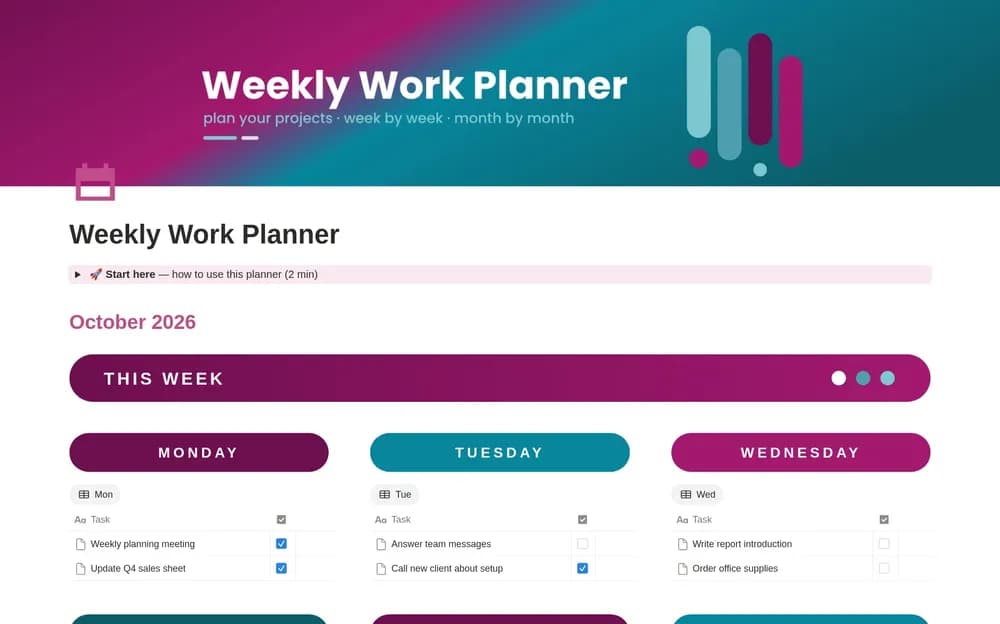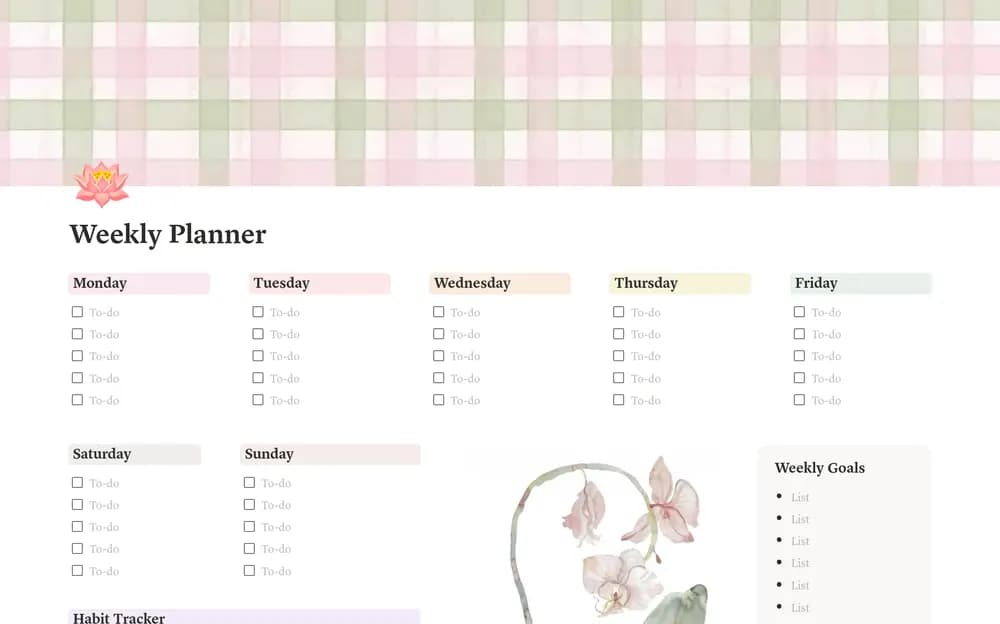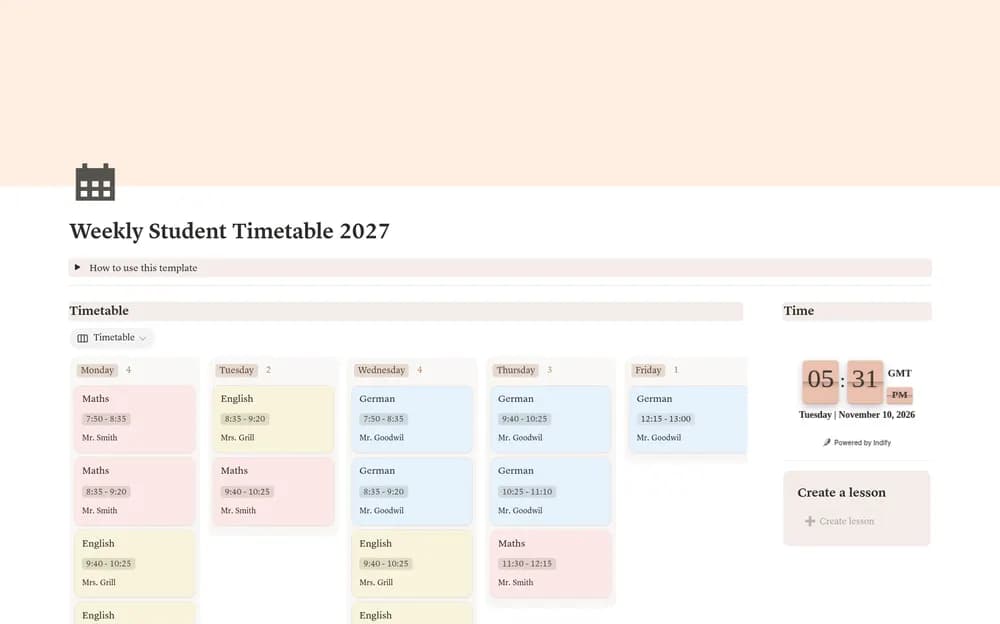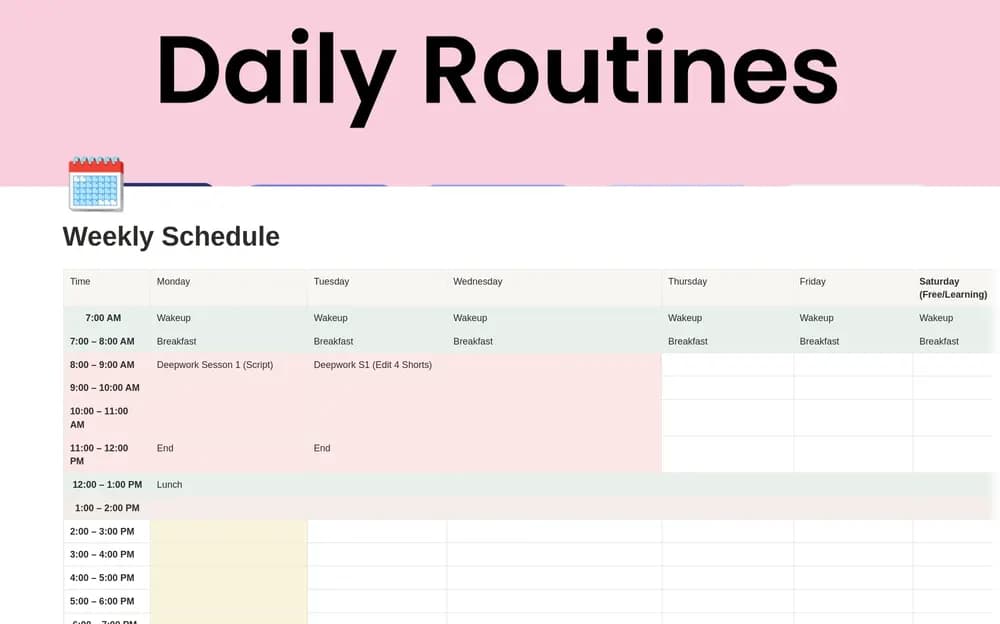
About Weekly Schedule by Hours
Block out each day of the week hour by hour in Notion, assigning study, work, meetings, workouts, and breaks to specific time slots.
What’s included
- Full weekly view
- Hour-by-hour sections for each day
- Editable time blocks
- Space for work, study, and personal routines
How to use it in practice
Before Monday, place fixed commitments such as classes or meetings into their hours. Add two or three focus blocks and the breaks you intend to take, leaving some slack. At the end of each day, compare what happened with the plan and move or resize blocks for the remaining days.
Set it up in your workspace
- Open the original Notion Marketplace listing and add the template to your chosen workspace while signed in. Keep its example records until you understand how the pages connect.
- Before Monday, place fixed commitments such as classes or meetings into their hours.
- Try one complete example before adding a large backlog. Check that its views and any calculations show what you expect, then replace the sample content with your own.
Who it suits and what to consider
Students, professionals, and creators who plan better with time blocks than with open-ended to-do lists. The schedule is a manual Notion layout; the listing does not mention calendar syncing, recurring blocks, or reminders.