 Free
FreeAesthetic Flashcards
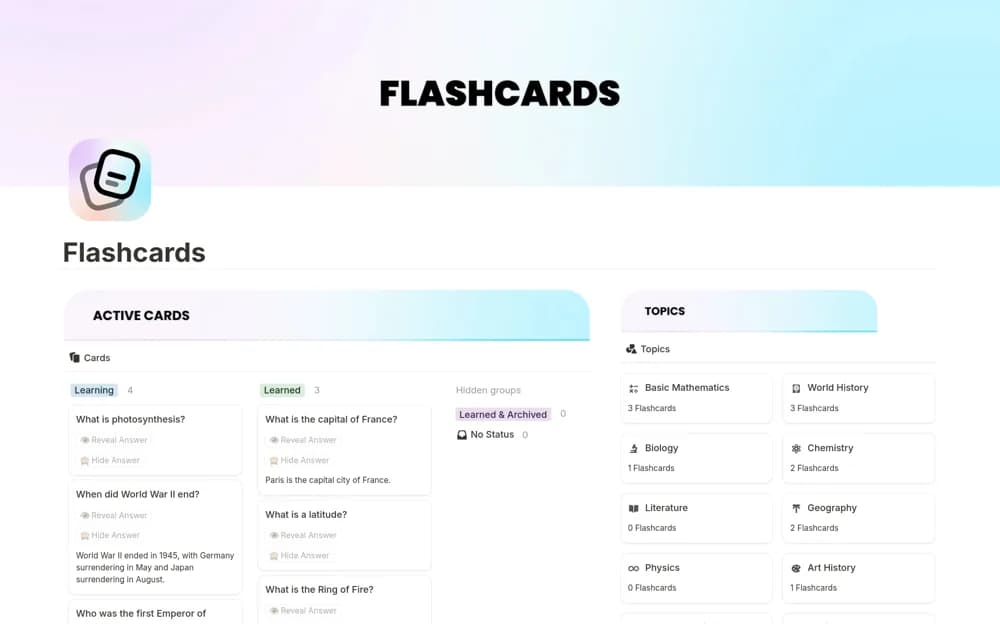
A pastel flashcard layout with reveal-and-hide study cards, sample content, and a minimal visual style for turning a small set of notes into recall practice.
Build a study deck that is easy to revisit. Find Notion flashcard templates for saving prompts, testing recall, and organizing cards by subject or topic.
Showing 1–3 of 3 templates
A little structure goes a long way.FreeA pastel flashcard layout with reveal-and-hide study cards, sample content, and a minimal visual style for turning a small set of notes into recall practice.
 Free
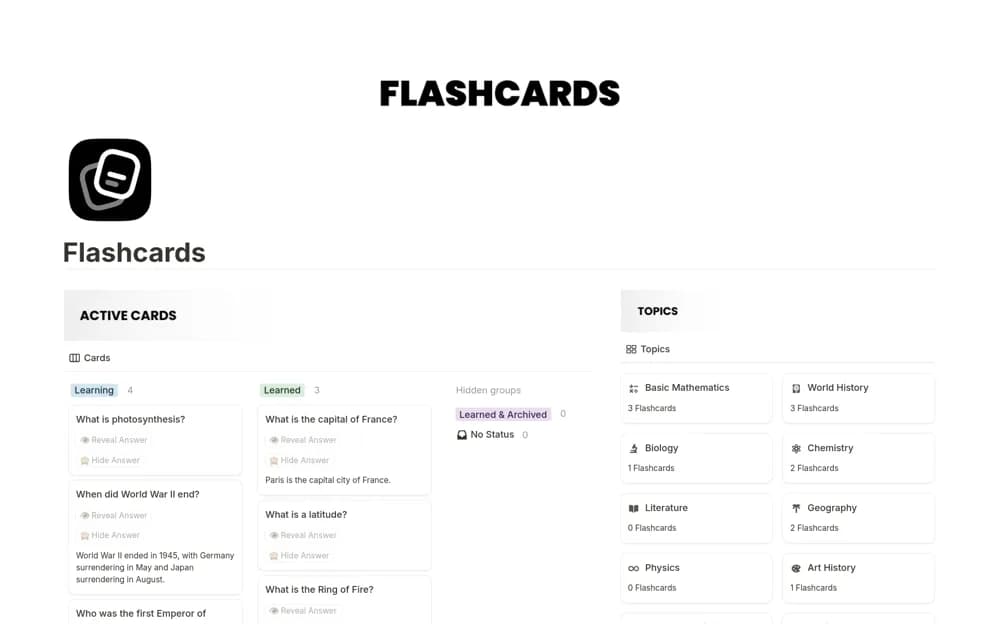
FreeA free flashcard system with topic organization, sample cards, reveal-and-hide interactions, and formula-based behavior for personal study and recall practice.
 Paid
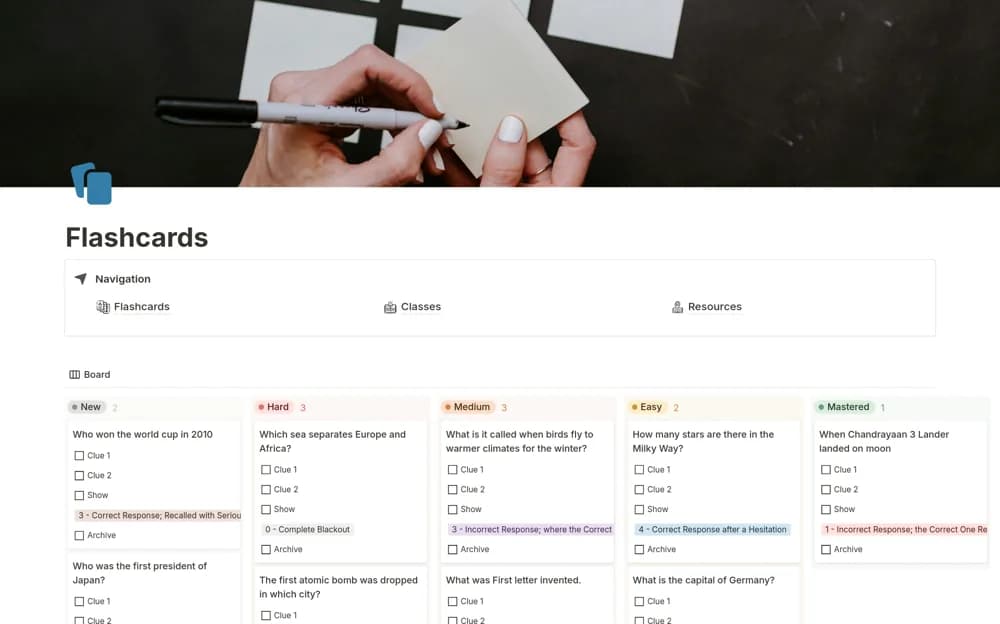
PaidA paid active-recall deck organizing flashcards by course, topic, progress status, and last review date, so study sessions can focus on material that needs attention.
Compare the purpose and included features before choosing a workspace.
Students who prefer a visually quiet card layout for short, focused study sessions.
Learners building their own decks for exams, languages, or topics they revisit regularly.
Students who want review and progress views alongside their flashcard content.
Write a question that asks for one clear answer, then test yourself before opening the response. Keep difficult cards easy to find and revise cards that are ambiguous. A flashcard layout does not necessarily include a spaced-repetition algorithm; check what the creator actually provides. Try a short study session on your phone as well as your computer before moving a large set of notes into the deck.
Separate prompts and answers
Topic and difficulty views
A practical review routine
About the directoryWrite one clear prompt per card and attempt the answer before revealing it. Revise vague or overloaded questions rather than repeatedly marking them difficult. Keep topic and review-status labels simple enough to maintain. Check how the template chooses review dates, since a card layout and a spaced-repetition algorithm are different features.
No. Some provide reveal-and-hide layouts or review-date filters, while others describe formula-based scheduling. Check the creator’s actual review behavior before assuming cards will be scheduled adaptively.
Yes. This collection currently includes 2 listings with a confirmed free creator offer, alongside 1 paid or freemium option. Use the Free filter to compare them. A free version can have different features from a creator’s paid upgrade, so check the original listing and current access terms before adding it to your workspace.