About Accountant SOPs
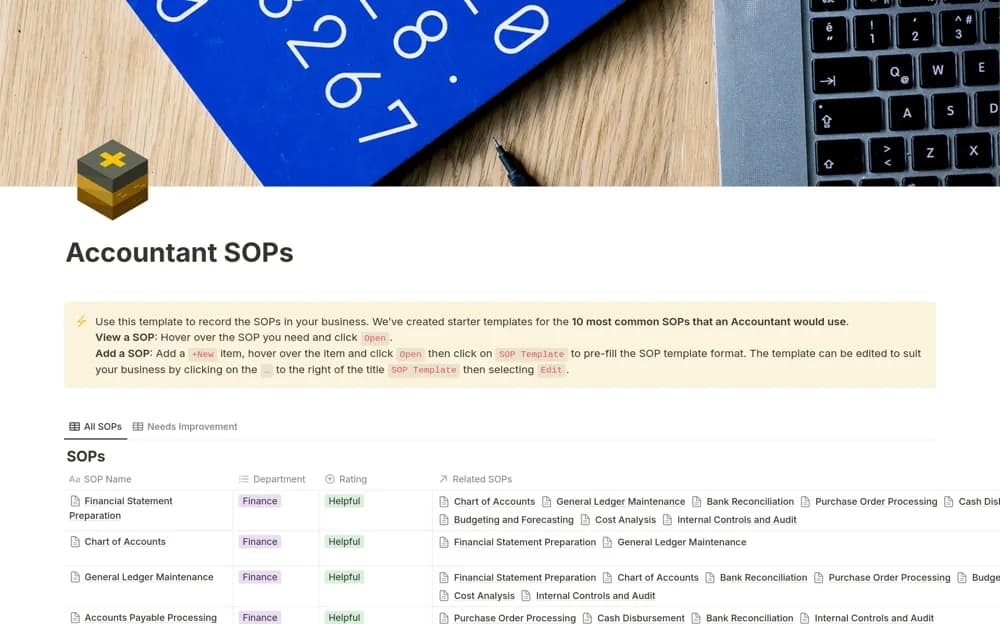
Organize accounting procedures in Notion, covering ledger work, payables, reporting, bank reconciliation, and internal controls.
What’s included
- Accounting procedure library
- Purpose and scope for each process
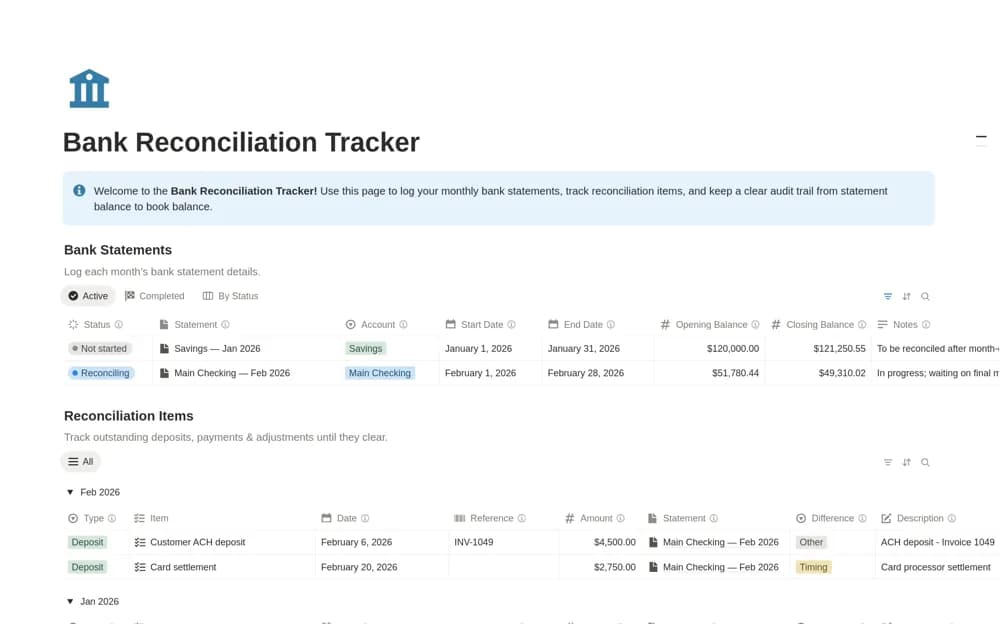
- Bank reconciliation and ledger procedures
- Reporting and internal-control documentation
How to use it in practice
Choose a procedure your team repeats each month and compare its steps with your current practice. Replace generic responsibilities with named roles, link the relevant working papers, and have the process owner review the instructions before using them in a close cycle.
Set it up in your workspace
- Open the original Notion Marketplace listing and add the template to your chosen workspace while signed in. Keep its example records until you understand how the pages connect.
- Choose a procedure your team repeats each month and compare its steps with your current practice.
- Try one complete example before adding a large backlog. Check that its views and any calculations show what you expect, then replace the sample content with your own.
Who it suits and what to consider
Accounting teams documenting repeatable work and reviewing responsibilities during a close. This is a procedure library, not a bank-matching calculator or jurisdiction-specific accounting standard. Review it against your organization’s policies.