About Artist Production OS | Scoreloom Studio
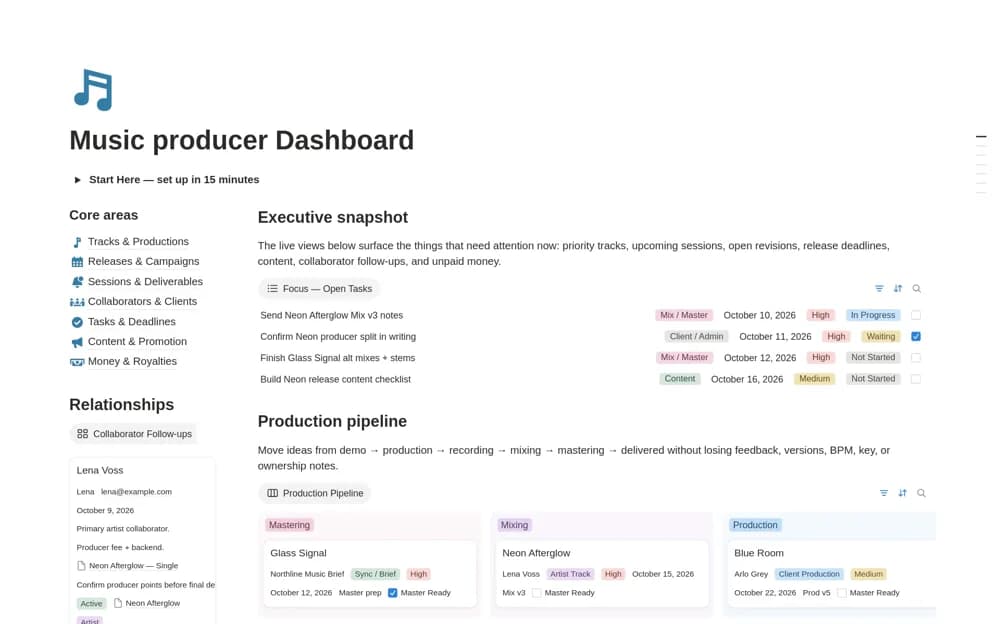
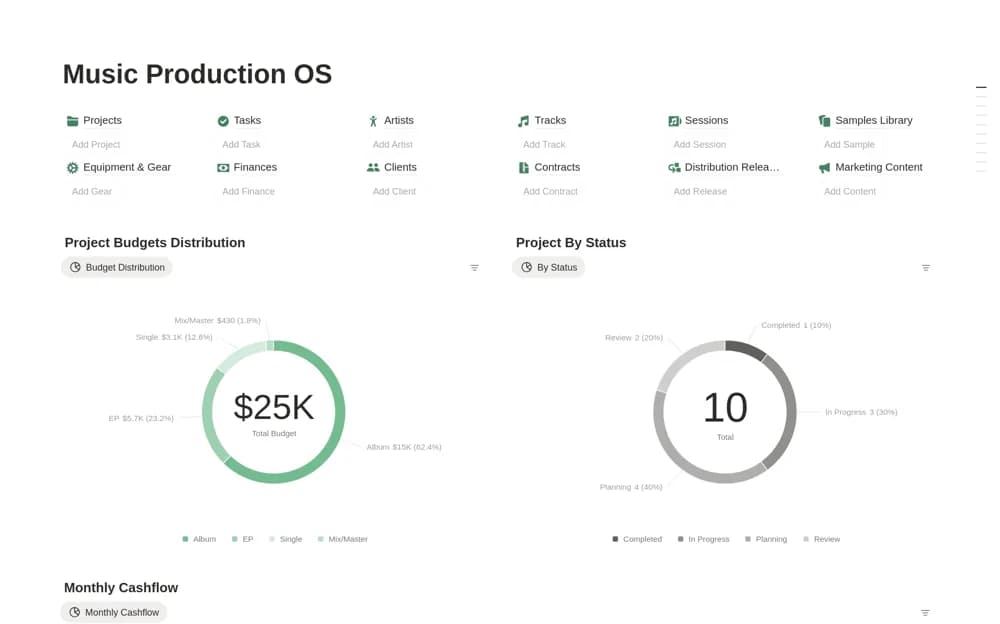
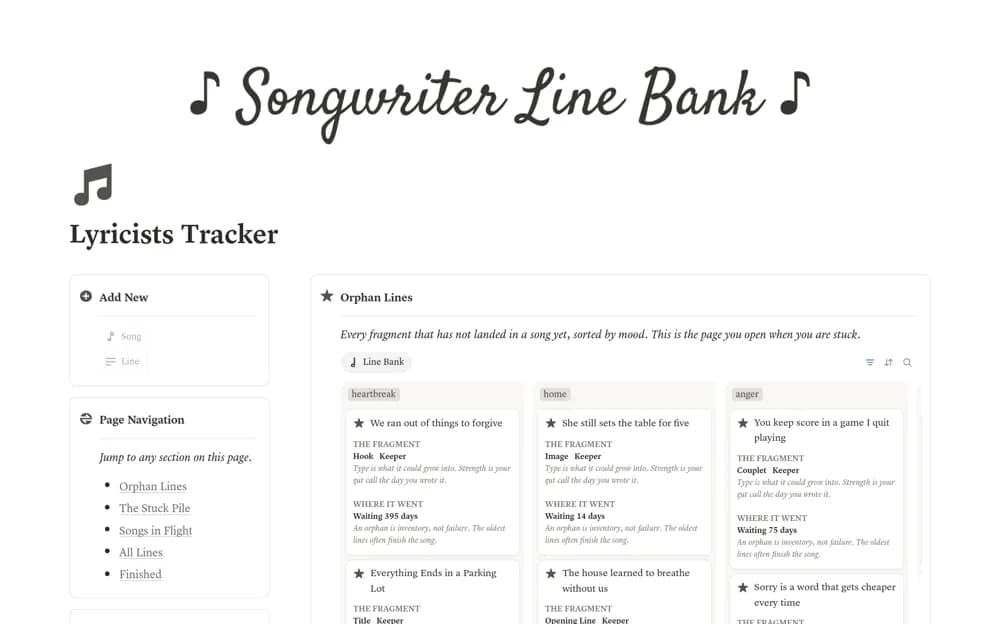
A paid music-production workspace centered on songs, with connected release and live-show records for lyrics, audio, production notes, setlists, and performance materials.
What’s included
- Song-centered production records
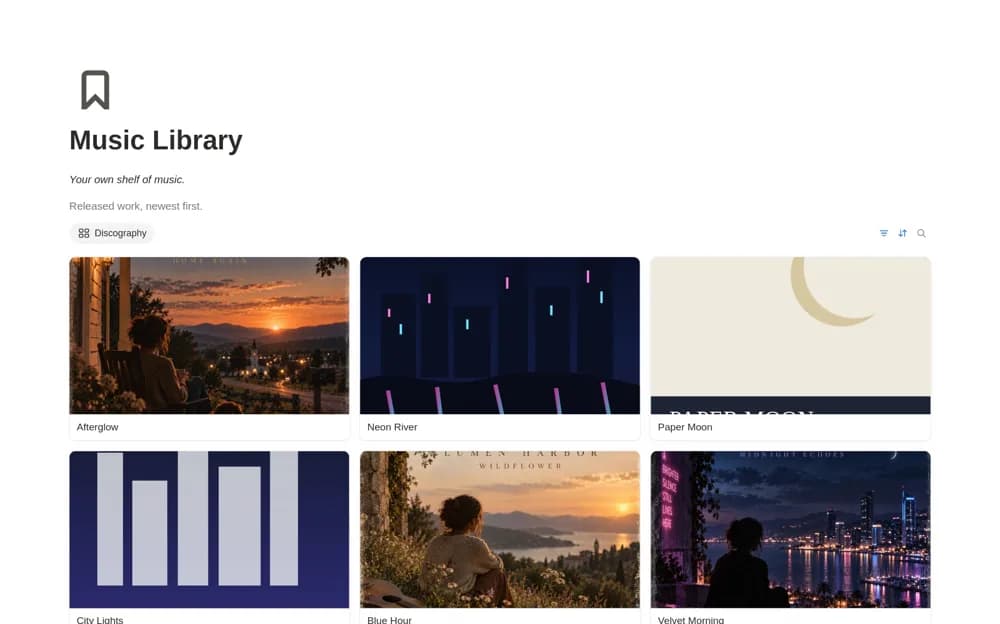
- Releases, Music Library, and Live / Shows
- Lyrics, audio links, charts, setlists, and show materials
How to use it in practice
Add one song with its current audio version and production notes, then link it to a release or upcoming show. Reuse that song record when building a setlist so changes do not need copying across several pages. Keep large production files in your existing storage and link the correct versions.
Set it up in your workspace
- Open the original Notion Marketplace listing and add the template to your chosen workspace while signed in. Keep its example records until you understand how the pages connect.
- Add one song with its current audio version and production notes, then link it to a release or upcoming show.
- Try one complete example before adding a large backlog. Check that its views and any calculations show what you expect, then replace the sample content with your own.
Who it suits and what to consider
Independent musicians, singer-songwriters, and bands organizing creative work through release and performance. Despite the broad artist title, the listing is specifically for music work. The creator says the core workflow runs on Notion Free without Notion AI and describes an artist-level license.