 Paid
PaidMusic Production OS
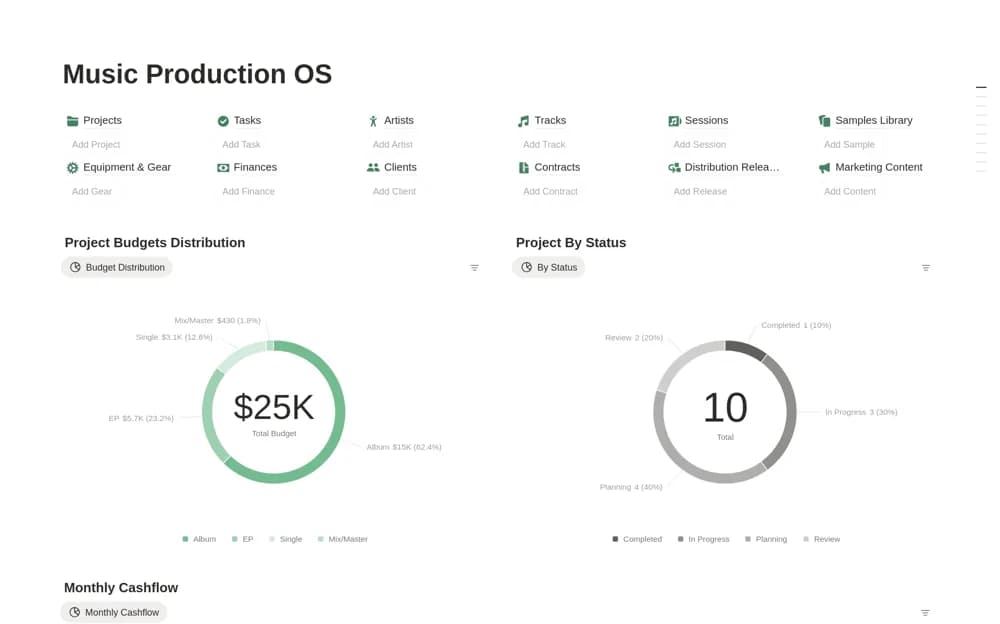
A paid studio workspace with twelve connected databases for music projects, sessions, tracks, samples, equipment, finances, releases, and operating work.
Coordinate creative production with the work of running a studio. Explore Notion templates for studio managers handling clients, schedules, resources, delivery stages, and project costs across photography, music, and design.
Showing 1–3 of 3 templates
A little structure goes a long way.PaidA paid studio workspace with twelve connected databases for music projects, sessions, tracks, samples, equipment, finances, releases, and operating work.
 Free
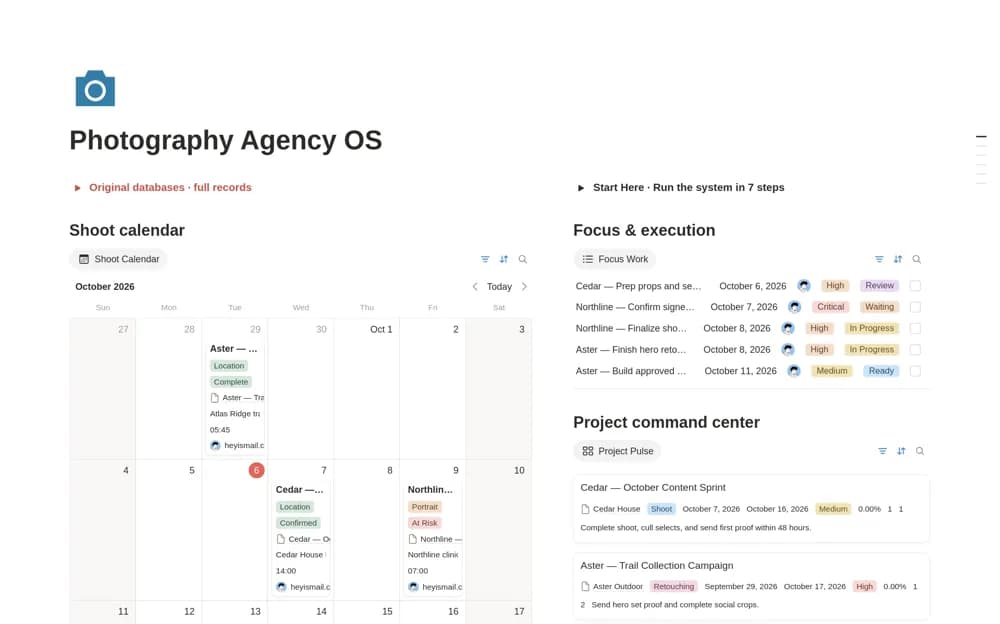
FreeA studio-oriented photography system connecting clients, projects, shoots, selects, retouching, proofing, deliverables, and production costs in one working dashboard.
 Paid
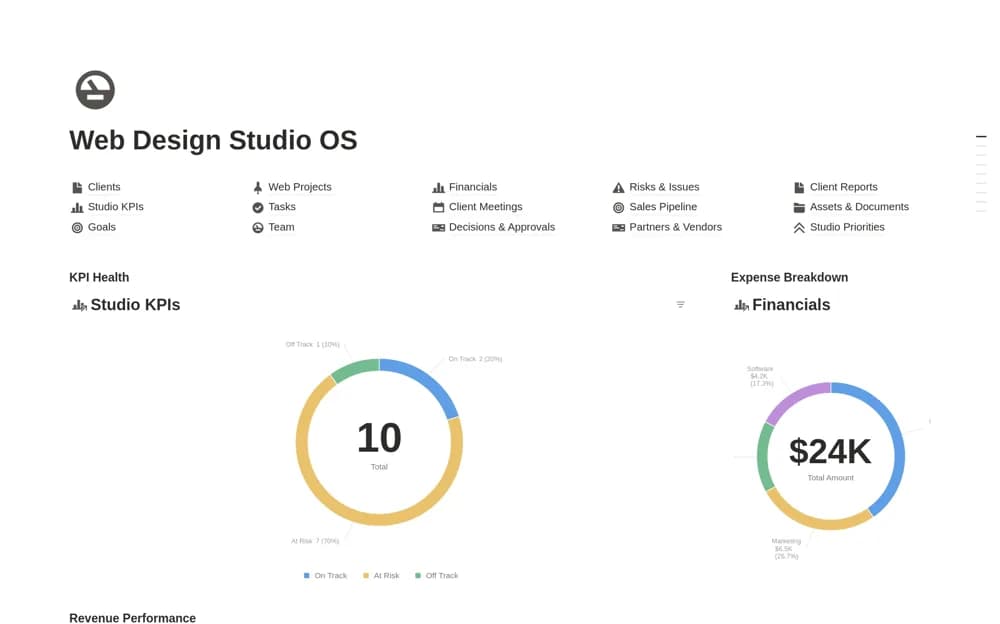
PaidA paid web-studio operating system connecting client delivery, sales, team capacity, finance, meetings, risks, goals, and supporting documents across a broad agency workspace.
Compare the purpose and included features before choosing a workspace.
Producers and studios needing a broad administrative structure around their production tools.
Photography agencies and studios coordinating several contributors, galleries, and client approvals.
Established web studios and service teams that need shared operating context across several business functions.
Test a workspace with two overlapping projects and the people or resources they share. Keep the client brief and next approval close to the production schedule. Distinguish a booked session from a delivery deadline and a finished asset from an accepted handoff. Review costs using actual records and name an owner for the next action. Choose the studio discipline that matches your work rather than adopting every module in a large operating system.
Production and delivery schedules
Shared resources and responsibilities
Client approvals and project costs
About the directoryKeep each project’s next milestone and approval close to the person or resource responsible. Distinguish a session date from the final handoff deadline. Review overlapping work before accepting another commitment, and track cost questions while production is underway. A studio dashboard should help the team act on a constraint, not simply display every project in one place.
Some records are shared, such as clients, costs, and tasks, but the production stages differ. Choose the discipline-specific system that matches your work and adapt common management fields without forcing every studio into the same process.
Yes. This collection currently includes 1 listing with a confirmed free creator offer, alongside 2 paid or freemium options. Use the Free filter to compare them. A free version can have different features from a creator’s paid upgrade, so check the original listing and current access terms before adding it to your workspace.