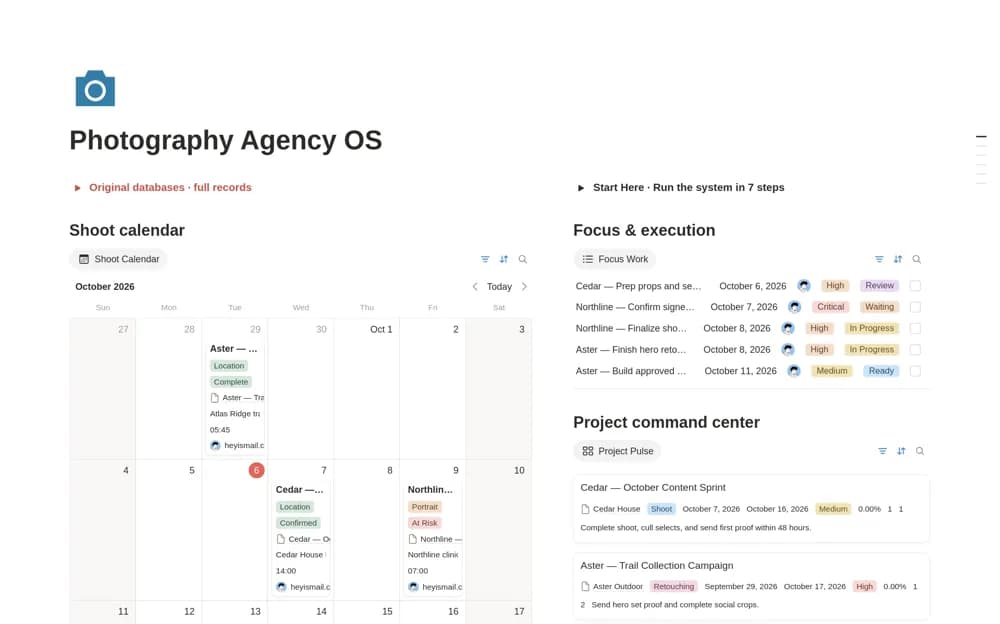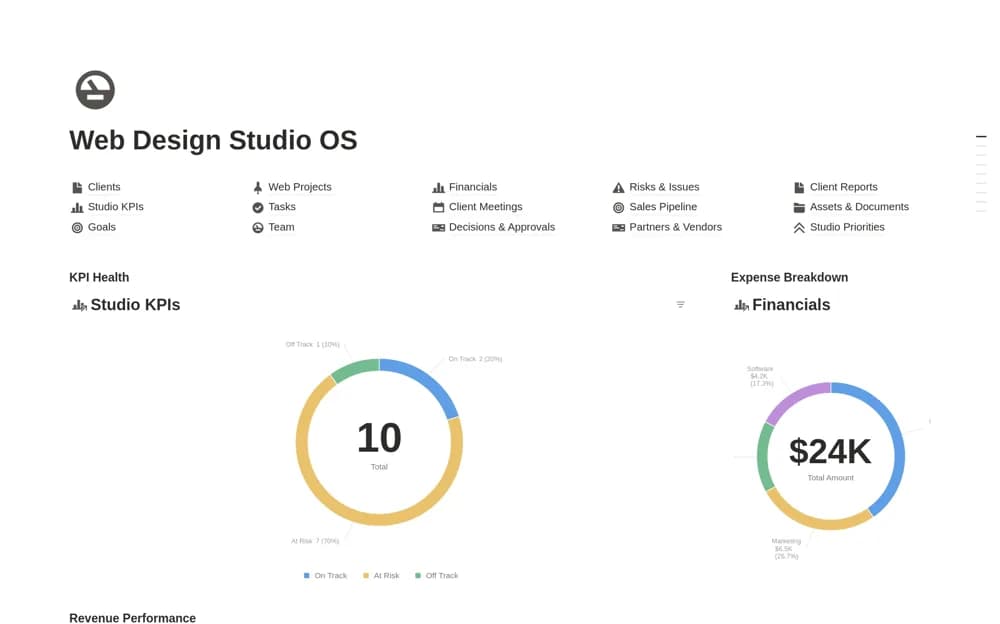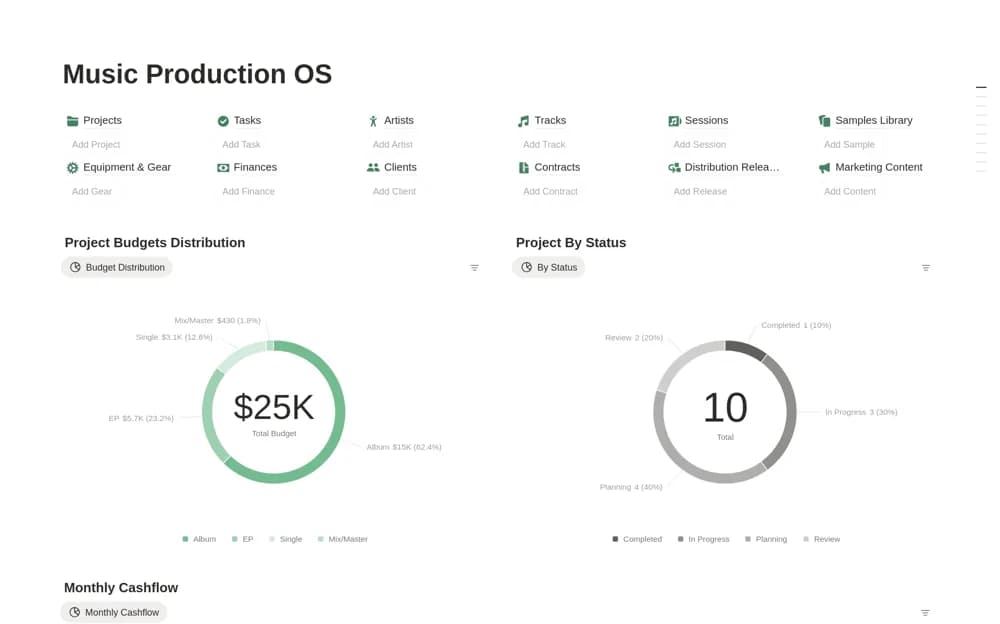
About Music Production OS
A paid studio workspace with twelve connected databases for music projects, sessions, tracks, samples, equipment, finances, releases, and operating work.
What’s included
- Projects, tasks, sessions, and track records
- Sample library and equipment or plugin inventory
- Finance, release, and operations organization
How to use it in practice
Set up a current track and link its session notes, deadline, and production stage. Keep audio and project-file links in the appropriate records, then review the release or client-delivery tasks separately. Add equipment and sample records gradually so catalog maintenance does not interrupt active production work.
Set it up in your workspace
- Open the original Notion Marketplace listing and add the template to your chosen workspace while signed in. Keep its example records until you understand how the pages connect.
- Set up a current track and link its session notes, deadline, and production stage.
- Try one complete example before adding a large backlog. Check that its views and any calculations show what you expect, then replace the sample content with your own.
Who it suits and what to consider
Producers and studios needing a broad administrative structure around their production tools. This is a production-management workspace. It does not replace a DAW, audio storage, royalty-accounting service, or automatic plugin inventory scan.