 Paid
PaidArtist Production OS | Scoreloom Studio
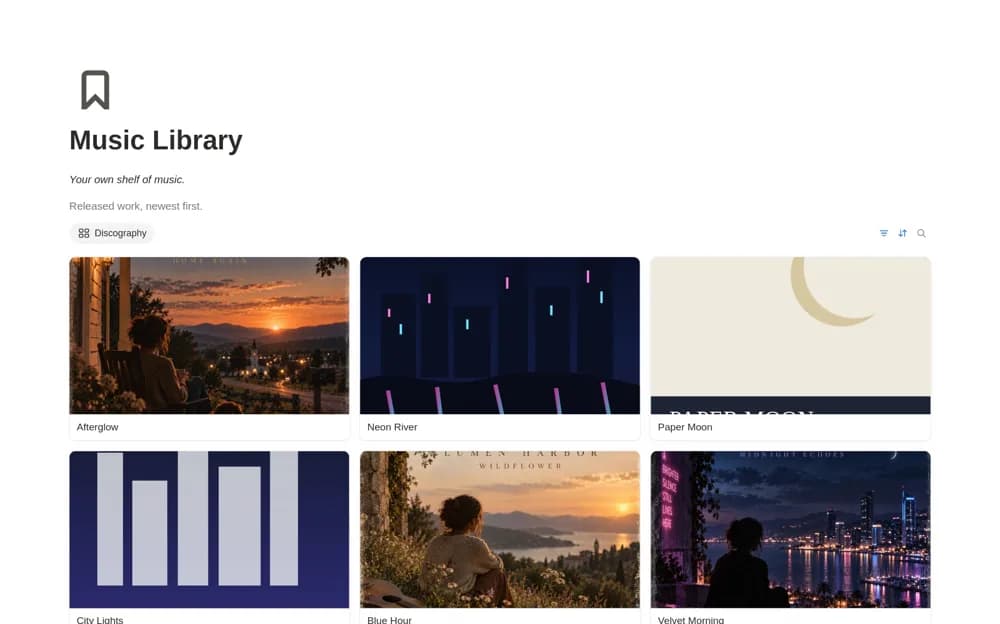
A paid music-production workspace centered on songs, with connected release and live-show records for lyrics, audio, production notes, setlists, and performance materials.
Move music projects from scattered ideas to organized releases. Compare Notion templates for producers managing sessions, songwriting, client work, and the decisions between a rough idea and a finished track.
Showing 1–4 of 4 templates
A little structure goes a long way.PaidA paid music-production workspace centered on songs, with connected release and live-show records for lyrics, audio, production notes, setlists, and performance materials.
 Free
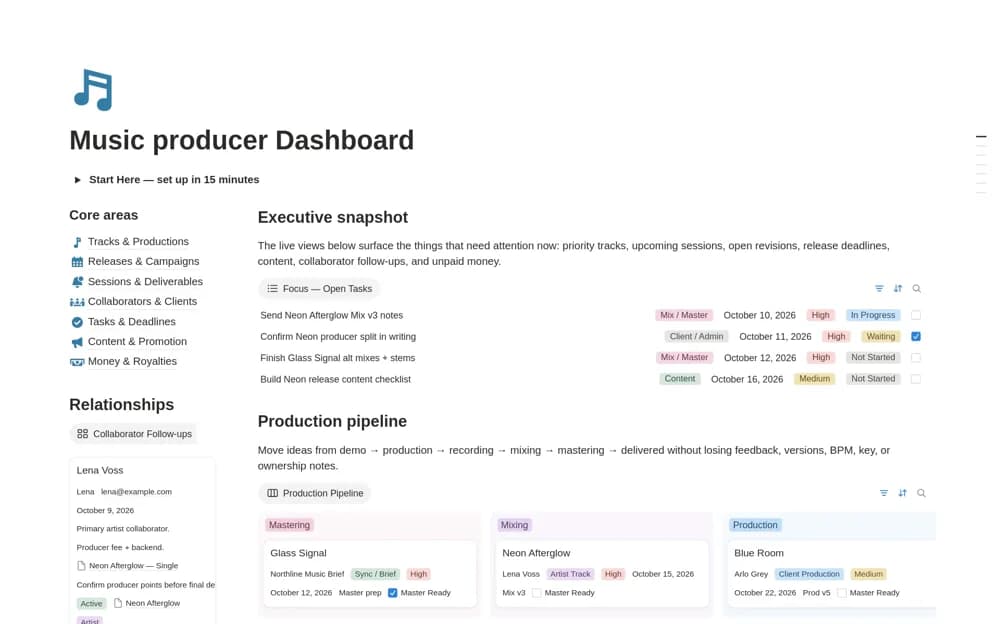
FreeA free music-production dashboard connecting track stages, sessions, mix revisions, collaborators, clients, releases, promotion, tasks, and financial records.
 Paid
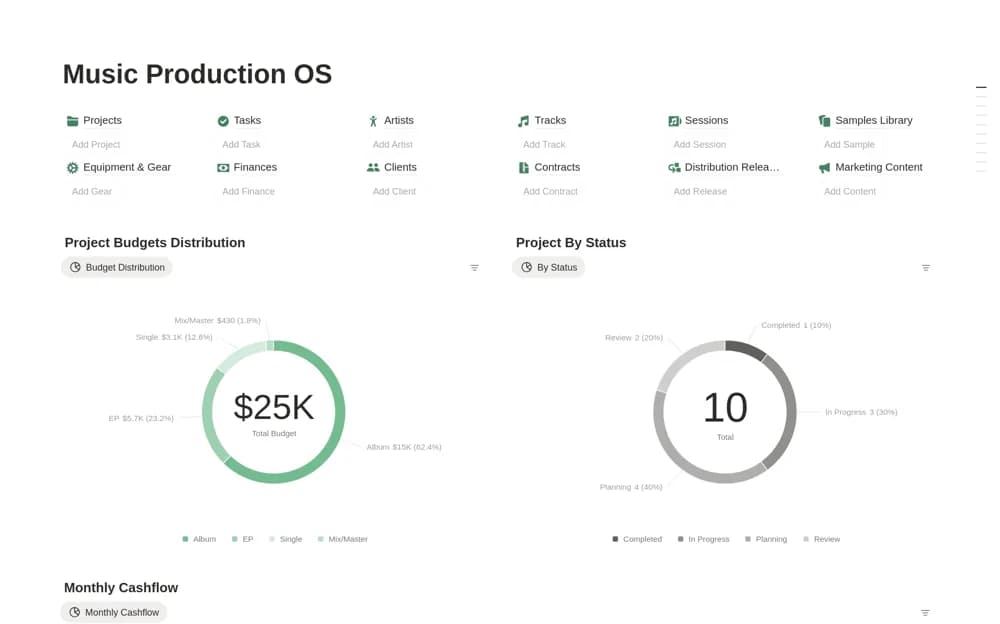
PaidA paid studio workspace with twelve connected databases for music projects, sessions, tracks, samples, equipment, finances, releases, and operating work.
 Free
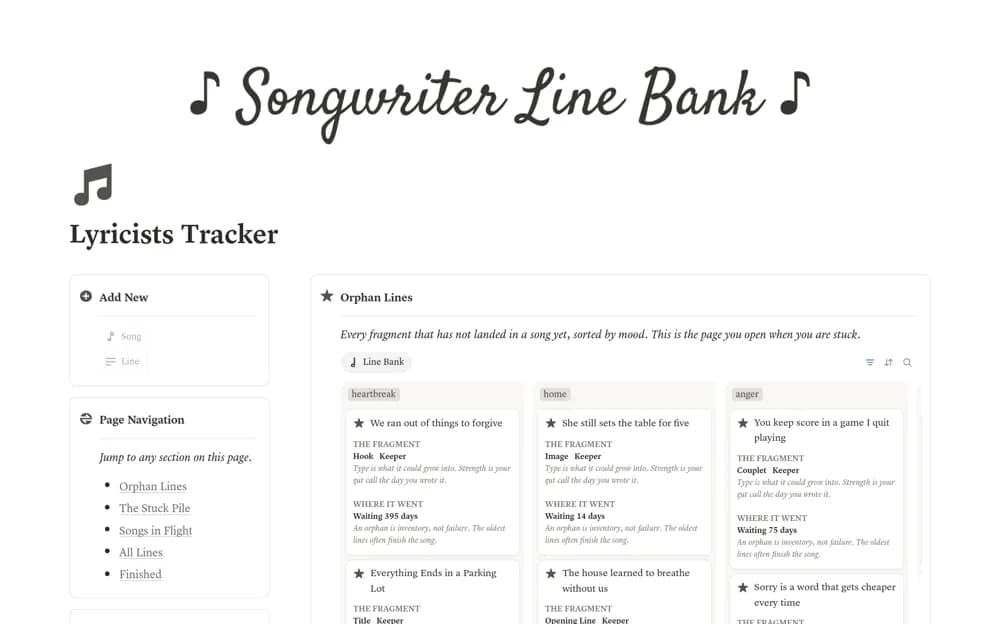
FreeA songwriting workspace with song pages and a separate Line Bank for titles, hooks, images, and lyric fragments, organized by shared moods and unused material.
Compare the purpose and included features before choosing a workspace.
Independent musicians, singer-songwriters, and bands organizing creative work through release and performance.
Independent producers and engineers coordinating creative work with client delivery and release plans.
Songwriters who want unfinished ideas to remain findable when developing a new track.
Use one current track to test the workspace. Keep its latest audio link, collaborators, production stage, and next listening decision together. A songwriting notebook serves a different purpose from a client studio dashboard, so check the included pages. Link to audio in your existing storage or production tools and label versions clearly. Record release tasks separately from the creative work so neither gets overlooked.
Track and session stages
Versioned audio and feedback links
Release or client delivery tasks
About the directoryName the current production version and preserve the feedback that refers to it. Keep session notes, collaborators, deadlines, and release tasks linked to the track. Separate creative readiness from client acceptance and commercial completion. Large DAW sessions and stems can remain in your storage tools while the workspace explains what each linked file is for.
No. These workspaces organize projects, sessions, files, feedback, and business administration. Recording, editing, mixing, and mastering remain in the audio tools used for that work.
Yes. This collection currently includes 2 listings with a confirmed free creator offer, alongside 2 paid or freemium options. Use the Free filter to compare them. A free version can have different features from a creator’s paid upgrade, so check the original listing and current access terms before adding it to your workspace.