About Campaign Calendar
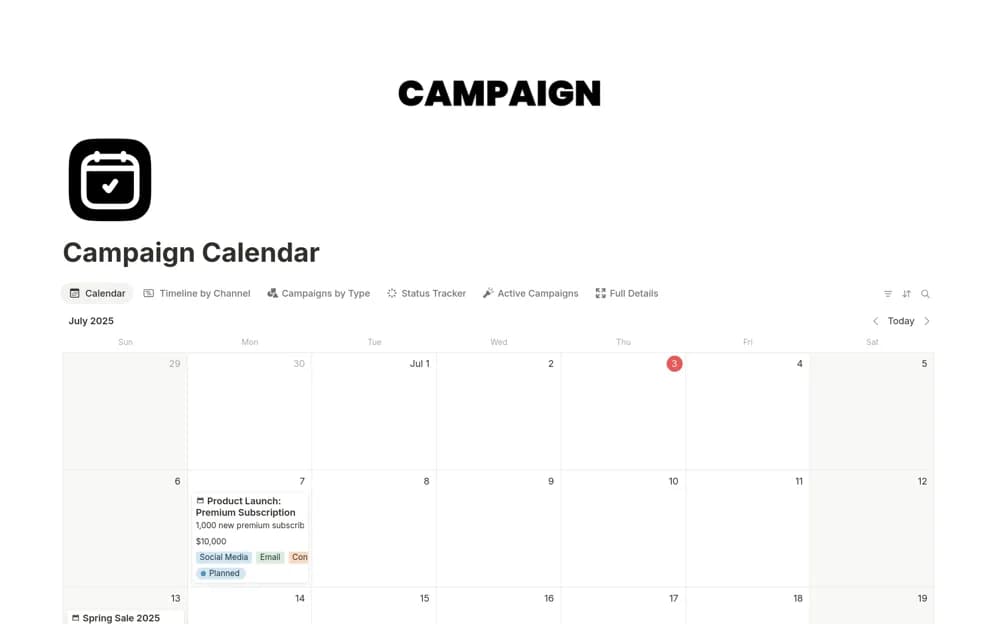
Plan marketing campaigns in Notion with calendar, timeline, and status views, plus campaign types for organizing different channels.
What’s included
- Calendar and timeline campaign views
- Campaign-type classifications
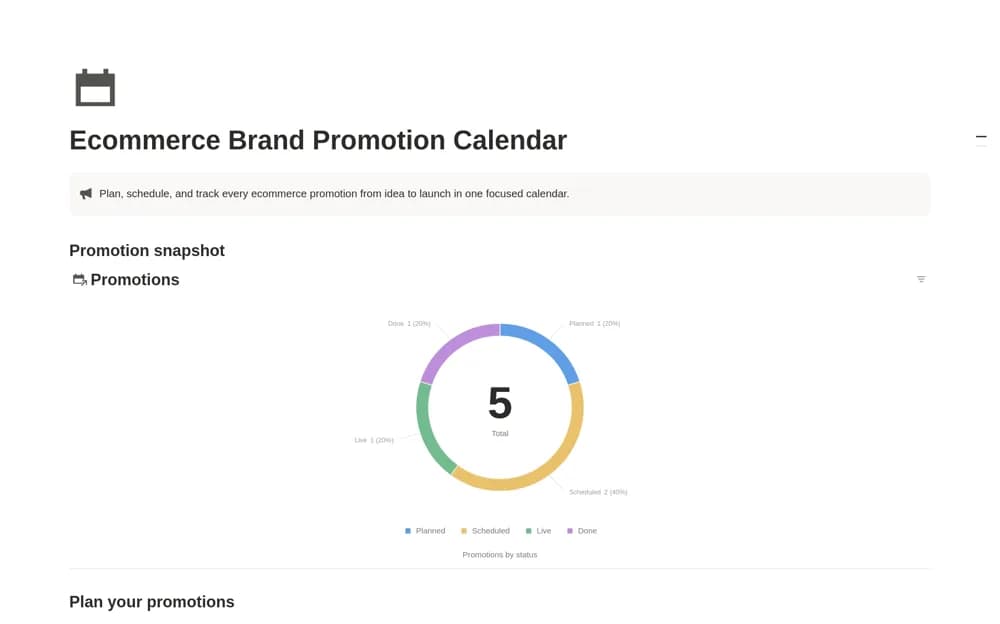
- Campaign status tracking
How to use it in practice
Add the next campaign and choose its type before setting dates. Check the timeline for clashes with other launches, then review the status view for work still in preparation. Use the calendar in your weekly planning discussion to agree what can realistically go live.
Set it up in your workspace
- Open the original Notion Marketplace listing and add the template to your chosen workspace while signed in. Keep its example records until you understand how the pages connect.
- Add the next campaign and choose its type before setting dates.
- Try one complete example before adding a large backlog. Check that its views and any calculations show what you expect, then replace the sample content with your own.
Who it suits and what to consider
Marketing teams coordinating campaign dates and production across several channels. This is a planning calendar. The listing does not document automatic ad delivery, social publishing, or performance imports.