About Campaign Results to One-Pager
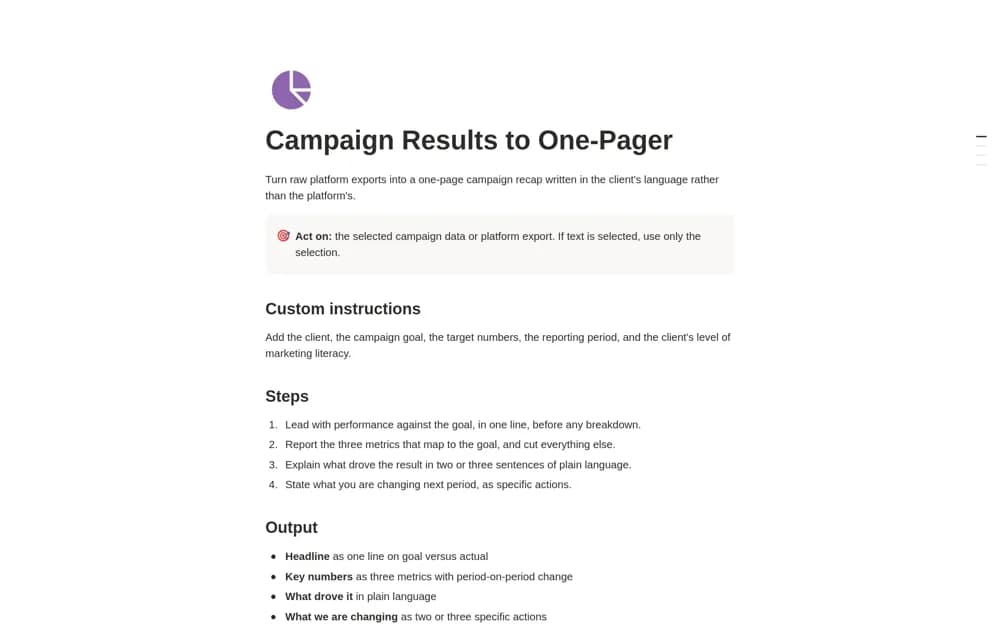
A Notion AI reporting skill that turns supplied campaign data into a concise recap covering the goal, three relevant metrics, likely drivers, next actions, and any client request.
What’s included
- Goal-versus-actual reporting structure
- Three-metric recap with period comparisons
- Drivers, next actions, and explicit client asks
How to use it in practice
Provide an export with a clear reporting period and campaign goal. Check every number and comparison in the draft against the source, then review whether its explanation is supported by the data. Replace speculative causes with a stated uncertainty before sharing the recap with a client or team.
Set it up in your workspace
- Open the original Notion Marketplace listing and add the template to your chosen workspace while signed in. Keep its example records until you understand how the pages connect.
- Provide an export with a clear reporting period and campaign goal.
- Try one complete example before adding a large backlog. Check that its views and any calculations show what you expect, then replace the sample content with your own.
Who it suits and what to consider
Marketing teams and agencies drafting a focused campaign review from their existing data. This is an AI drafting workflow and needs suitable AI access. It does not connect advertising accounts automatically or prove that a reported change caused the campaign result.