 Free
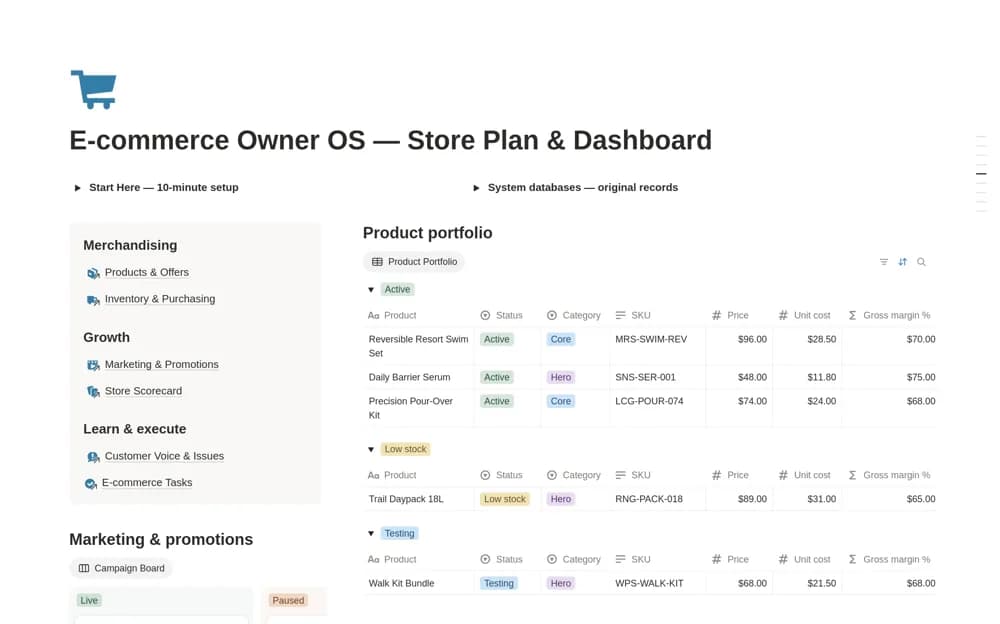
FreeE-commerce Owner OS – All-in-One Store Dashboard
An online-store operations workspace connecting products, inventory, purchasing, promotions, store KPIs, feedback, and daily tasks, with product costs and replenishment context.
Keep store operations understandable beyond the storefront. Find Notion templates for ecommerce owners organizing products, stock, promotions, purchasing, and the costs behind each order.
Showing 1–5 of 5 templates
A little structure goes a long way.FreeAn online-store operations workspace connecting products, inventory, purchasing, promotions, store KPIs, feedback, and daily tasks, with product costs and replenishment context.
 Free
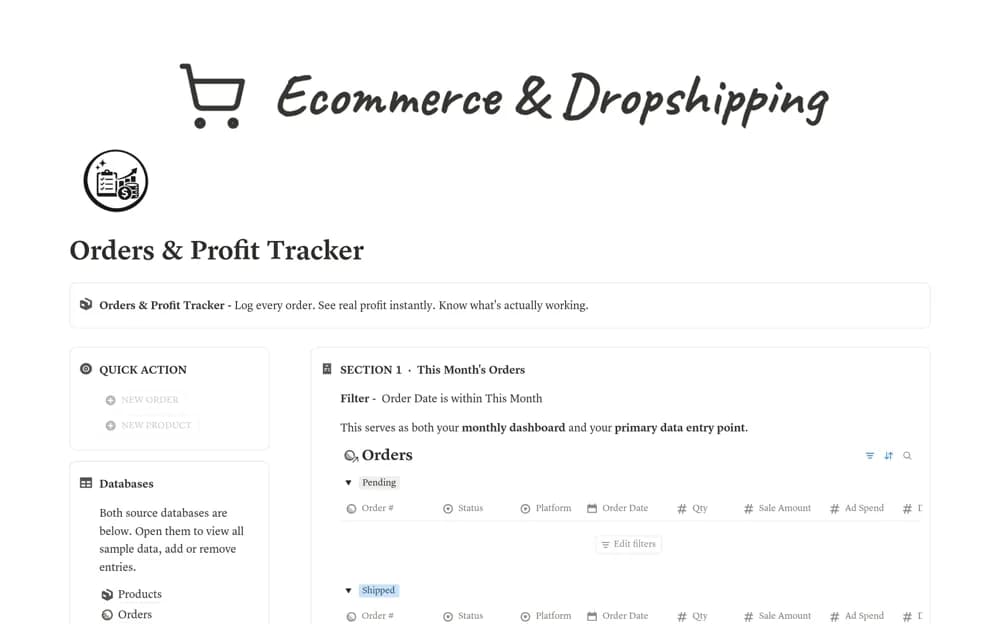
FreeAn order-profit tracker linking orders and products, with manually entered fees, shipping, and advertising costs feeding net profit, margin percentages, and product-level summaries.
 Free
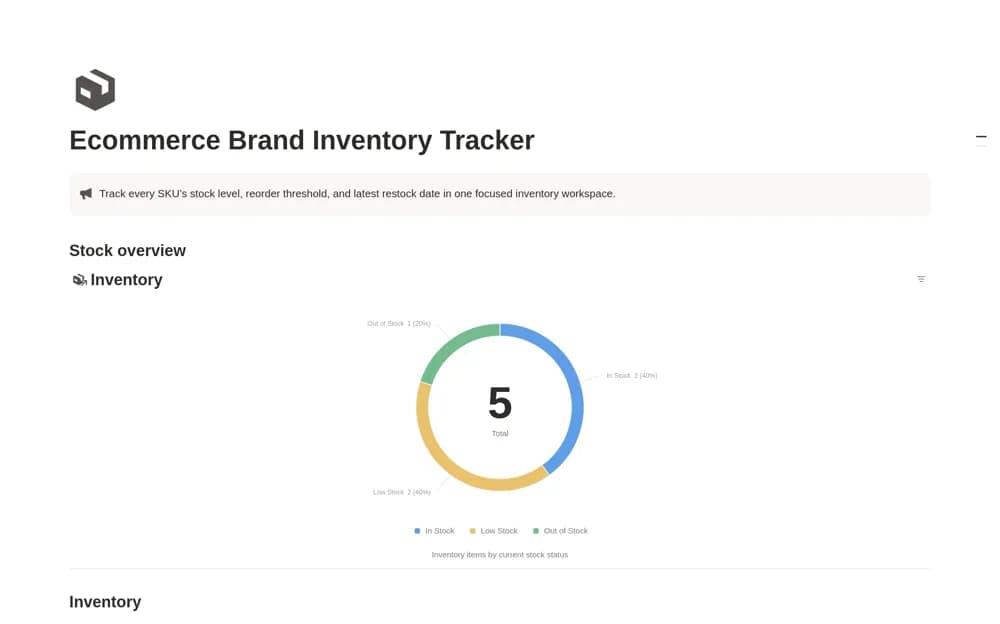
FreeA focused SKU inventory tracker with units on hand, reorder points, restock dates, and stock-status views for reviewing products that need attention.
 Free
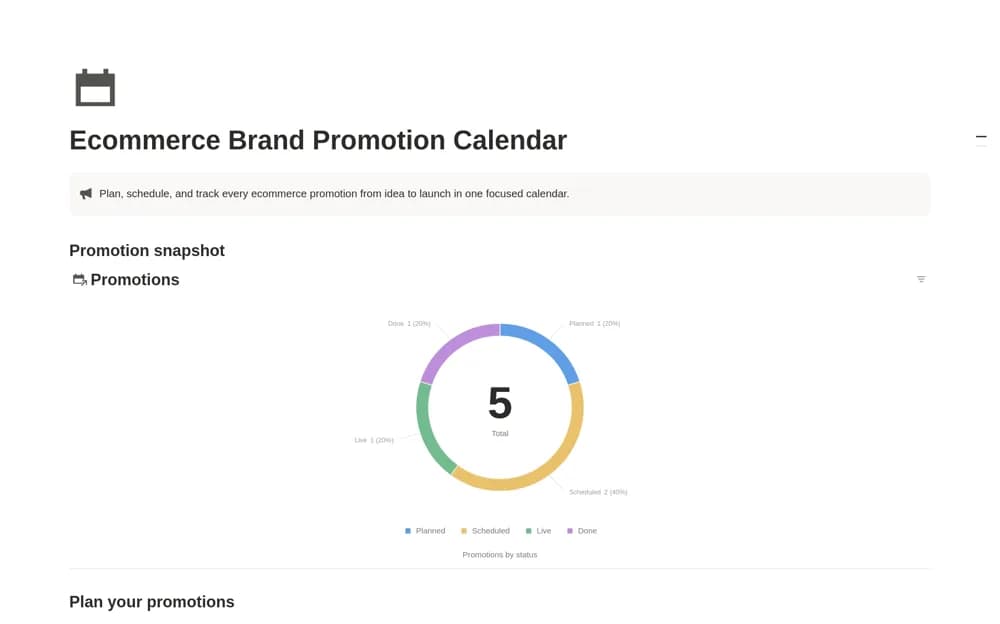
FreeA promotion calendar for online stores with campaign dates, channels, goals, budgets, status, and execution links, plus chronological and progress-review views.
 Free
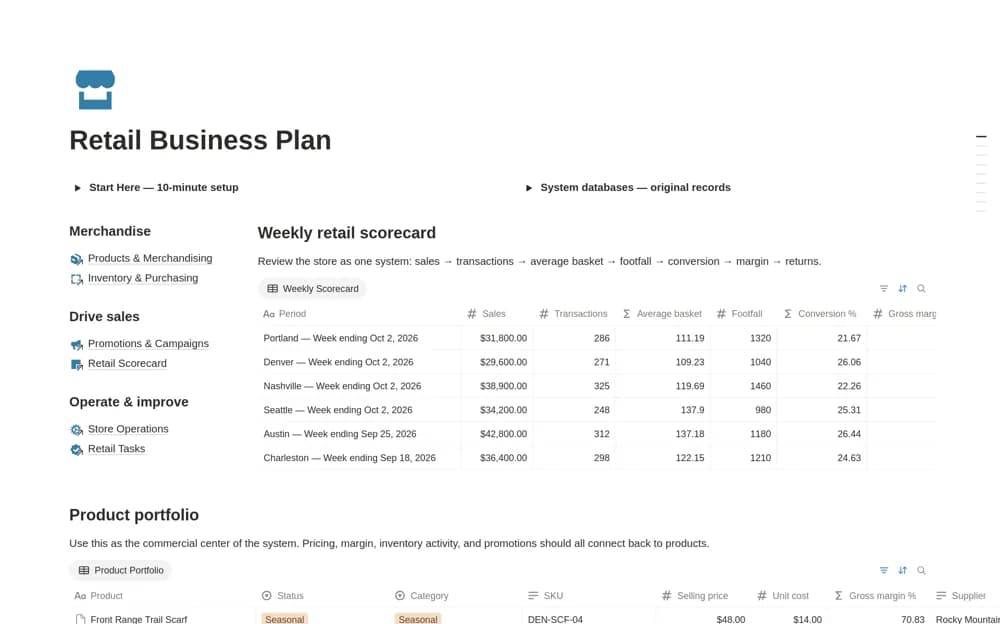
FreeA retail workspace connecting a weekly store scorecard, product portfolio, inventory, purchasing, promotions, and operating tasks, with product costs and stock context close to performance measures.
Compare the purpose and included features before choosing a workspace.
Ecommerce owners and small retail teams coordinating work beyond their storefront platform.
Ecommerce sellers and dropshippers checking what remains after order-related costs.
Online-store owners who want a small stock-review workspace rather than a full ecommerce operating system.
Choose a template that complements the store platform you already use. Check whether inventory and sales are entered manually or imported through a separately configured connection. Include shipping, fees, returns, and other relevant costs when assessing a product’s margin. Test one product through purchasing, promotion, and sale before adding the full catalog. Keep the checkout platform as the source of truth for actual customer orders.
Products and stock records
Promotion calendars
Clearly defined cost and margin fields
About the directoryKeep product and order records distinguishable. Enter costs using the same definition each time, including relevant fees and fulfillment expenses. Review stock and purchase commitments with the store platform’s current figures. A promotion should connect to available products and a clear goal. Check returns and adjustments so a strong-looking sales month does not hide weak margins.
Do not assume so. Many organize manually entered records. A listing that names Shopify or ecommerce sellers as its audience has not necessarily confirmed a store integration; check the exact connection and setup requirements.
Yes. This collection currently includes 5 listings with a confirmed free creator offer. Use the Free filter to compare them. A free version can have different features from a creator’s paid upgrade, so check the original listing and current access terms before adding it to your workspace.