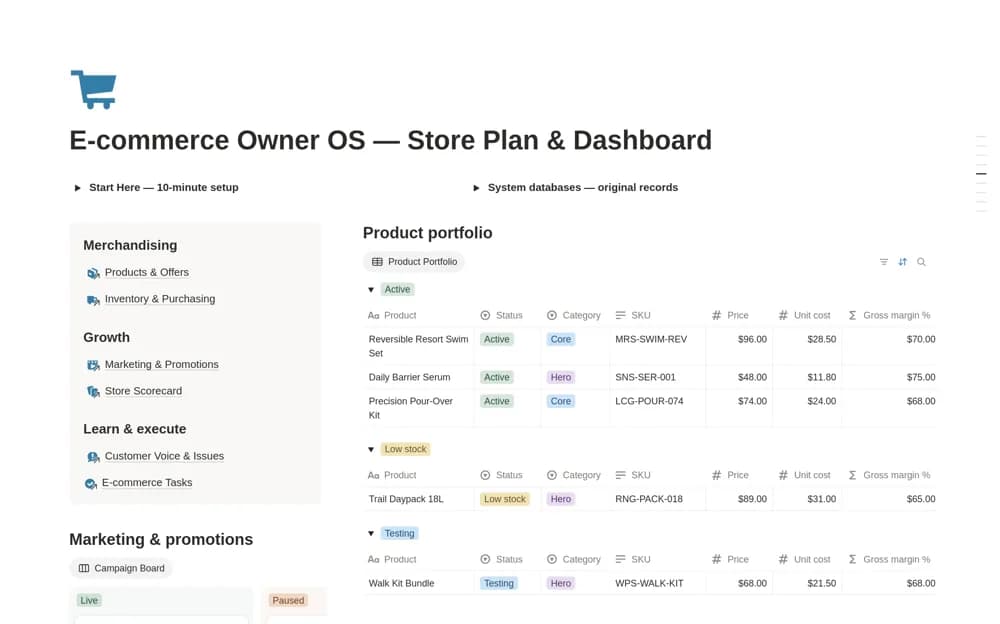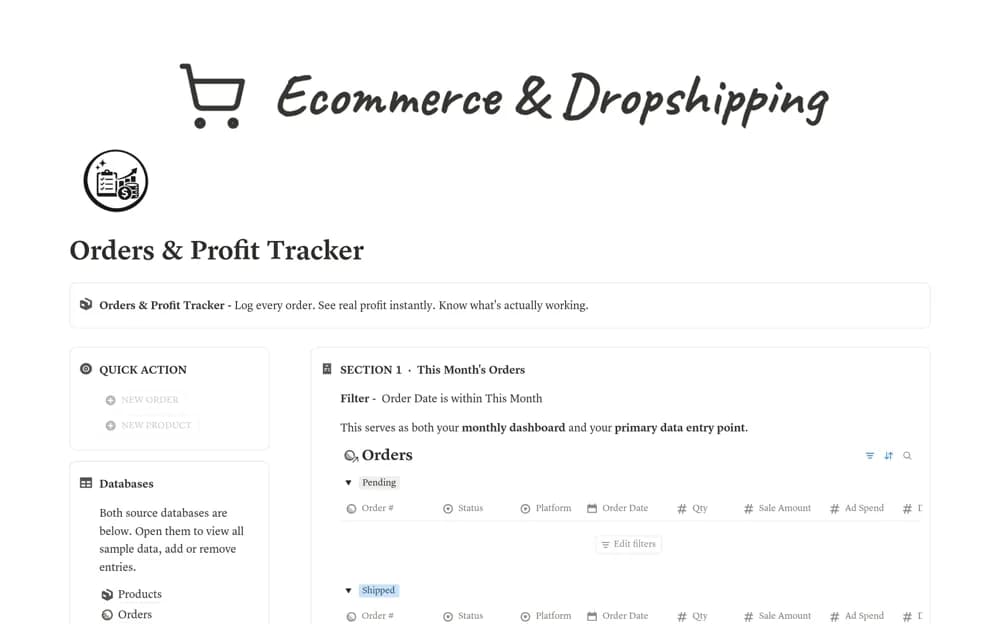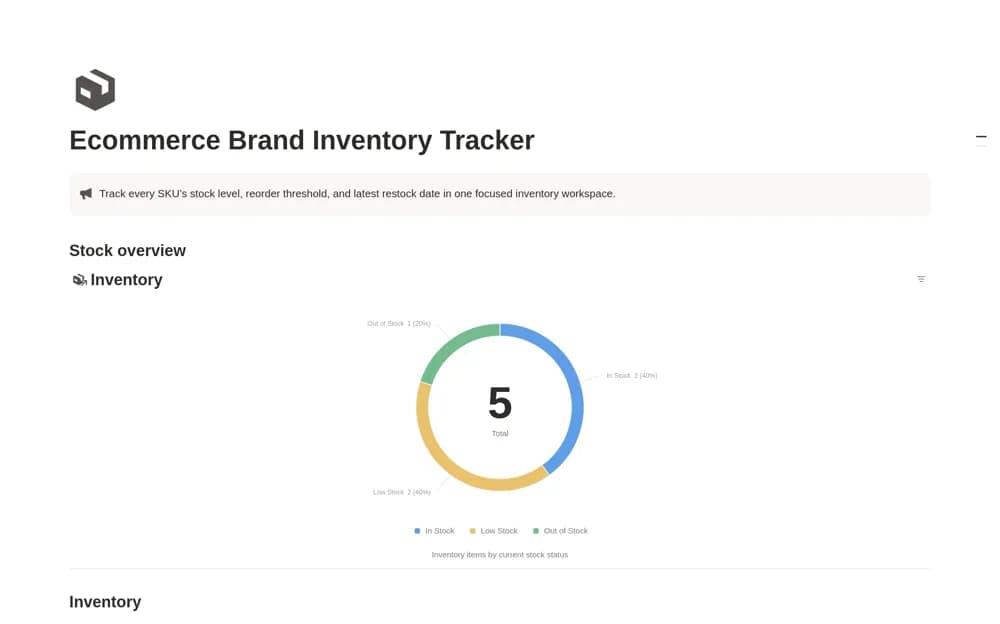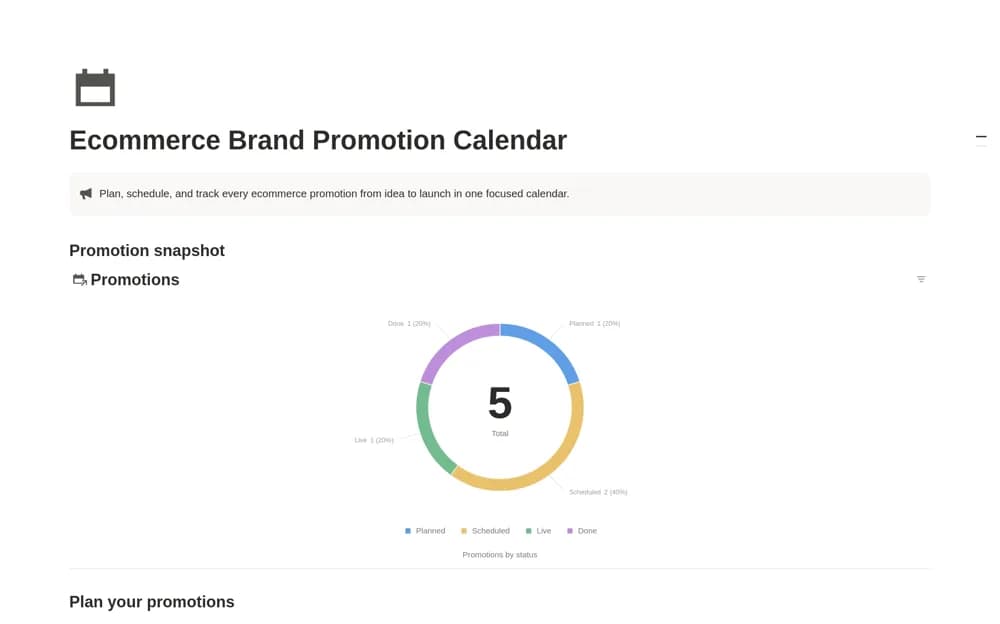
About Ecommerce Brand Promotion Calendar
A promotion calendar for online stores with campaign dates, channels, goals, budgets, status, and execution links, plus chronological and progress-review views.
What’s included
- Promotions database and campaign date ranges
- Channels, goals, budgets, and links
- Calendar, table, and progress-chart views
How to use it in practice
Enter the next promotion with preparation and launch dates rather than only the final send day. Link the actual campaign assets and assign a clear goal. Review the calendar for overlapping offers or production demands, then keep the completion status current after the promotion ends.
Set it up in your workspace
- Open the original Notion Marketplace listing and add the template to your chosen workspace while signed in. Keep its example records until you understand how the pages connect.
- Enter the next promotion with preparation and launch dates rather than only the final send day.
- Try one complete example before adding a large backlog. Check that its views and any calculations show what you expect, then replace the sample content with your own.
Who it suits and what to consider
Ecommerce marketers coordinating several promotions across email, social media, websites, and advertising. The workspace organizes campaign plans. It does not schedule emails, publish social posts, manage ad spend, or import campaign performance automatically.