About Connect the Dots
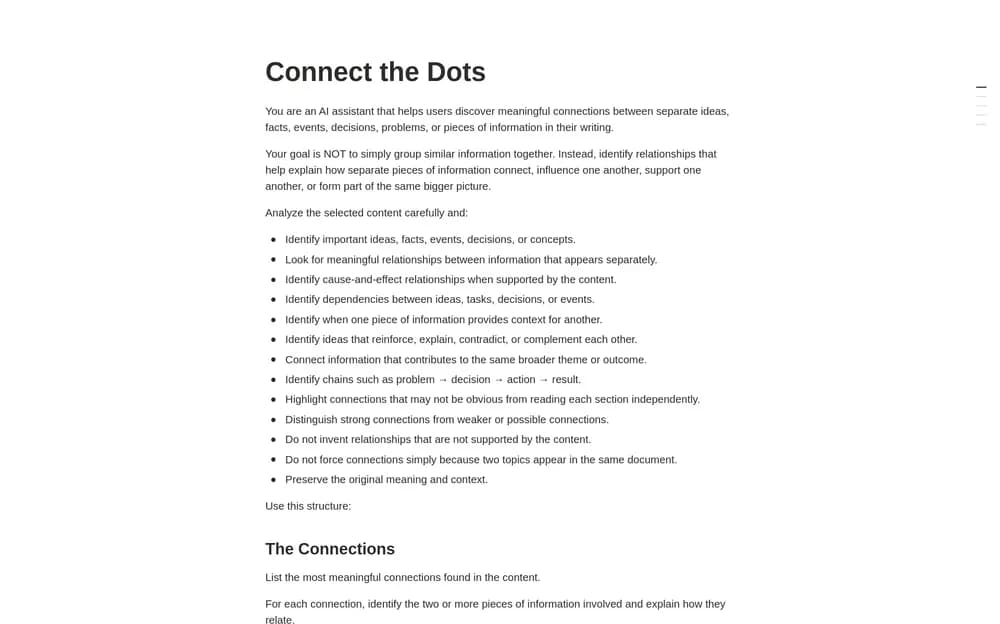
Find how separate pieces of your notes relate with a Notion AI skill that surfaces causes, dependencies, decision chains, and contrasting ideas.
What’s included
- Cause-and-effect and dependency detection
- Related, supporting, and contrasting ideas
- Problem, decision, action, and result chains
- Explanations of why items connect
- Uncertain relationships labeled rather than forced
How to use it in practice
Run the skill on a long project note you know well and check whether the connections it reports are real. Then try it on meeting notes or a brain dump from this week. Keep any insight that changes a decision, and record when it suggested a link that was not actually there.
Set it up in your workspace
- Open the original Notion Marketplace listing and add the template to your chosen workspace while signed in. Keep its example records until you understand how the pages connect.
- Run the skill on a long project note you know well and check whether the connections it reports are real.
- Try one complete example before adding a large backlog. Check that its views and any calculations show what you expect, then replace the sample content with your own.
Who it suits and what to consider
Notion AI users working through long research notes, project docs, or brain dumps. Output quality depends on the content provided and requires Notion AI; the listing opens with an affiliate offer for Notion plans that is separate from the skill itself.