 Source listing
Work & business
Work dashboards Notion templates
See active projects, useful links, and today’s work at a glance. Find a Notion dashboard for your own desk or your whole team.
Showing 1–9 of 9 templates
Source listing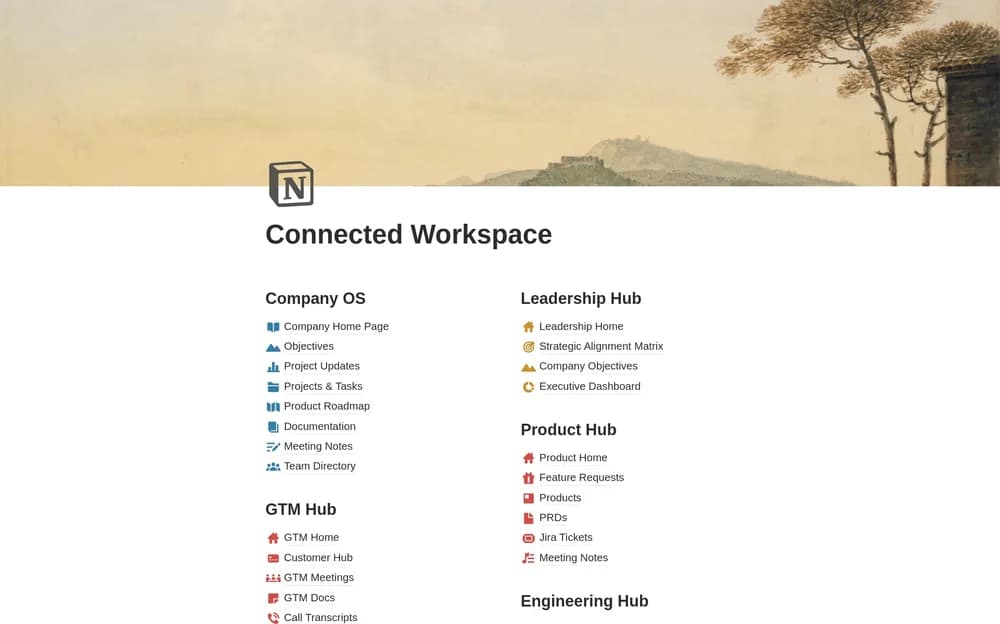 Free
Connected Workspace
Notion’s connected-workspace template for giving company information a shared home.
 Free
 Free
 Paid
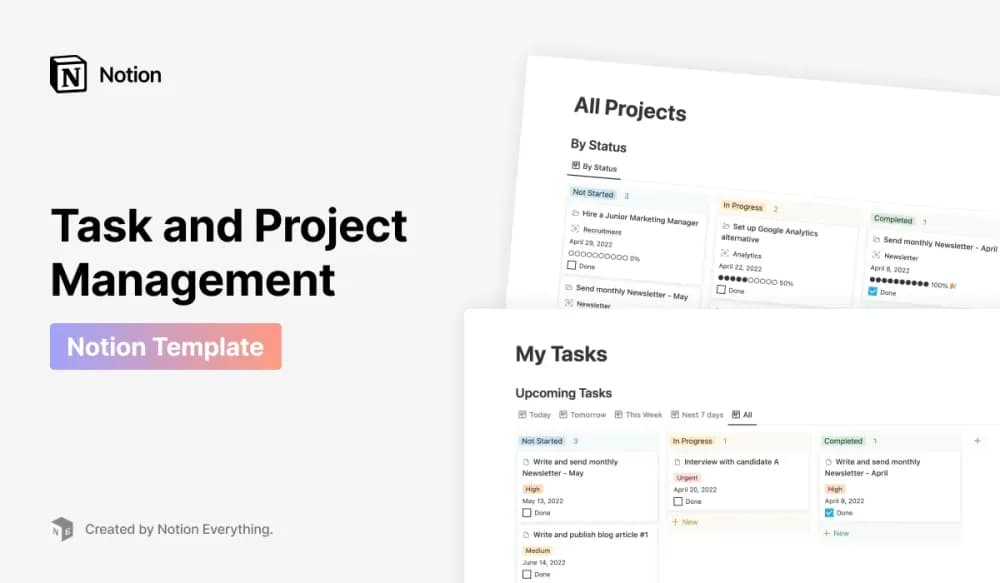
Project Manager Pro
A connected Notion system for managing projects and the tasks behind them.
 Free
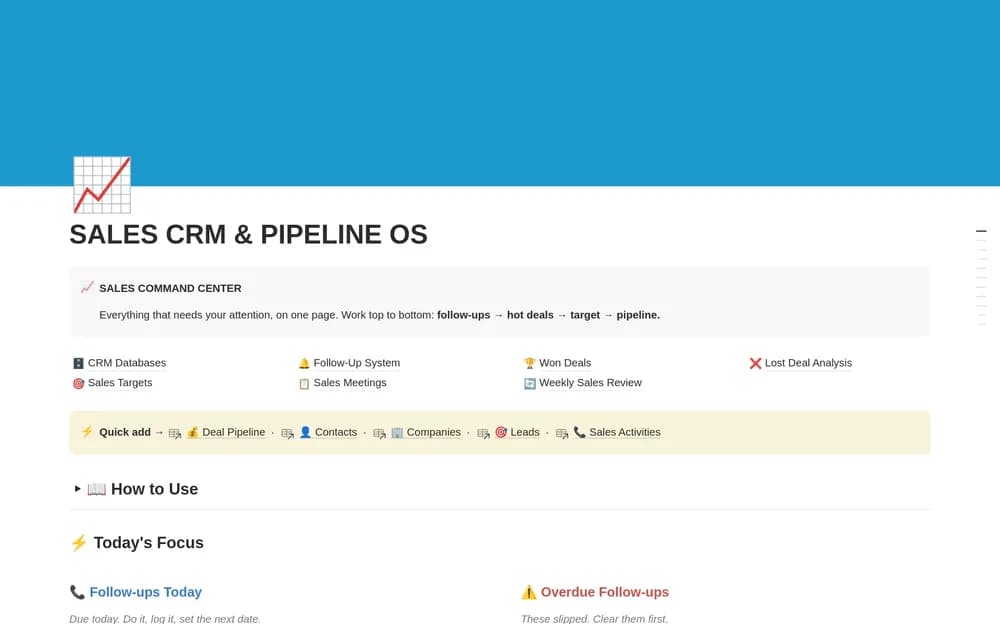
Sales CRM & Pipeline OS
Track companies, contacts, leads, and deals in a Notion sales CRM with stage probabilities, expected revenue, follow-up views, and monthly targets.
SponsoredAdvertise here
Appsupaappsupa.comFind mobile app ideas that already make moneySee what 590K+ App Store and Google Play apps earn, which niches have leaders you can beat, and what people search. $15 a month, cancel anytime.Find an app idea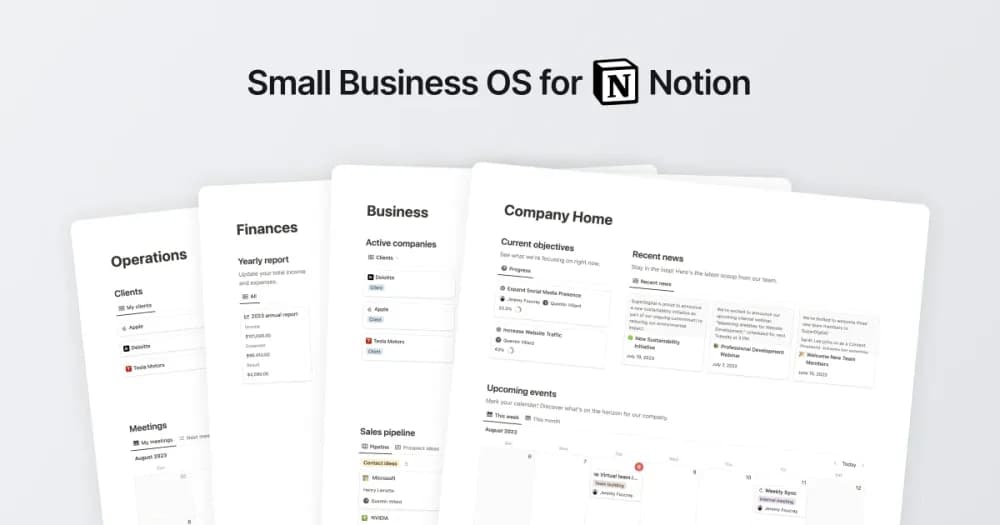 Paid
Small Business OS
A connected workspace for a small business’s projects, clients, and knowledge.
 Free
 Free
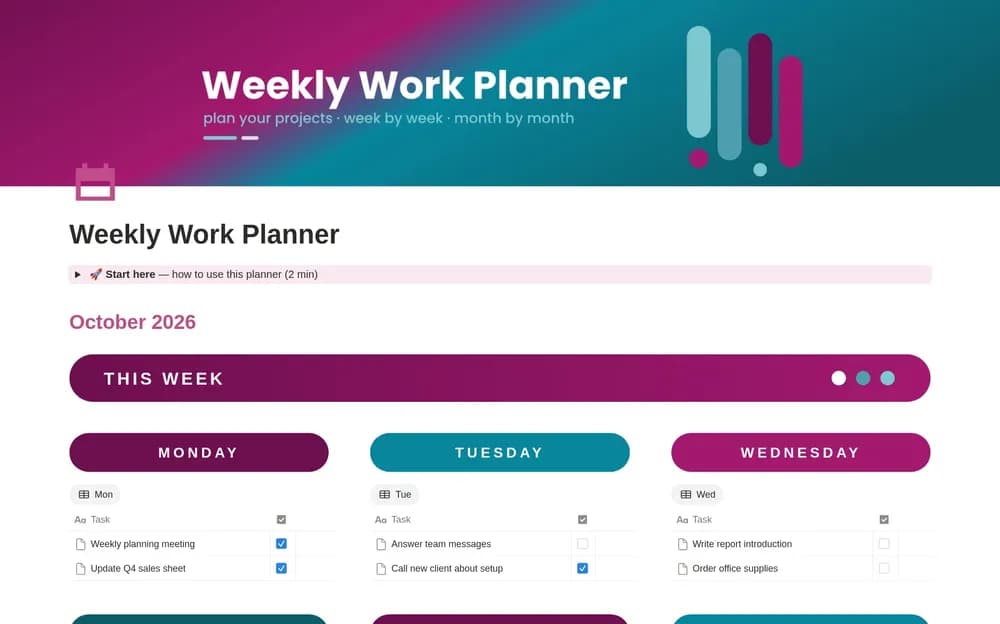
Weekly Work Planner
Write tasks under each weekday in Notion and see them land on a monthly calendar, with weekly lists that reset every Monday and project grouping.
A closer look at the collection
Which template fits your work?
Compare the purpose and included features before choosing a workspace.
Connected Workspace
Teams setting up a central company workspace.
- Create a team starting page
- Organize company information
- Connect shared work
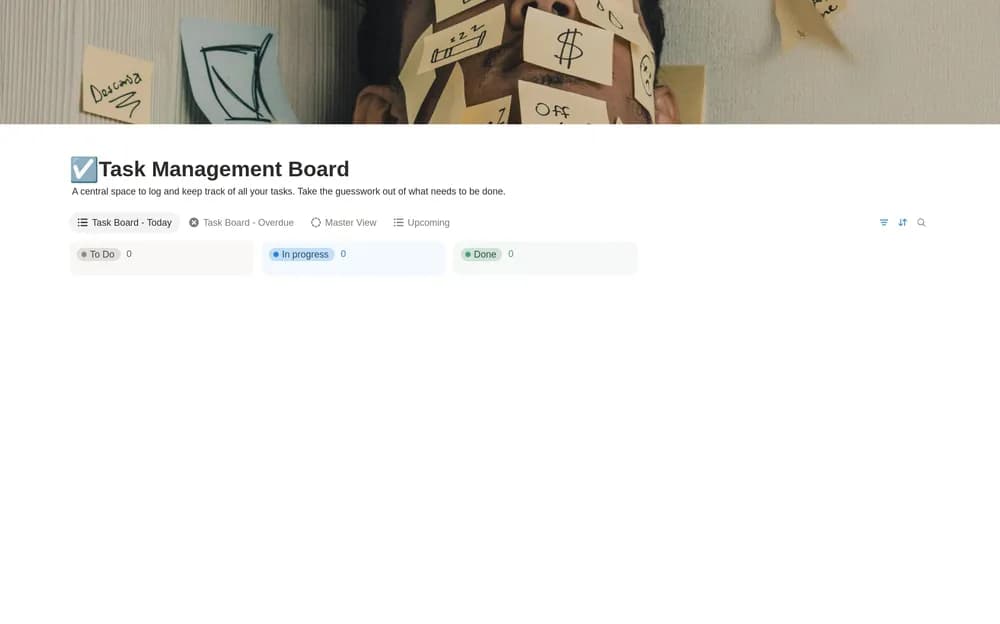
Task Management Board
People who want a straightforward board-based workspace.
- Organize active tasks
- Review work by stage
- Keep next actions visible
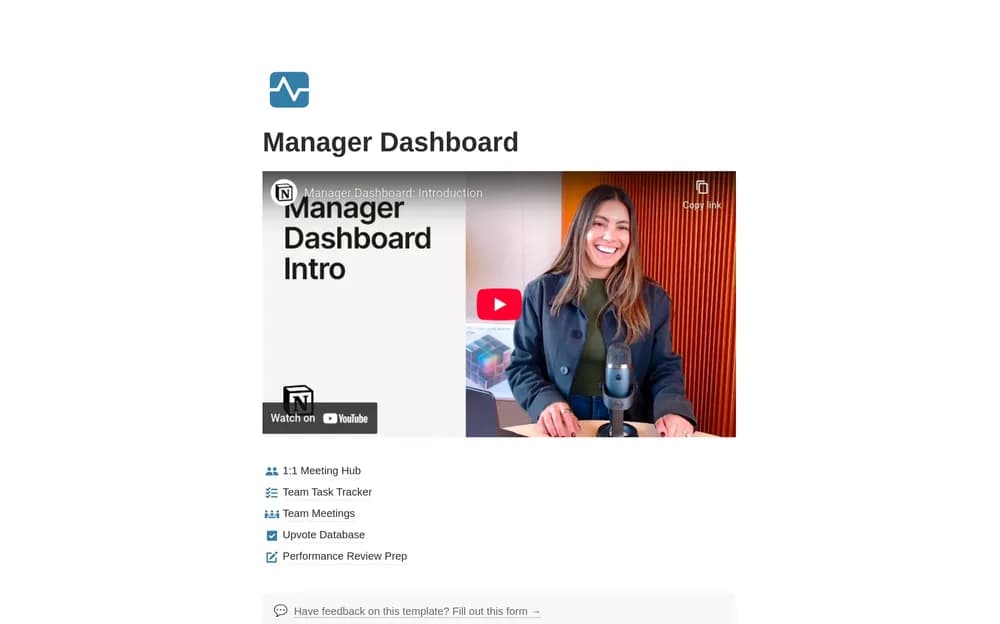
Manager Dashboard
Managers organizing recurring team work.
- Organize management work
- Keep team context
- Review recurring responsibilities
At a glance
Work dashboards Notion templates compared
8 working templates from 5 creators: 6 free and 2 paid. Links last checked November 22, 2026.
| Template | Best for | Price | Creator |
|---|---|---|---|
| Connected Workspace | Teams setting up a central company workspace. | Free | Notion |
| Task Management Board | People who want a straightforward board-based workspace. | Free | WhatEllieSees |
| Manager Dashboard | Managers organizing recurring team work. | Free | Notion |
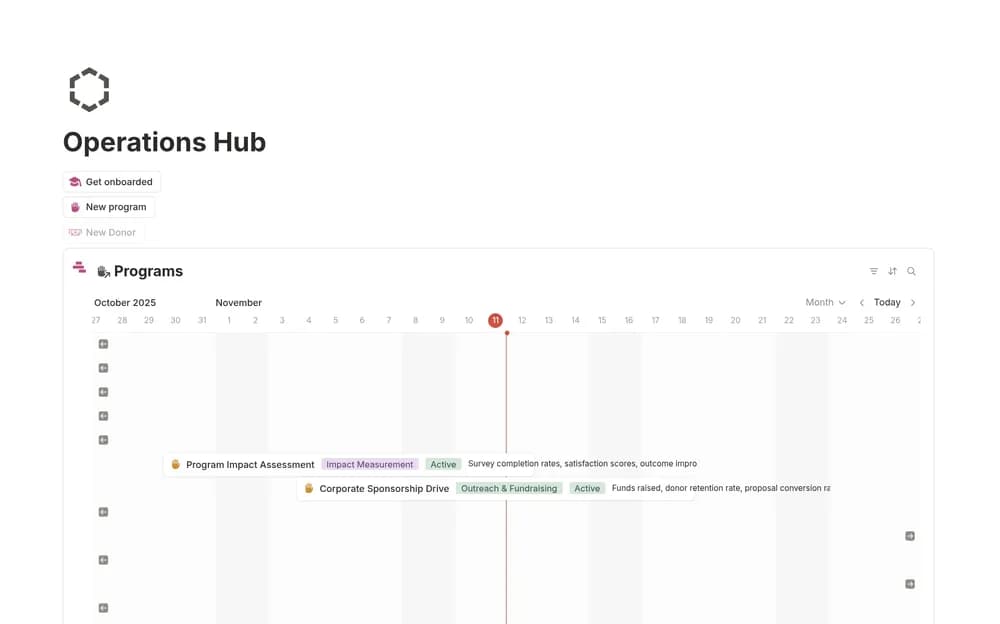
| Nonprofit Operations Hub | Nonprofit teams building a shared operational home. | Free | Notion |
| Project Manager Pro | People coordinating several active projects. | Paid | Notion Everything |
| Sales CRM & Pipeline OS | Startups, agencies, consultants, and small sales teams that want a CRM on Notion’s free plan. | Free | Creators Hub Studio |
| Small Business OS | Small-business owners who want a shared operating workspace. | Paid | Notion Everything |
| Weekly Work Planner | Office workers, freelancers, and small business owners who want a simple weekly to-do layout. | Free | Happy Hour |
Choose something that fits
How to compare work dashboards templates
A dashboard should answer a few questions quickly: what is active, what needs attention, and where do I go next? Look for linked views that point to a single source of information. Too many panels can make a home page harder to use. Try the layout on the device you use most often.
A few things to look for
Useful linked views
Fast navigation
Only the information you need
About the directoryPut it into practice
Let the home page point to work that needs attention
Choose a few questions the dashboard should answer quickly: what is active, what is blocked, and where do I go next? Use views of maintained records rather than copying status summaries by hand. Keep the layout readable on the device you use during everyday work.
Every template in this collection
All 8 Work dashboards Notion templates (A–Z)
Jump straight to any listing in the collection.
Before you choose
Common questions
Why do dashboards become difficult to maintain?+
They often duplicate records or display more information than anyone needs. Choose a layout that links to a clear source of truth and keep only the views that support a real daily or weekly decision.
What is the best work dashboard Notion template?+
It depends on the job you need it to do. Good starting points in this collection include Connected Workspace (teams setting up a central company workspace), Task Management Board (people who want a straightforward board-based workspace) and Manager Dashboard (managers organizing recurring team work). Compare the included features below, then try your first choice with a week of real information before moving everything across.
Are there free templates in the work dashboards collection?+
Yes. This collection currently includes 6 listings with a confirmed free creator offer, alongside 2 paid or freemium options. Use the Free filter to compare them. A free version can have different features from a creator’s paid upgrade, so check the original listing and current access terms before adding it to your workspace.