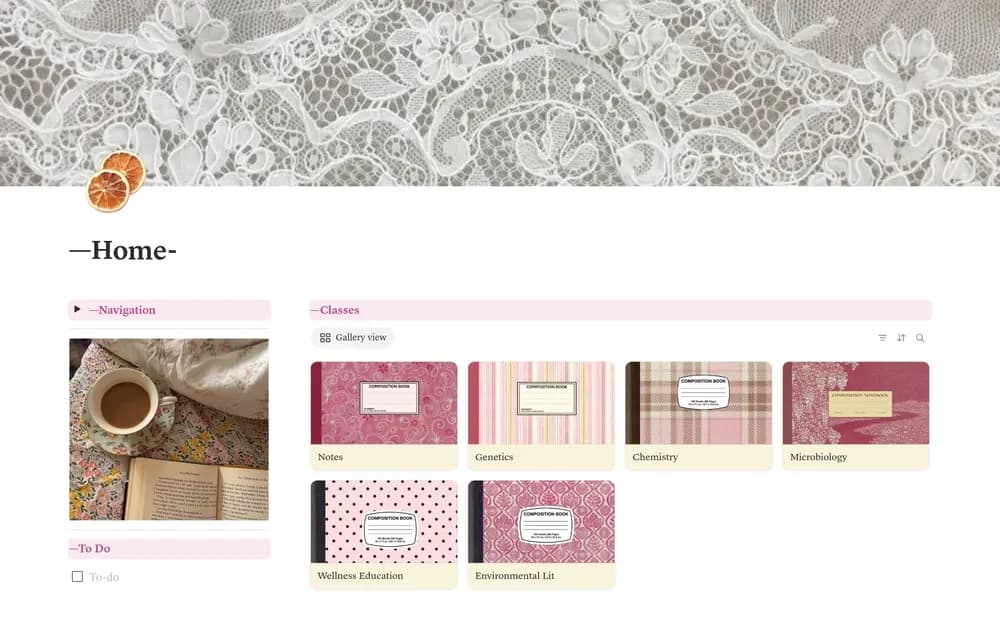
About Cornell Note-Taking System: Study & Active Recall
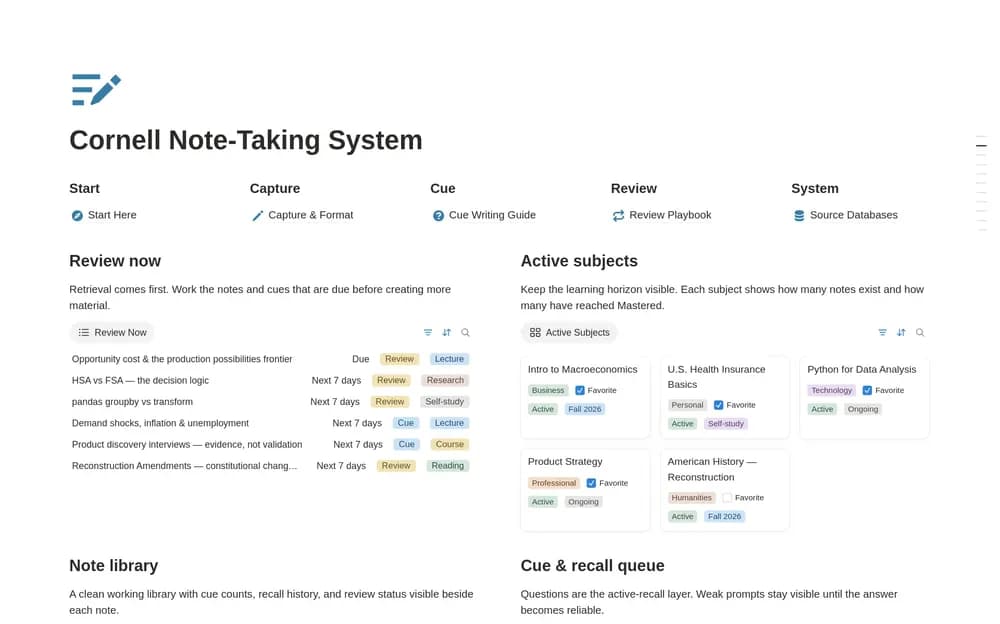
Take Cornell-style notes in Notion and turn them into recall cues, with a review queue, subject dashboard, recall-quality ratings, and a calendar.
What’s included
- Note library for lectures, readings, courses, and research
- Cue and recall queue built from your notes
- Review Now dashboard and review calendar
- Subject dashboard
- Review status and recall-quality tracking
How to use it in practice
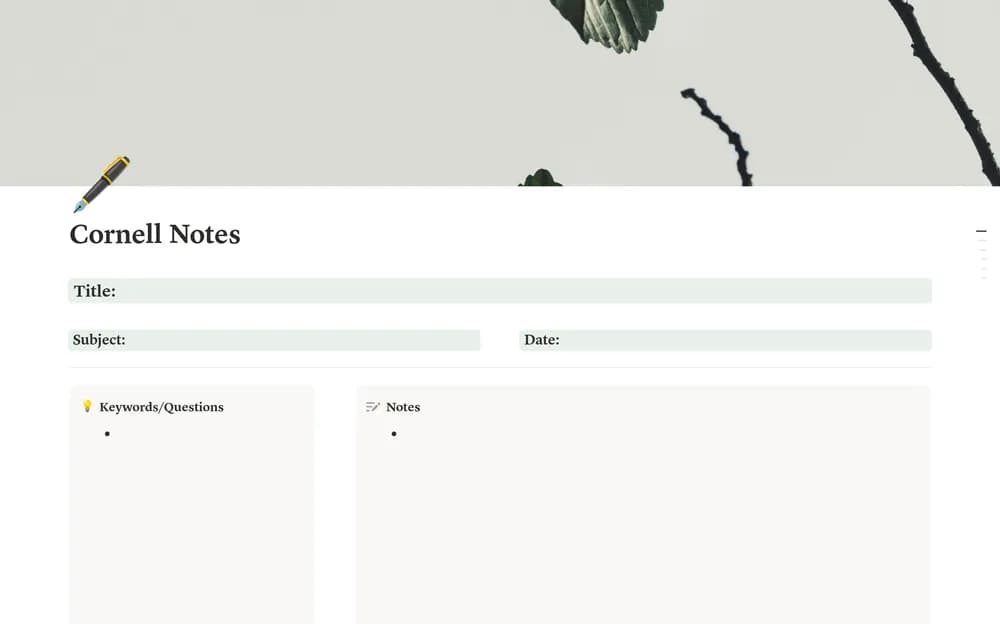
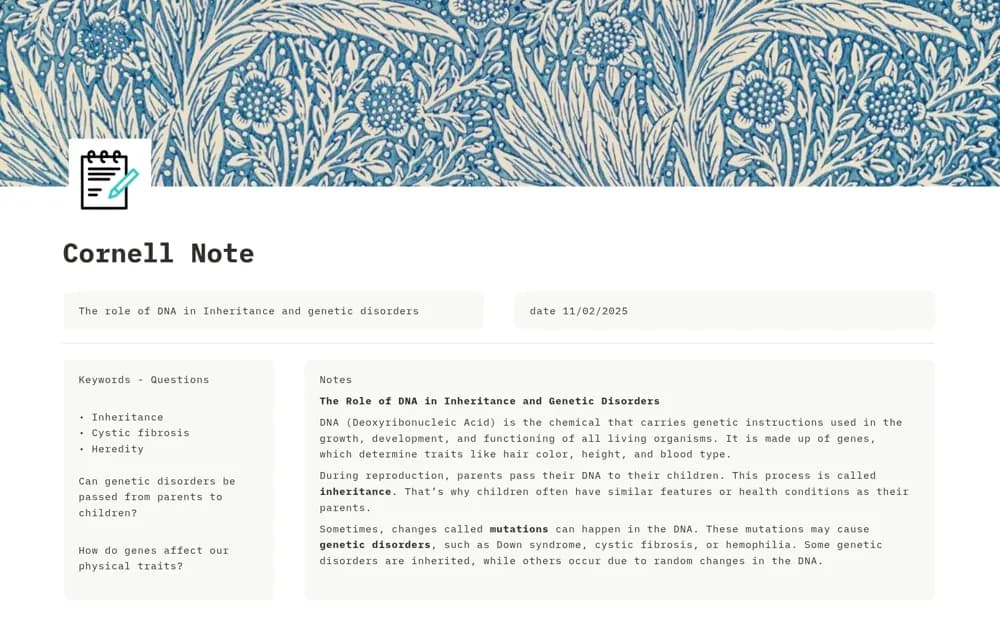
Take notes for one course or reading this week using the Cornell layout. After each session, write two or three recall questions as cues. Use the Review Now dashboard every couple of days to answer them from memory, rate how well you recalled each one, and see which notes stay in the weak areas.
Set it up in your workspace
- Open the original Notion Marketplace listing and add the template to your chosen workspace while signed in. Keep its example records until you understand how the pages connect.
- Take notes for one course or reading this week using the Cornell layout.
- Try one complete example before adding a large backlog. Check that its views and any calculations show what you expect, then replace the sample content with your own.
Who it suits and what to consider
Students, self-learners, and researchers who want to review notes through retrieval practice. Review scheduling is not described as automatic spaced repetition, so you decide when notes come up again. Writing useful recall cues takes practice.