About School Notes and Assignment Tracker
Keep class notes in a Notion gallery, follow assignments in a table, and list what still needs doing on a simple school to-do list.
What’s included
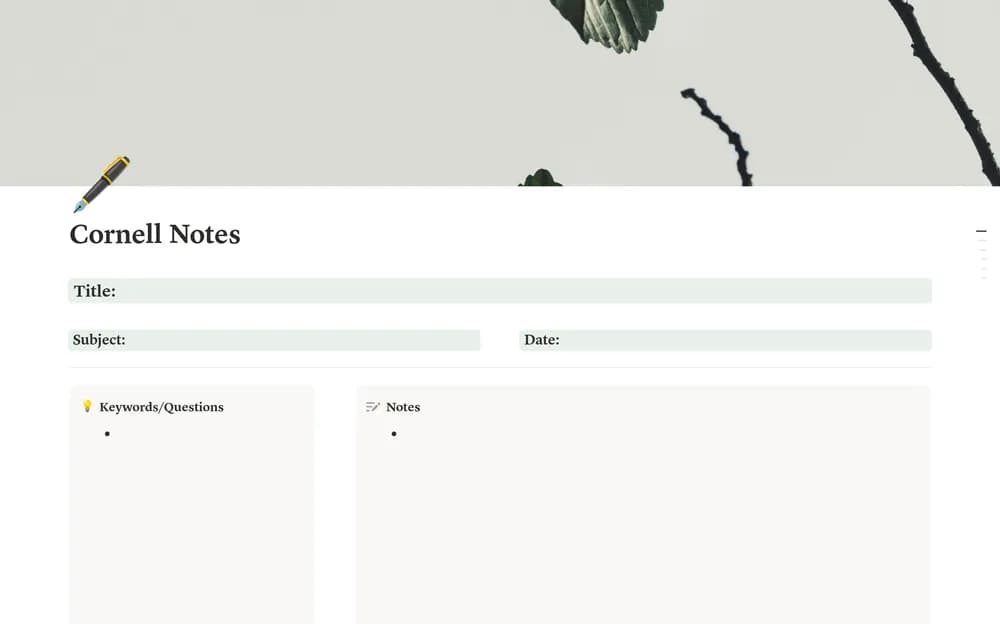
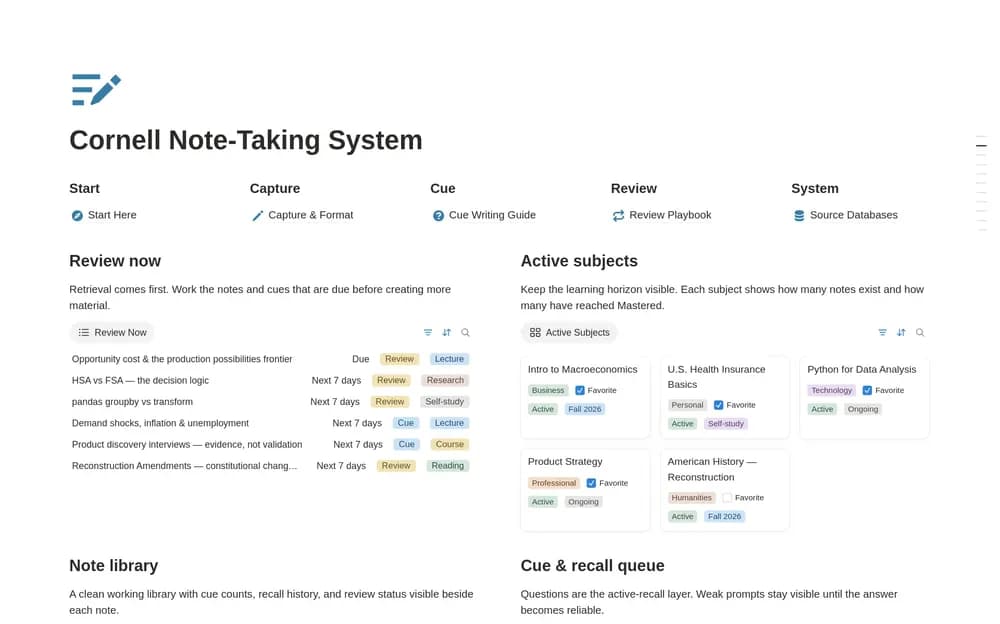
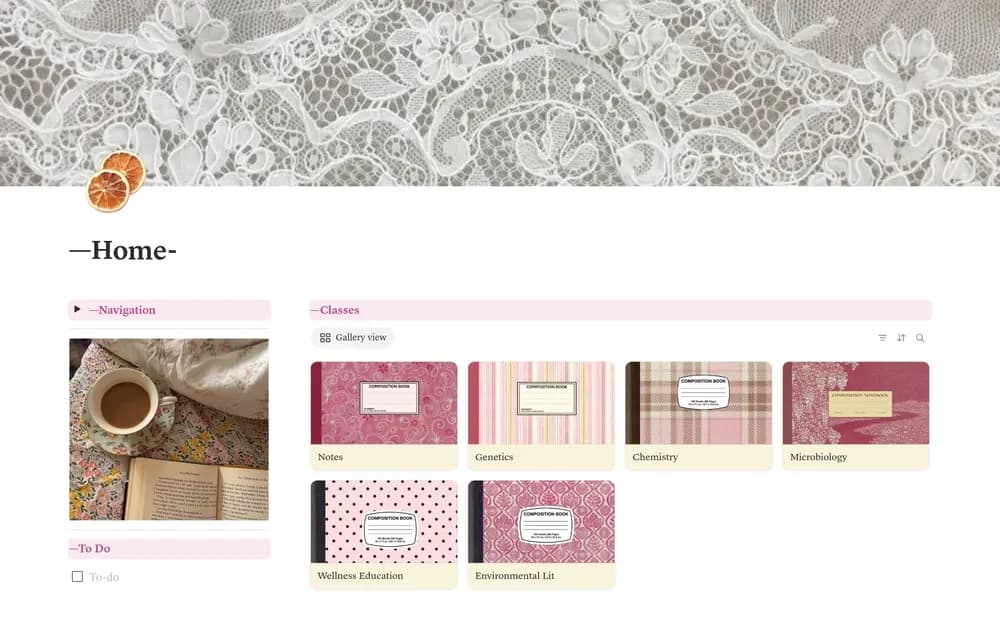
- Gallery database for class notes
- Table view for assignments
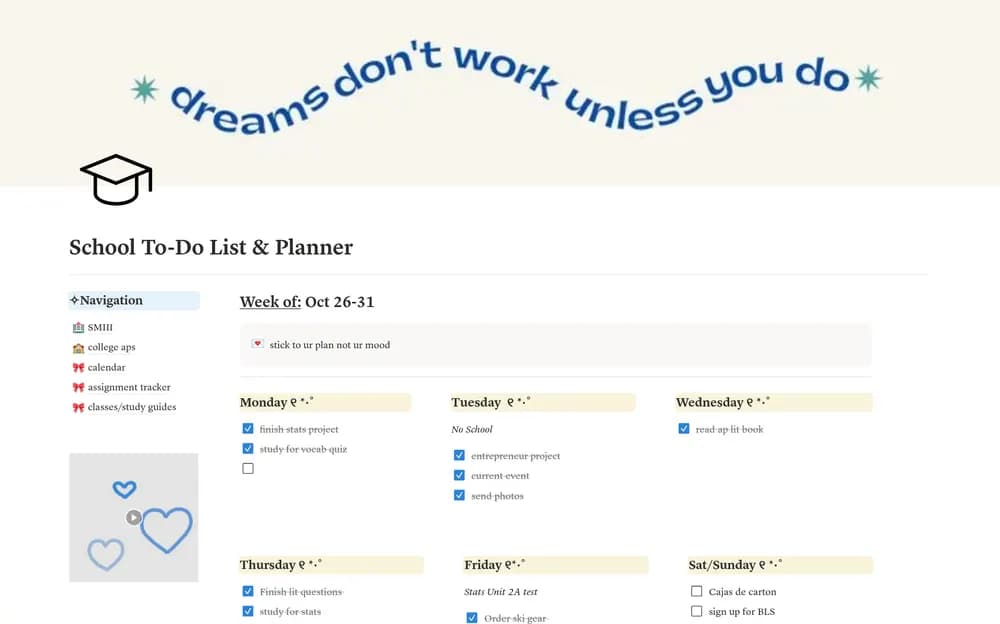
- To-do list for outstanding work
- Replaceable cover images
How to use it in practice
Create one note page for each class you attend this week and give it a recognizable cover image. Enter every assignment you know about in the table, adding columns for course or due date if you need them. Use the to-do list for small tasks that are not formal assignments, and review the table before each school day.
Set it up in your workspace
- Open the original Notion Marketplace listing and add the template to your chosen workspace while signed in. Keep its example records until you understand how the pages connect.
- Create one note page for each class you attend this week and give it a recognizable cover image.
- Try one complete example before adding a large backlog. Check that its views and any calculations show what you expect, then replace the sample content with your own.
Who it suits and what to consider
Students who want notes, assignments, and a to-do list together without a large system. The listing is brief and does not describe properties, reminders, or links between notes and assignments, so expect to add fields yourself.