About Photographer Workspace — Starter
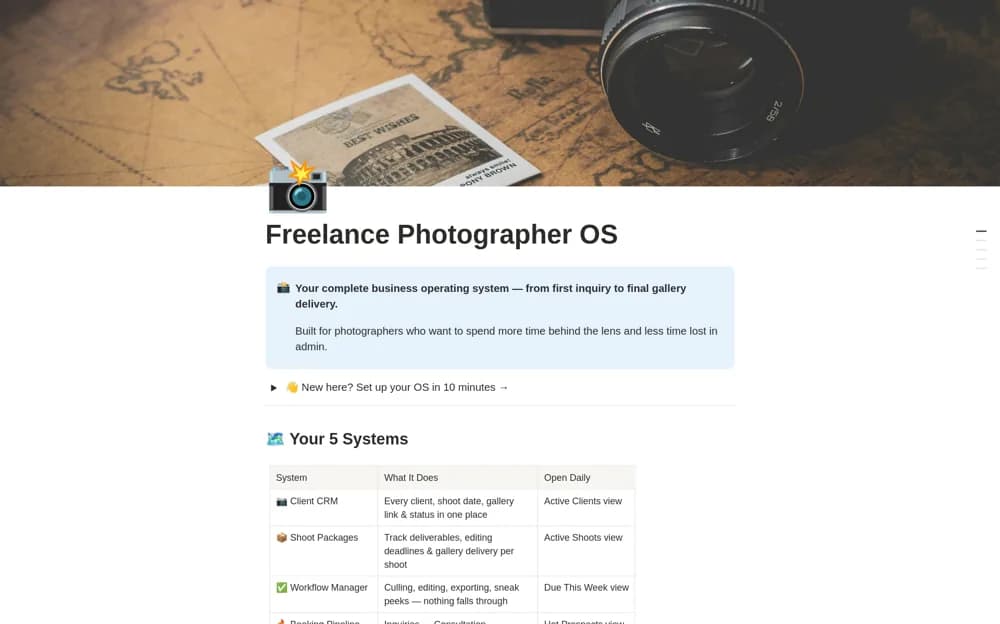
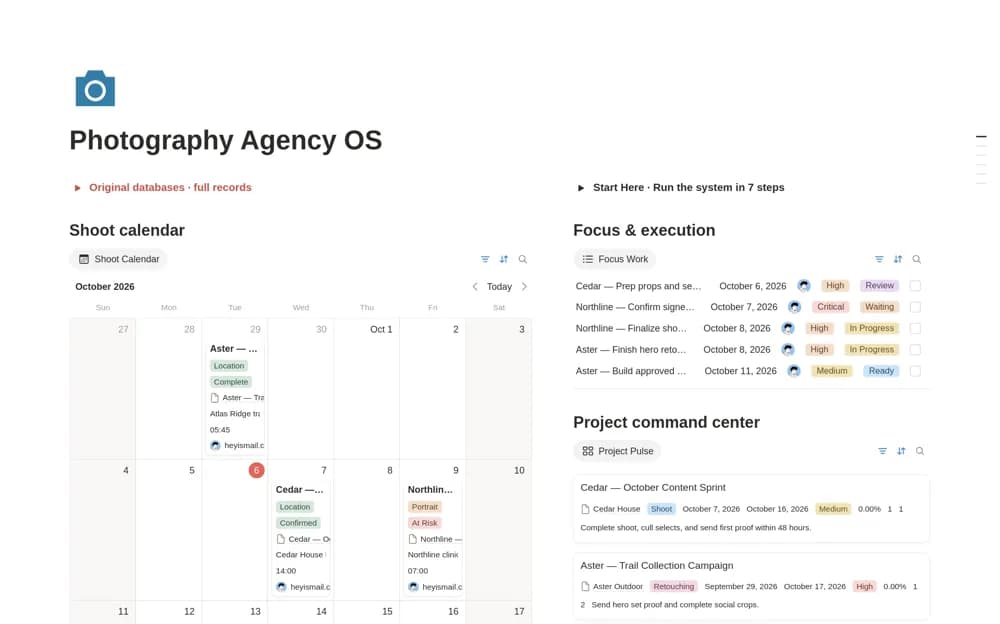
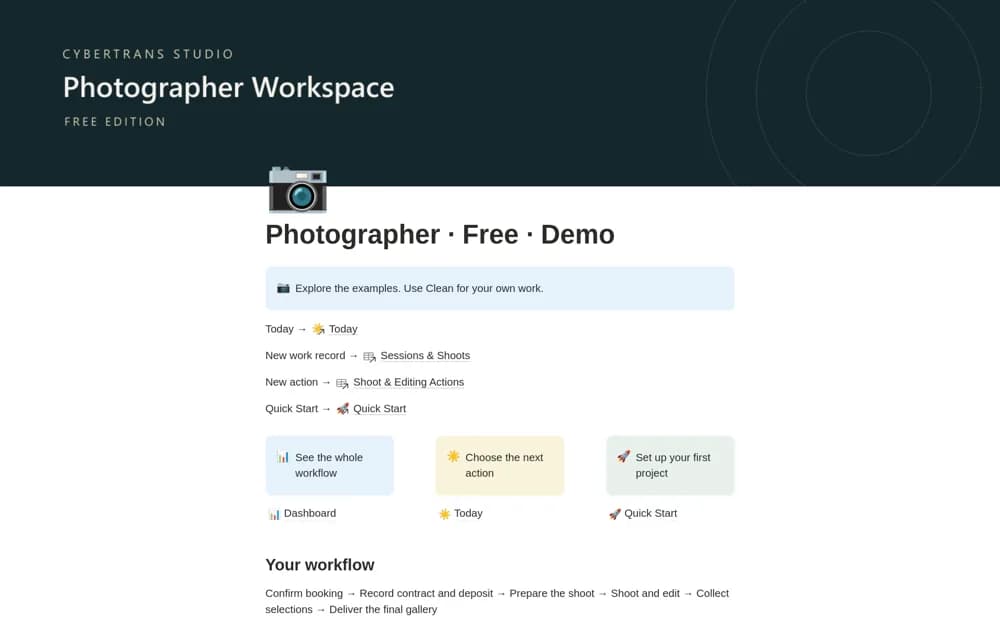
A compact photography workflow separating shoot, proof-gallery, and final-delivery dates, with connected session and editing records, client acceptance checks, and manual payment context.
What’s included
- Sessions & Shoots and Shoot & Editing Actions
- Today, calendar, overdue, and missing-date views
- Separate Clean and Demo workspaces with setup guidance
How to use it in practice
Follow the fictional demo through booking, shooting, selections, and delivery before entering a real client in the clean workspace. Record the shoot date and final deadline separately. Keep acceptance attached to the current version so a completed shoot is not mistaken for an approved gallery handoff.
Set it up in your workspace
- Open the original Notion Marketplace listing and add the template to your chosen workspace while signed in. Keep its example records until you understand how the pages connect.
- Follow the fictional demo through booking, shooting, selections, and delivery before entering a real client in the clean workspace.
- Try one complete example before adding a large backlog. Check that its views and any calculations show what you expect, then replace the sample content with your own.
Who it suits and what to consider
Photographers who want a documented client-to-delivery routine with a clean starting workspace. The starter edition uses one fee and a manual payment record per project. The creator explicitly says it has no separate invoice register.