About Daily, Weekly & Monthly Planners
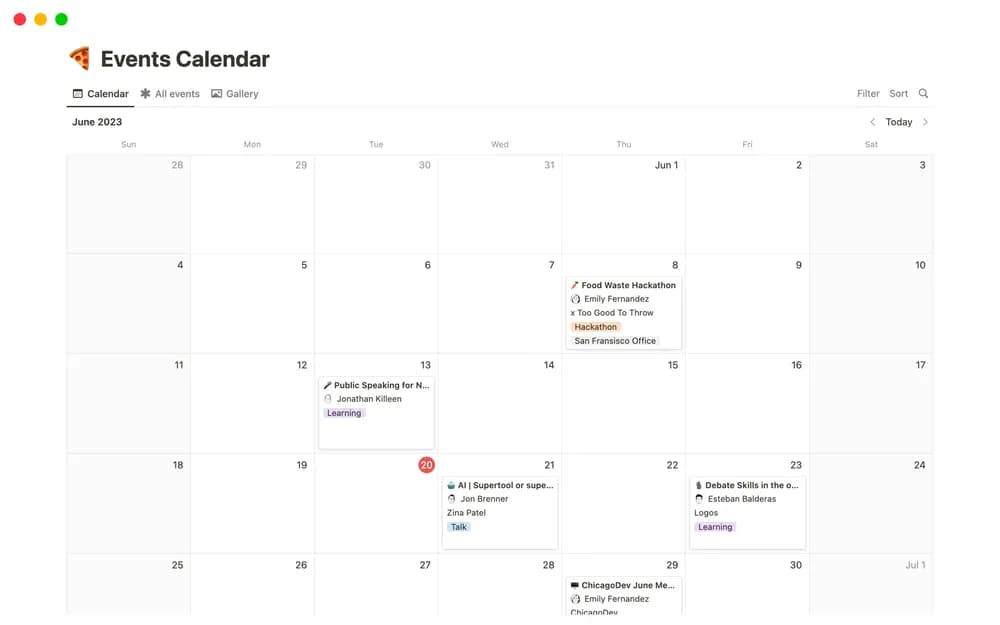
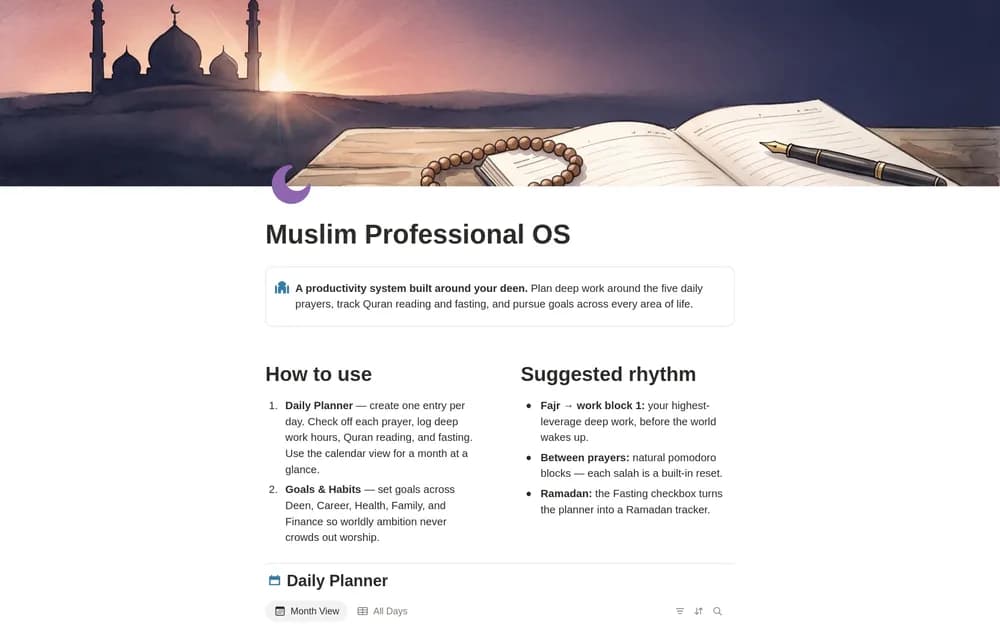
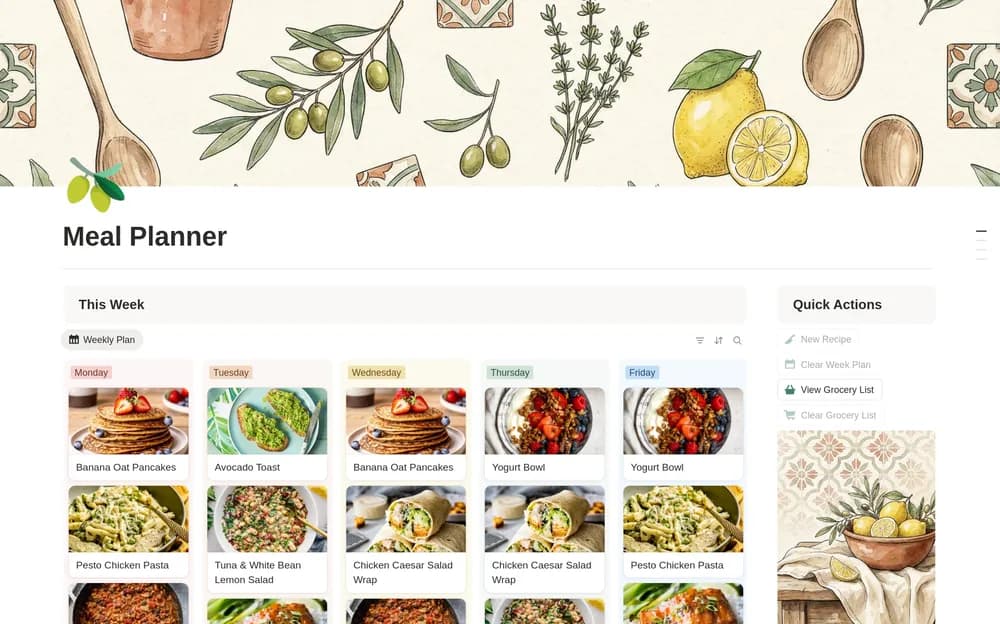
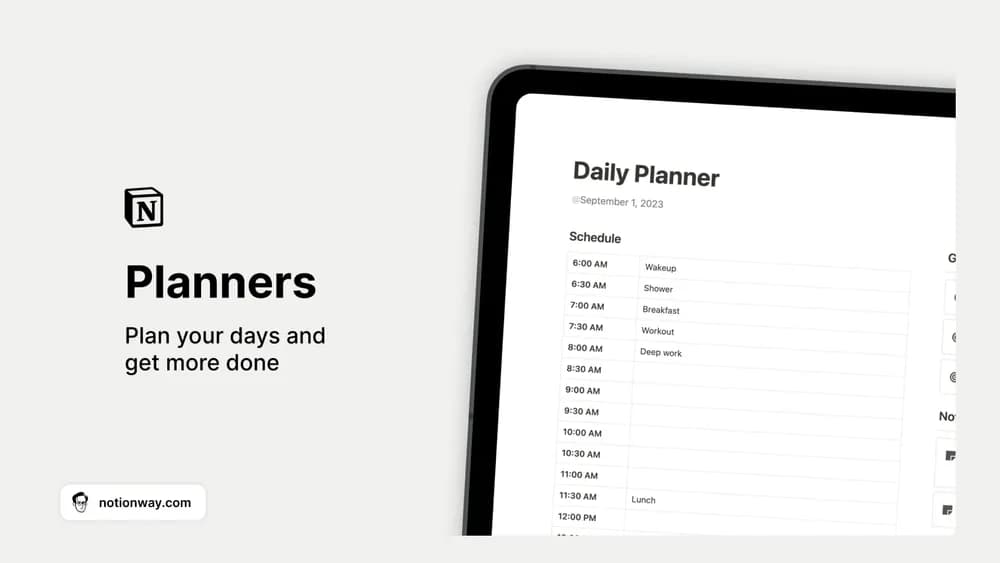
A daily list and a monthly plan serve different purposes. This planner collection gives them a connected place to live. Use the broader plans for direction and keep the daily page limited to the work you can realistically finish.
What’s included
- Separate spaces for daily, weekly, and monthly task planning
- A structure for prioritizing and scheduling work at different horizons
- Editable planning pages you can adapt to a recurring review
How to use it in practice
Begin with the monthly outcomes you genuinely need, then choose the work that belongs in the coming week. Put only the actions you expect to do today into the daily plan. At the end of the week, review unfinished items before copying them forward. This keeps the three horizons connected and prevents the monthly plan from becoming a duplicate task list.
Set it up in your workspace
- Follow the original creator’s checkout or access instructions to obtain the Notion page. Open that page while signed in, then duplicate it into the workspace you want to use.
- Choose one monthly priority and build a realistic week around it. Leave room in the daily plan for unexpected work.
- Try one complete example before adding a large backlog. Check that its views and any calculations show what you expect, then replace the sample content with your own.
Who it suits and what to consider
People who like planning at more than one time scale. Useful if you naturally plan at several time scales. Agree on what belongs at each level so you do not maintain the same task independently in three places.