About E-commerce Owner OS – All-in-One Store Dashboard
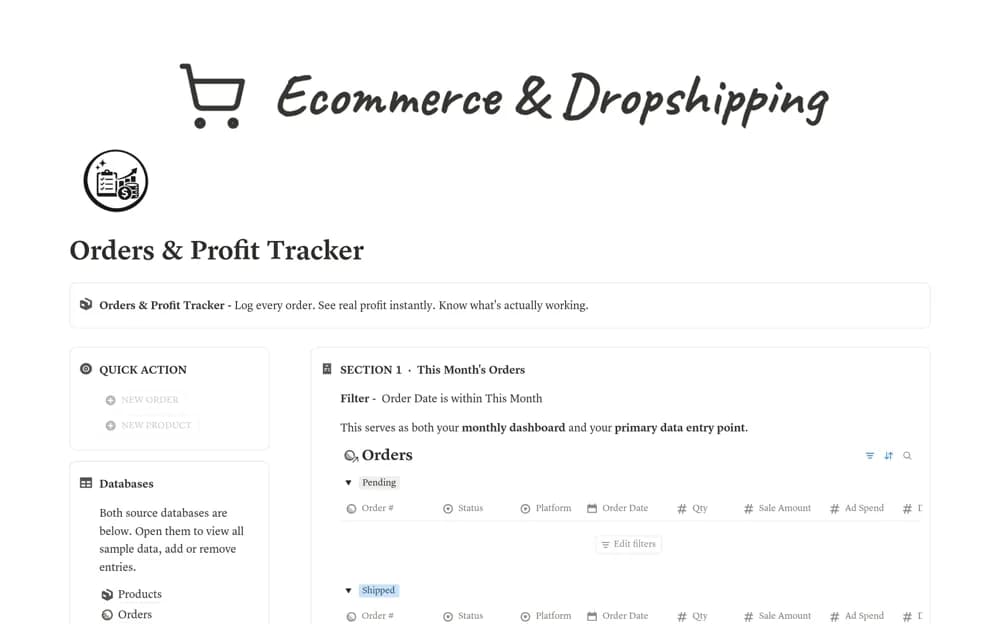
An online-store operations workspace connecting products, inventory, purchasing, promotions, store KPIs, feedback, and daily tasks, with product costs and replenishment context.
What’s included
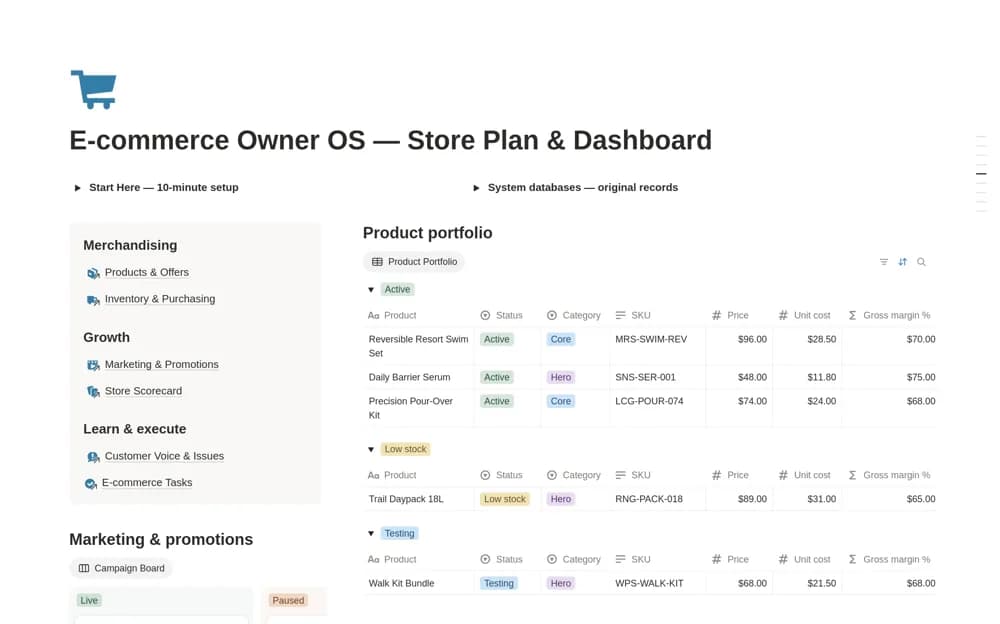
- Product Portfolio with SKUs and pricing
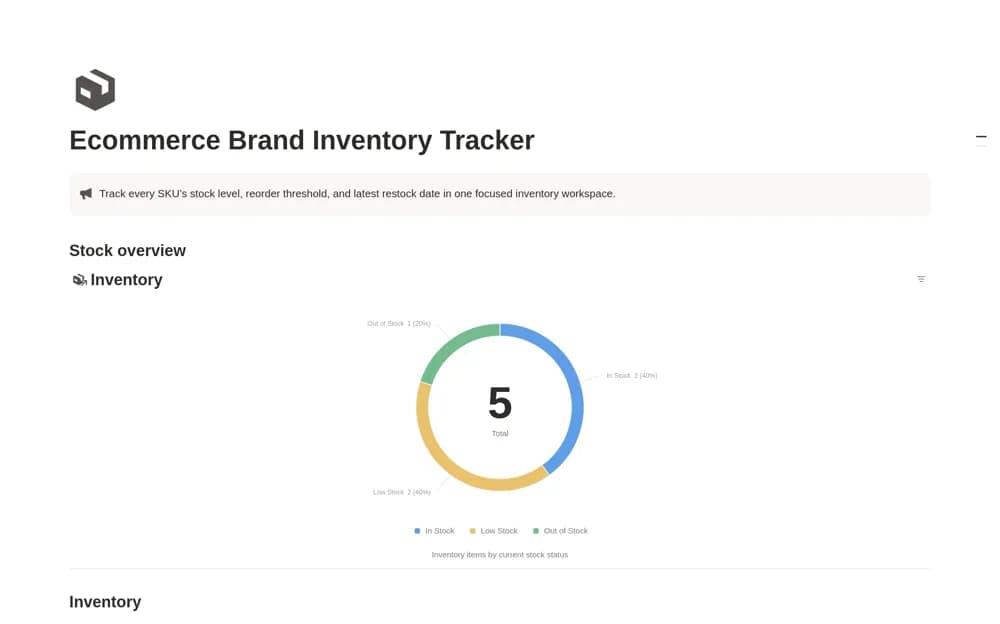
- Inventory, purchasing, and stock-risk records
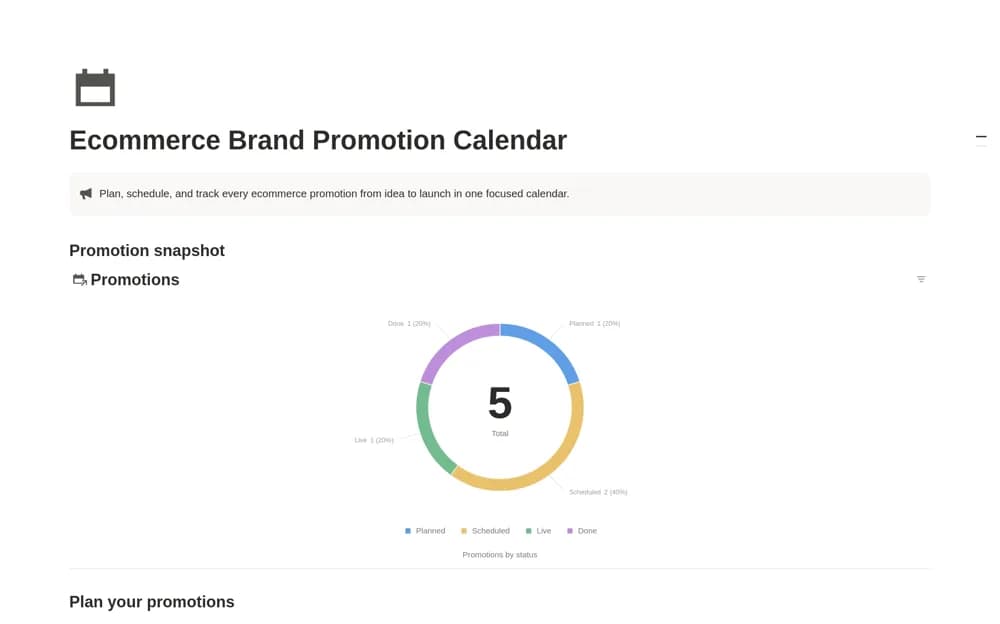
- Marketing, promotions, KPIs, feedback, and tasks
How to use it in practice
Add a few products with the actual SKU, cost, and current stock figure. Follow one restock through purchasing and delivery, then link the next promotion to the products it affects. Review store figures from the original platform before using the KPI view to decide what needs attention.
Set it up in your workspace
- Open the original Notion Marketplace listing and add the template to your chosen workspace while signed in. Keep its example records until you understand how the pages connect.
- Add a few products with the actual SKU, cost, and current stock figure.
- Try one complete example before adding a large backlog. Check that its views and any calculations show what you expect, then replace the sample content with your own.
Who it suits and what to consider
Ecommerce owners and small retail teams coordinating work beyond their storefront platform. The creator names ecommerce and Shopify use cases, but the listing does not establish a live store connection. Confirm how records are updated before depending on stock totals.