About Ecommerce & Dropshipping Tracker
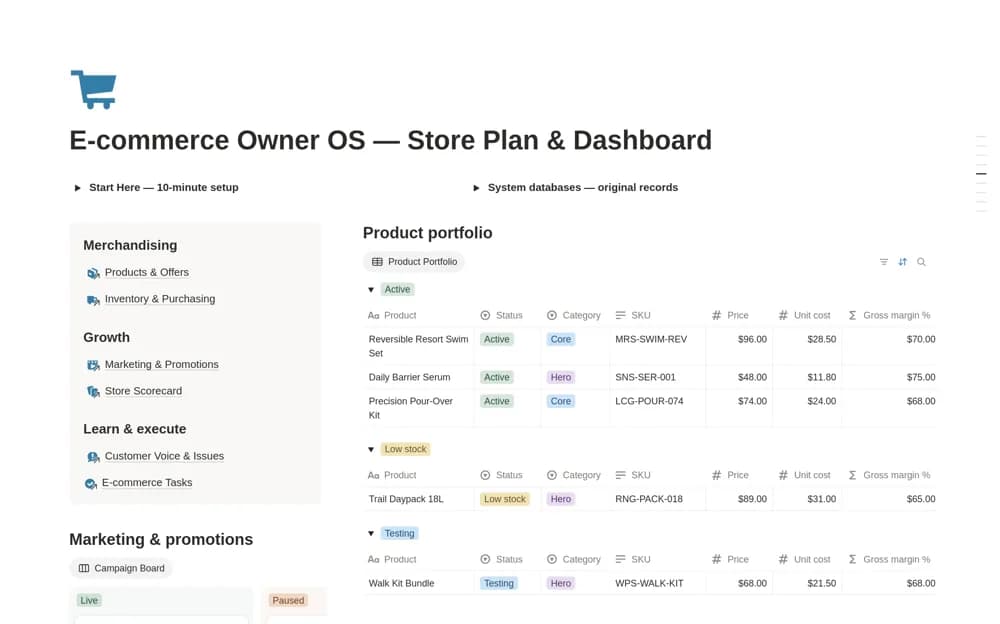
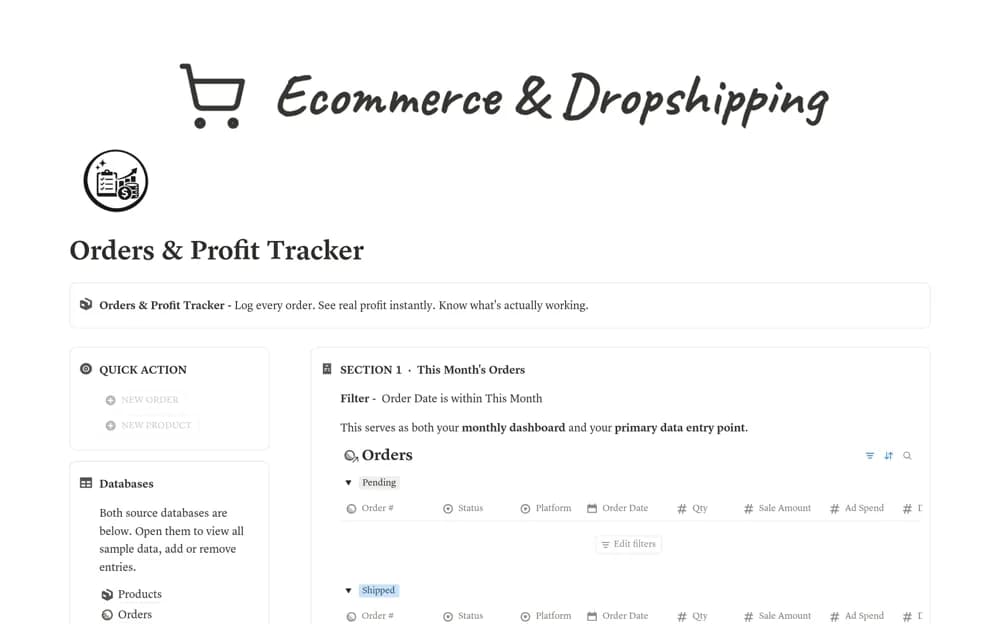
An order-profit tracker linking orders and products, with manually entered fees, shipping, and advertising costs feeding net profit, margin percentages, and product-level summaries.
What’s included
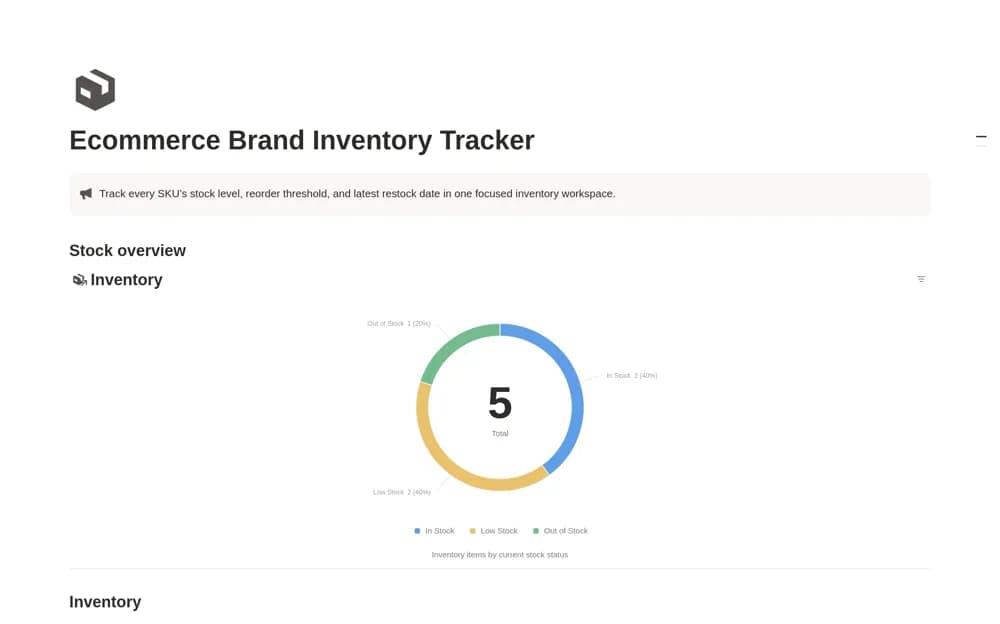
- Orders and Products databases
- Net Profit, Margin, and profit-tag formulas
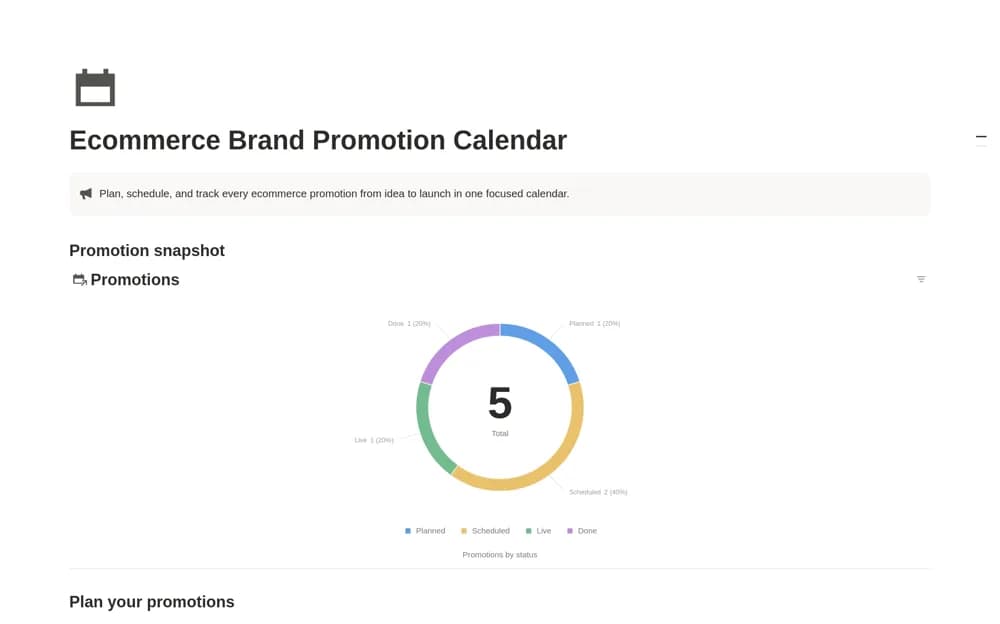
- Platform, product, fulfillment, and monthly views
How to use it in practice
Enter a completed order with its real sale amount and all relevant costs. Compare the calculated margin with your own example before importing more orders. Review product summaries for differences between expected and actual margin, keeping returns or adjustments consistent with the method you use for your accounts.
Set it up in your workspace
- Open the original Notion Marketplace listing and add the template to your chosen workspace while signed in. Keep its example records until you understand how the pages connect.
- Enter a completed order with its real sale amount and all relevant costs.
- Try one complete example before adding a large backlog. Check that its views and any calculations show what you expect, then replace the sample content with your own.
Who it suits and what to consider
Ecommerce sellers and dropshippers checking what remains after order-related costs. The creator explicitly uses manual platform-fee entry. Calculations do not import costs automatically and may need adaptation for taxes, refunds, or other costs in your business.