About Editorial Calendar
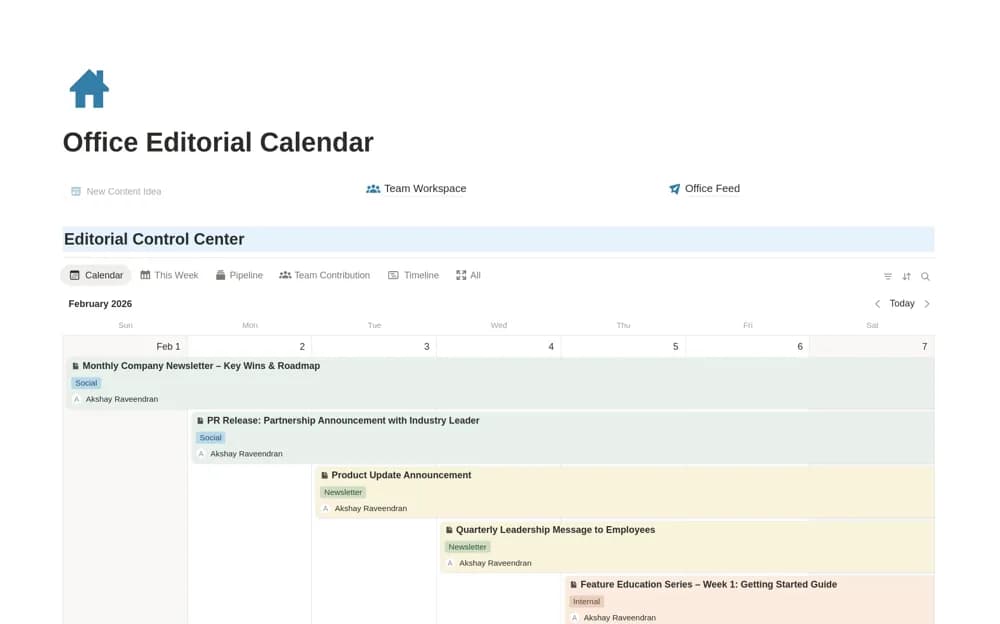
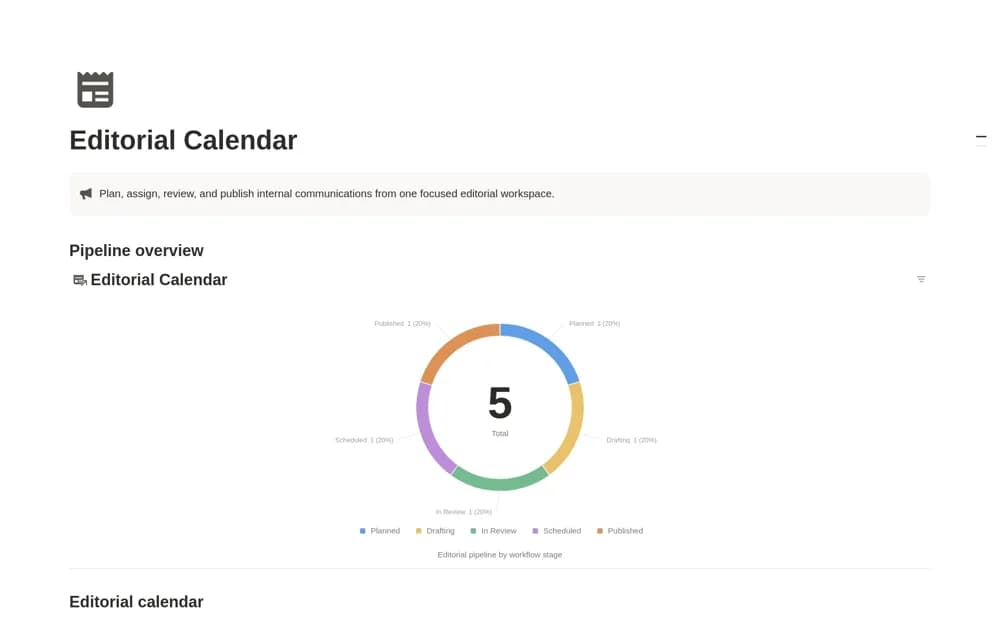
An internal-communications calendar moving content through idea, planning, drafting, review, scheduling, and publication, with owners, audiences, channels, dates, and final links.
What’s included
- Editorial Calendar and pipeline views
- Owners, audiences, and channels
- Publish dates, statuses, and final links
How to use it in practice
Add the next company update with its owner and audience, then work backward from the publish date to review and drafting. Keep the final link on the published record so colleagues can find the actual communication. Review channel coverage to avoid sending several overlapping announcements to the same audience.
Set it up in your workspace
- Open the original Notion Marketplace listing and add the template to your chosen workspace while signed in. Keep its example records until you understand how the pages connect.
- Add the next company update with its owner and audience, then work backward from the publish date to review and drafting.
- Try one complete example before adding a large backlog. Check that its views and any calculations show what you expect, then replace the sample content with your own.
Who it suits and what to consider
Communications and marketing teams coordinating company updates and internal publishing work. This listing is designed for internal communications rather than reporting or source management. It organizes publishing work and does not publish messages automatically.