 Free
Editorial Calendar
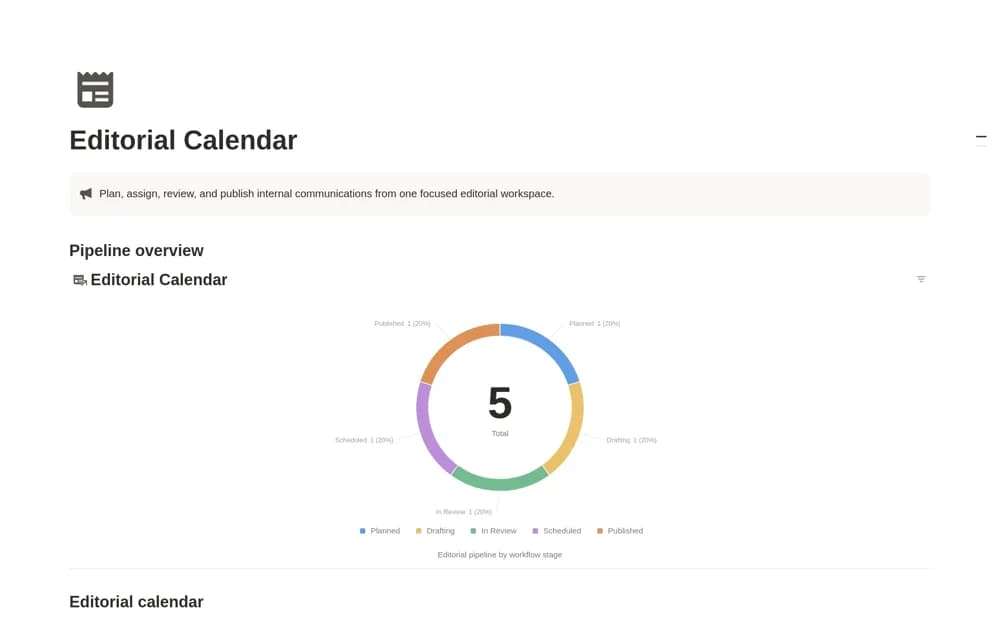
An internal-communications calendar moving content through idea, planning, drafting, review, scheduling, and publication, with owners, audiences, channels, dates, and final links.
Keep company messages, audiences, and publishing responsibilities aligned. Compare Notion templates for communications managers coordinating internal updates, announcements, editorial calendars, and cross-team review.
Showing 1–4 of 4 templates
FreeAn internal-communications calendar moving content through idea, planning, drafting, review, scheduling, and publication, with owners, audiences, channels, dates, and final links.
 Free
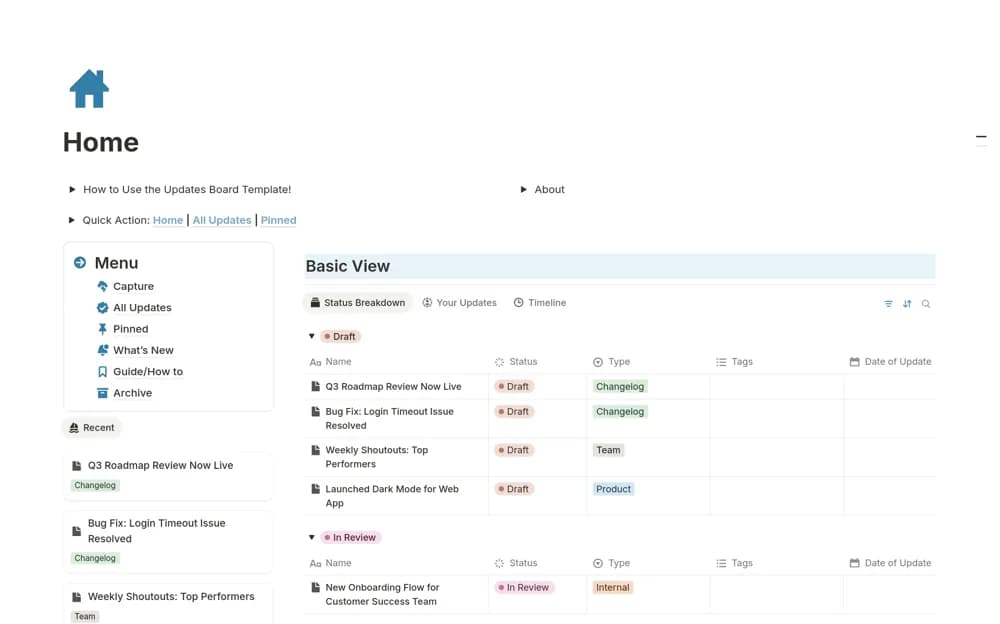
Manage internal announcements in Notion with a publishing workflow, pinned updates, team filters, and a searchable company feed.
 Free
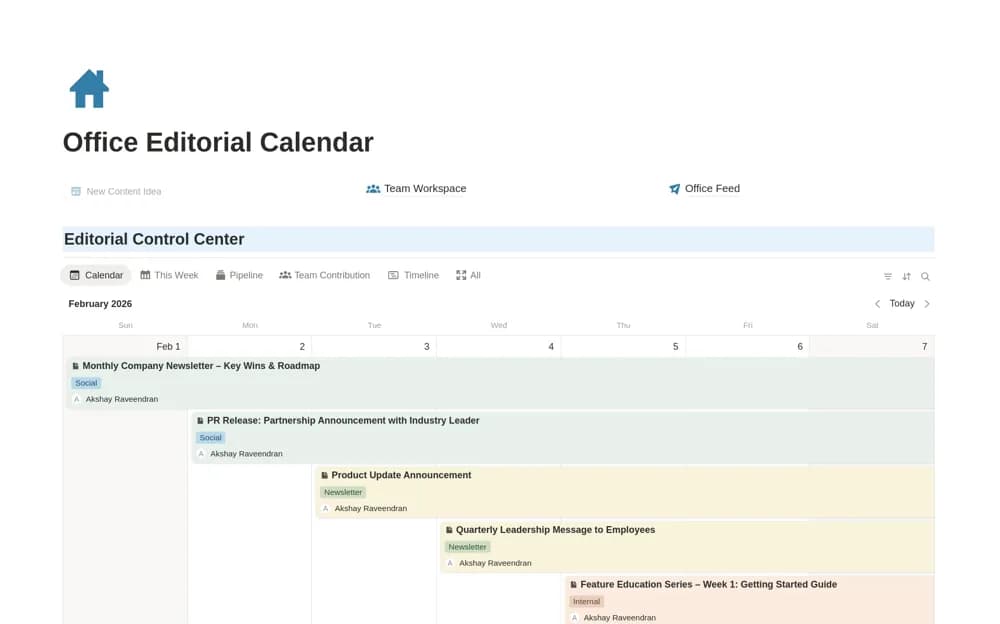
A shared editorial timeline for teams coordinating content across social media, newsletters, PR, internal email, and announcements, with ownership and a publishing flow.
 Free
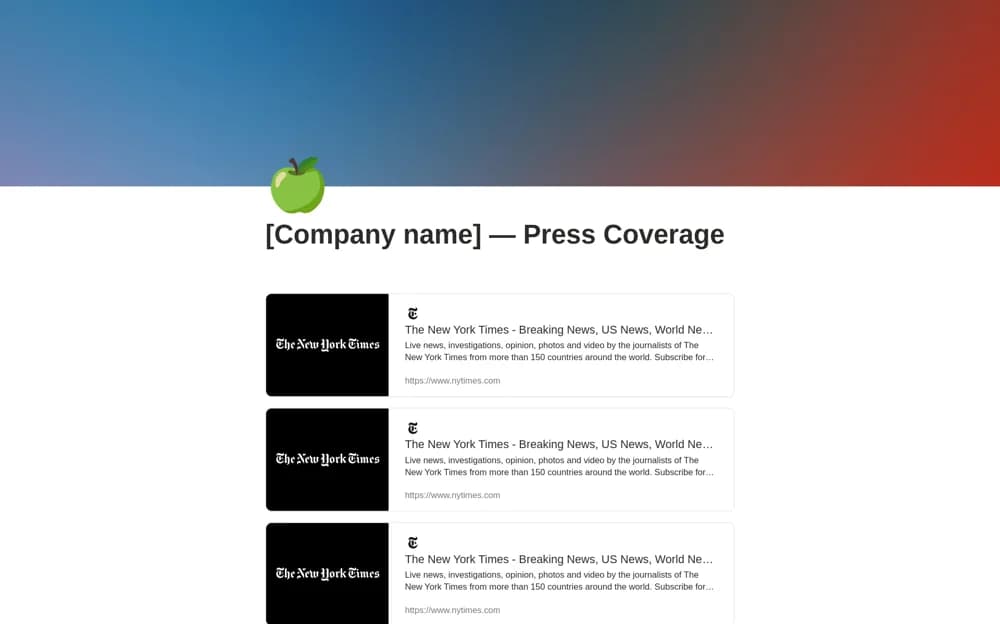
Build a Notion press-coverage page from article bookmarks, with visual previews, a shareable layout, and a dedicated media contact section.
Compare the purpose and included features before choosing a workspace.
Communications and marketing teams coordinating company updates and internal publishing work.
Communications managers and team leads coordinating internal news and product-change announcements.
Communications teams and editors who need visibility across several publishing channels.
4 working templates from 3 creators: 4 free. Links last checked October 12, 2026.
| Template | Best for | Price | Creator |
|---|---|---|---|
| Editorial Calendar | Communications and marketing teams coordinating company updates and internal publishing work. | Free | RunBook |
| Internal Comms | Communications managers and team leads coordinating internal news and product-change announcements. | Free | Akshay Raveendran |
| Office Editorial Calendar (and Team Workflow) | Communications teams and editors who need visibility across several publishing channels. | Free | Akshay Raveendran |
| Press coverage | Communications teams collecting published media mentions for colleagues, journalists, or partners. | Free | Antoine Lunven |
Start with the audience and the decision or information they need. Put an owner, reviewer, channel, and publish date on each planned communication. Review the calendar across teams so related announcements do not conflict or repeat each other. Keep the final published link and a note about follow-up questions. An editorial schedule organizes the work; access to private company information still needs deliberate review before anything is shared.
Audiences and channel choices
Review and publishing ownership
A shared communication calendar
About the directoryRecord the purpose, audience, channel, owner, and reviewer before setting a publish date. Review related communications together so the same audience does not receive conflicting updates. Keep the published link and useful follow-up questions with the original item. Separate sensitive preparation from material approved for wider distribution.
Jump straight to any listing in the collection.
The schedule can support editorial coordination, but internal-communications templates may not include source records, interviews, evidence, or newsroom security workflows. Compare the journalism collection for those more specific needs.
It depends on the job you need it to do. Good starting points in this collection include Editorial Calendar (communications and marketing teams coordinating company updates and internal publishing work), Internal Comms (communications managers and team leads coordinating internal news and product-change announcements) and Office Editorial Calendar (and Team Workflow) (communications teams and editors who need visibility across several publishing channels). Compare the included features below, then try your first choice with a week of real information before moving everything across.
Yes. This collection currently includes 4 listings with a confirmed free creator offer. Use the Free filter to compare them. A free version can have different features from a creator’s paid upgrade, so check the original listing and current access terms before adding it to your workspace.