 Free
FreeEditorial Calendar
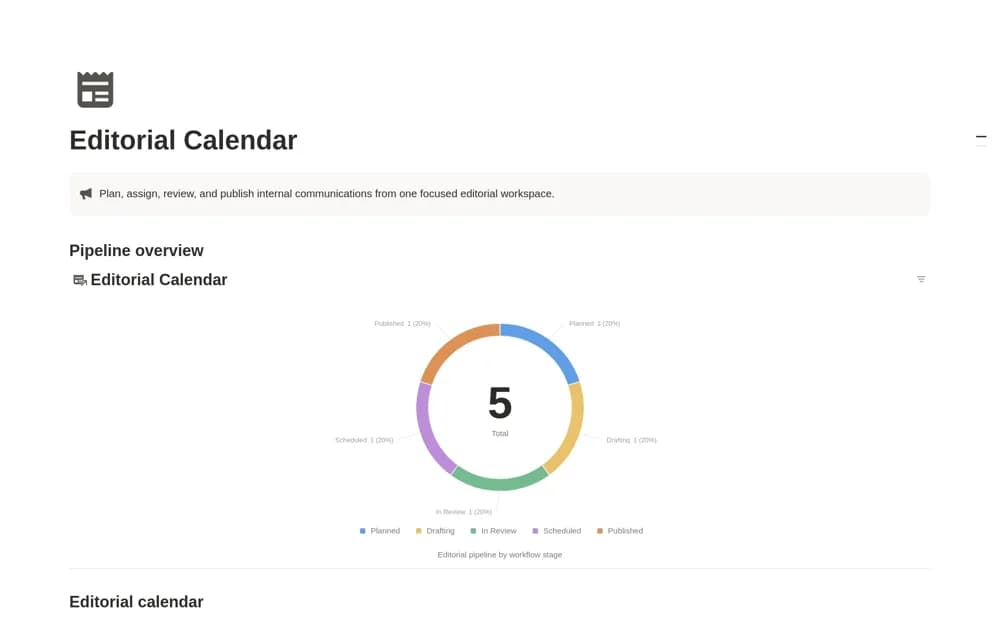
An internal-communications calendar moving content through idea, planning, drafting, review, scheduling, and publication, with owners, audiences, channels, dates, and final links.
Plan a publication with room for research and editing. Find Notion editorial calendars for commissioned work, deadlines, review stages, publishing cadence, and maintaining older material.
Showing 1–4 of 4 templates
A little structure goes a long way.FreeAn internal-communications calendar moving content through idea, planning, drafting, review, scheduling, and publication, with owners, audiences, channels, dates, and final links.
 Free
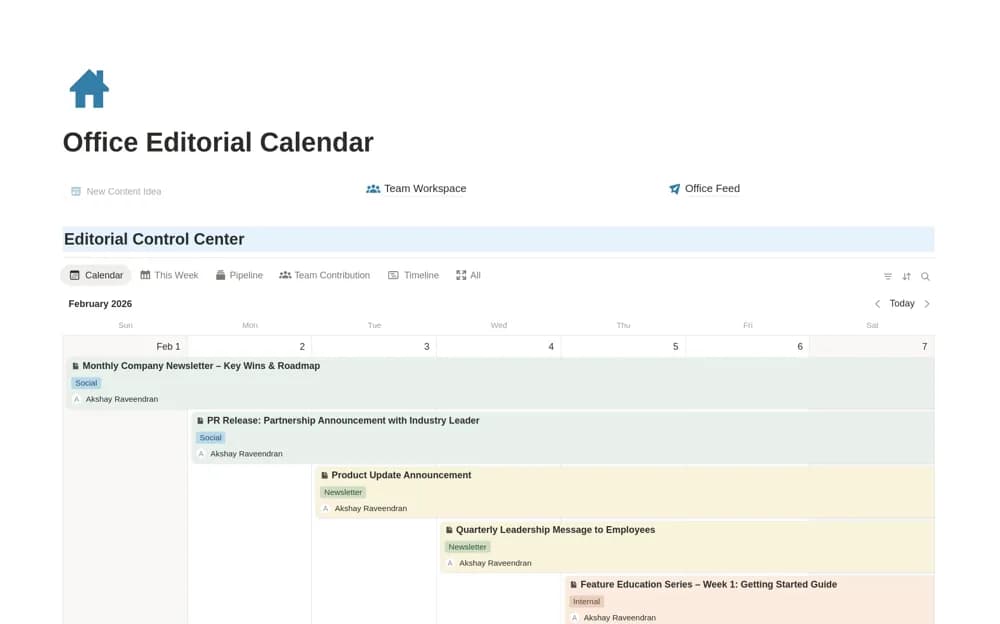
FreeA shared editorial timeline for teams coordinating content across social media, newsletters, PR, internal email, and announcements, with ownership and a publishing flow.
 Free
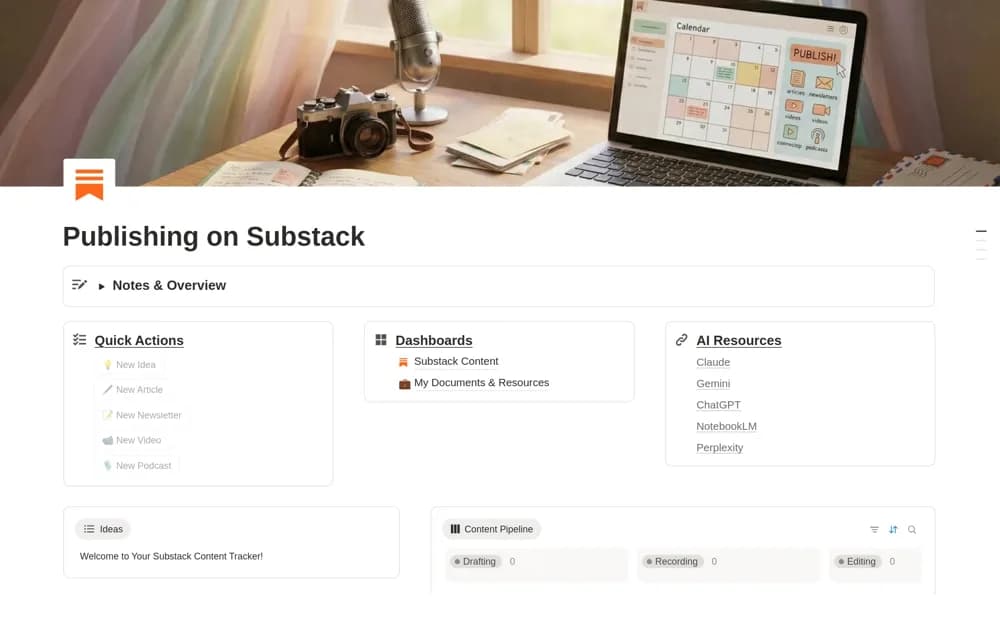
FreeA Substack planning dashboard for ideas, articles, newsletters, recordings, supporting resources, and publication tracking.
 Paid
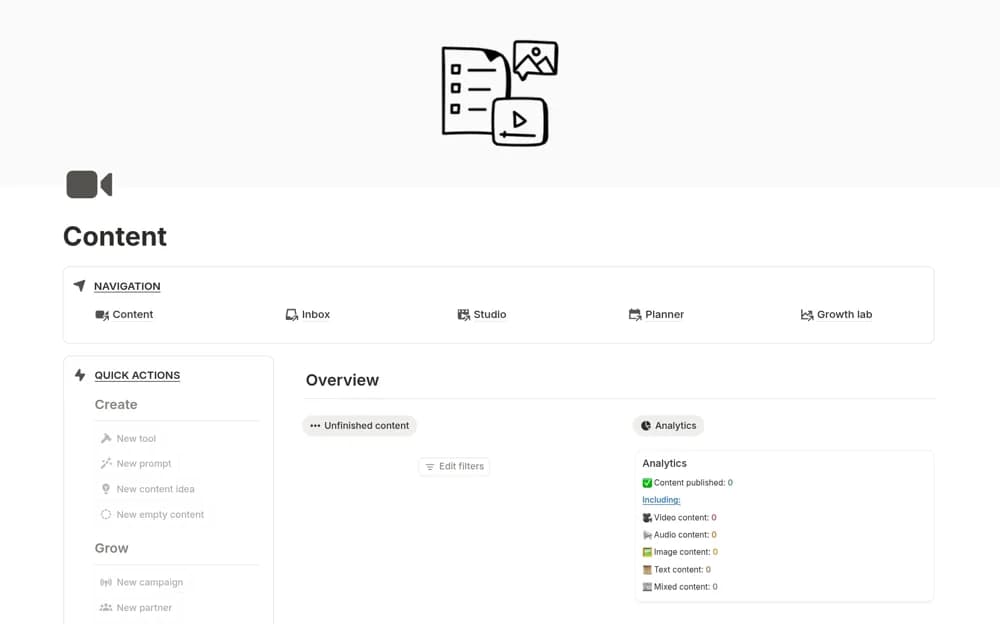
PaidA broad content-production workspace with connected databases, calendars, dashboards, performance records, and partnership organization.
Compare the purpose and included features before choosing a workspace.
Communications and marketing teams coordinating company updates and internal publishing work.
Communications teams and editors who need visibility across several publishing channels.
Substack creators organizing production before publishing through their account.
Decide which dates are commitments and which are provisional. Give each piece a clear angle and an editor or owner, then plan research and review time before publication. Keep source checks and unresolved questions visible. Include a route for updating published work so the calendar reflects the continuing responsibility for an article, not only its first release.
Editorial ownership
Research and review deadlines
Published-content maintenance
About the directoryYes. This collection currently includes 3 listings with a confirmed free creator offer, alongside 1 paid or freemium option. Use the Free filter to compare them. A free version can have different features from a creator’s paid upgrade, so check the original listing and current access terms before adding it to your workspace.