About Employee Management Hub
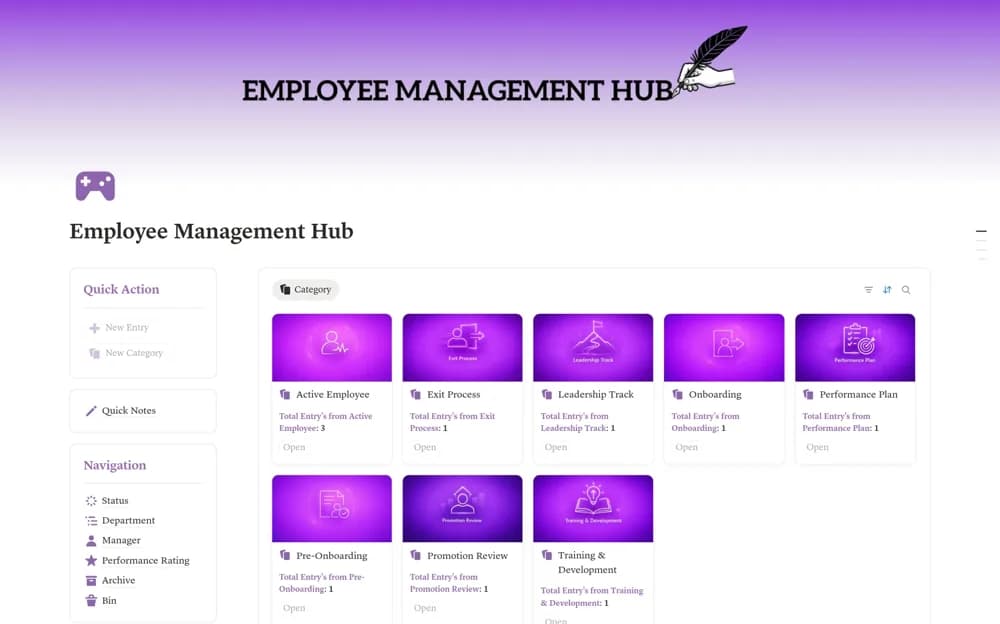
An employee lifecycle workspace covering preboarding, onboarding, development, promotion reviews, and exits.
What’s included
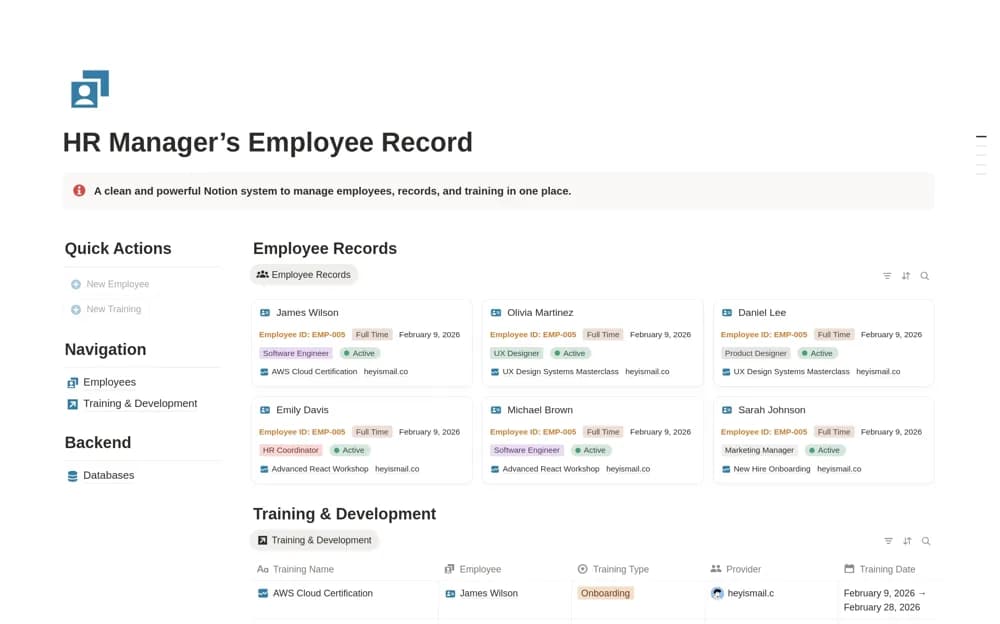
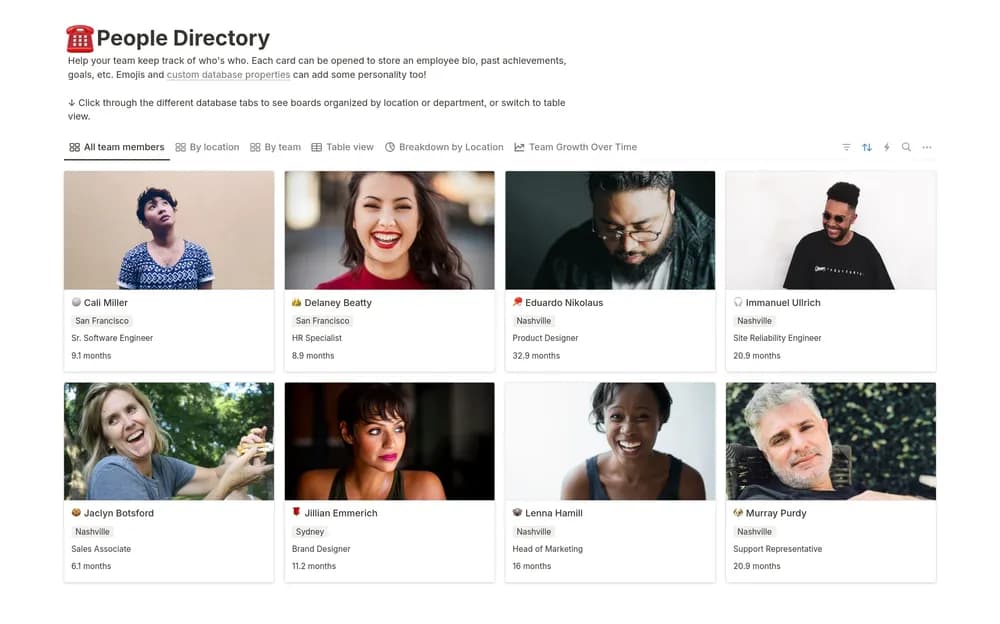
- Employee roster with department and manager views
- Preboarding, onboarding, and exit processes
- Training, leadership, performance-plan, and promotion-review areas
How to use it in practice
Map the sections to your approved people processes before adding records. Trial routine onboarding with a fictional employee and review access carefully. Keep sensitive performance and personal information in appropriately restricted locations, with clear responsibility for retention and updates.
Set it up in your workspace
- Open the original Notion Marketplace listing and add the template to your chosen workspace while signed in. Keep its example records until you understand how the pages connect.
- Map the sections to your approved people processes before adding records.
- Try one complete example before adding a large backlog. Check that its views and any calculations show what you expect, then replace the sample content with your own.
Who it suits and what to consider
HR managers and team leads coordinating several stages of employee administration. A Notion structure does not establish compliance with employment or data-protection requirements.