 Free
Careers Page
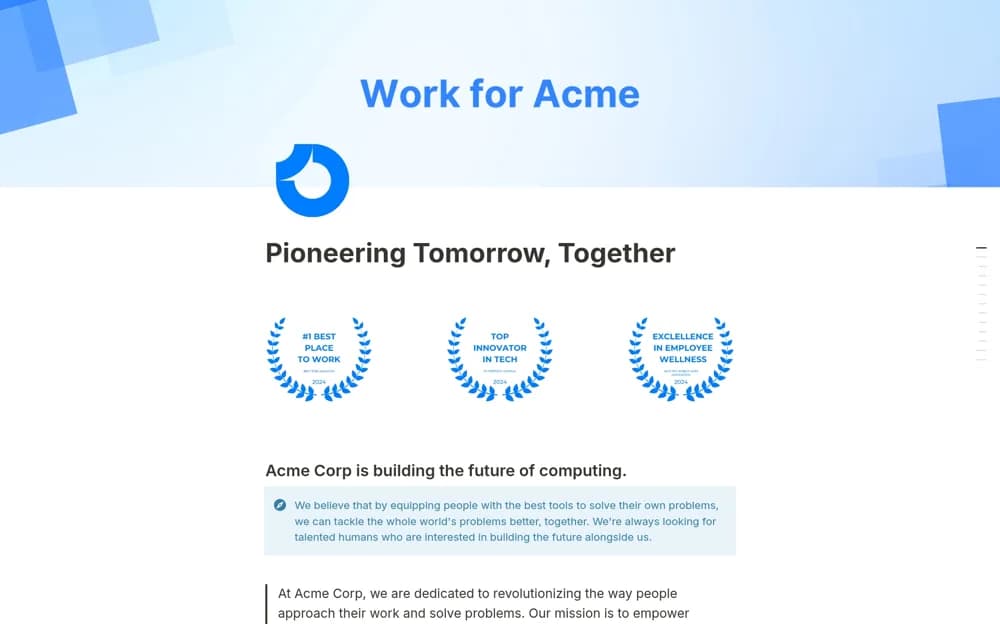
Create a public Notion careers page with open roles, job descriptions, company values, employee stories, and benefits information.
Coordinate people processes with clearer ownership and appropriate access. Find Notion templates for HR professionals organizing onboarding, policies, employee information, training, and recurring operational work.
Showing 1–10 of 10 templates
FreeCreate a public Notion careers page with open roles, job descriptions, company values, employee stories, and benefits information.
 Paid
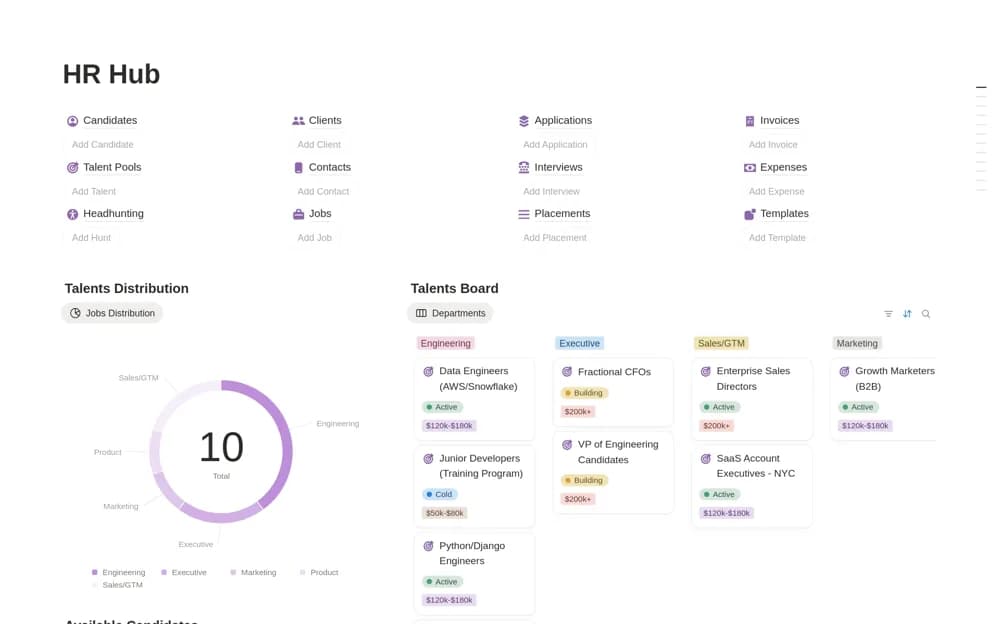
A recruitment hub with a candidate Kanban pipeline, resume and portfolio bank, and interview-feedback scorecards.
 Free
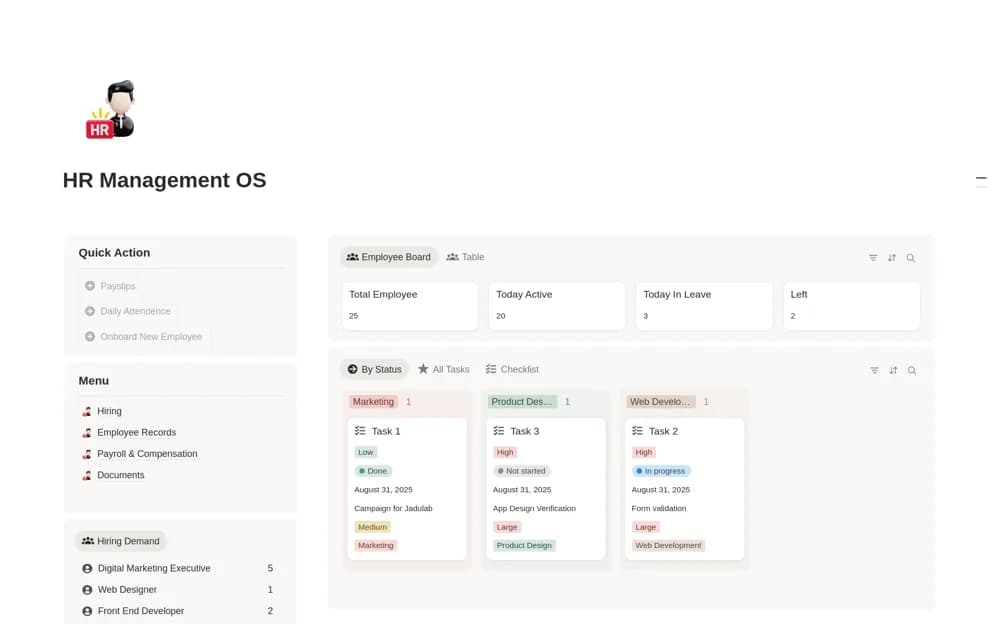
A broad HR workspace covering recruitment, onboarding, employee records, attendance, time and leave records, compensation, payroll-cycle administration, and document organization.
 Free
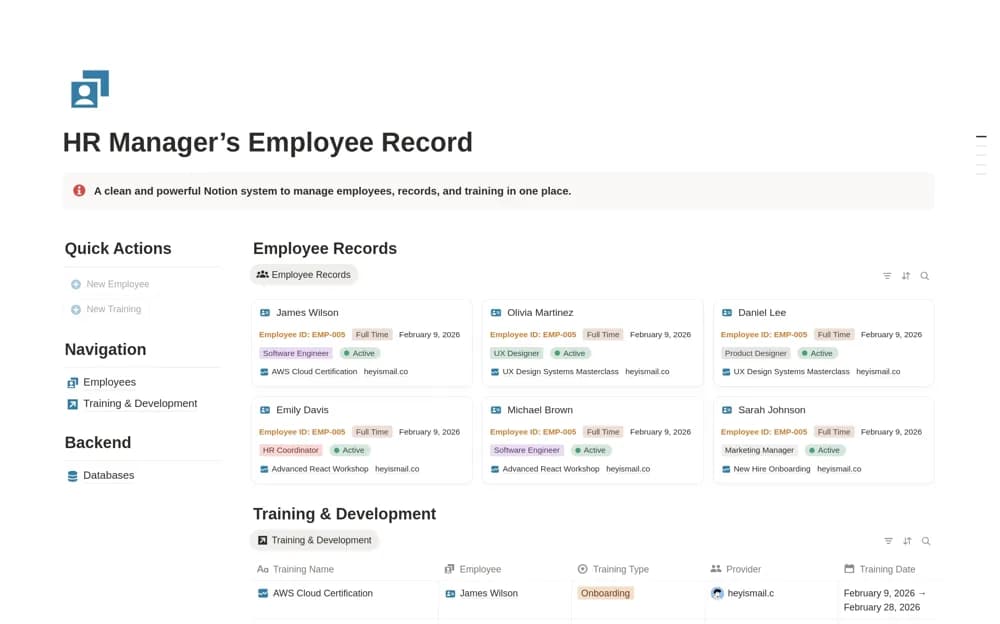
A focused employee-record workspace connecting profiles, roles, employment status, onboarding, and training progress, with an HR dashboard and quick-entry actions.
 Free
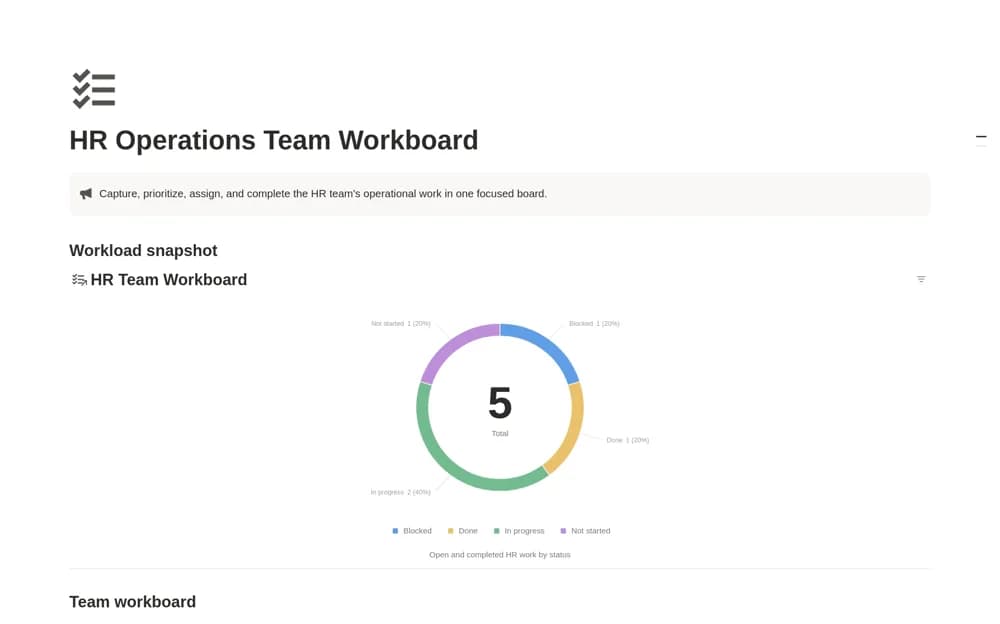
A focused HR operations board for assigning, prioritizing, and following up on the team’s day-to-day work.
 Free
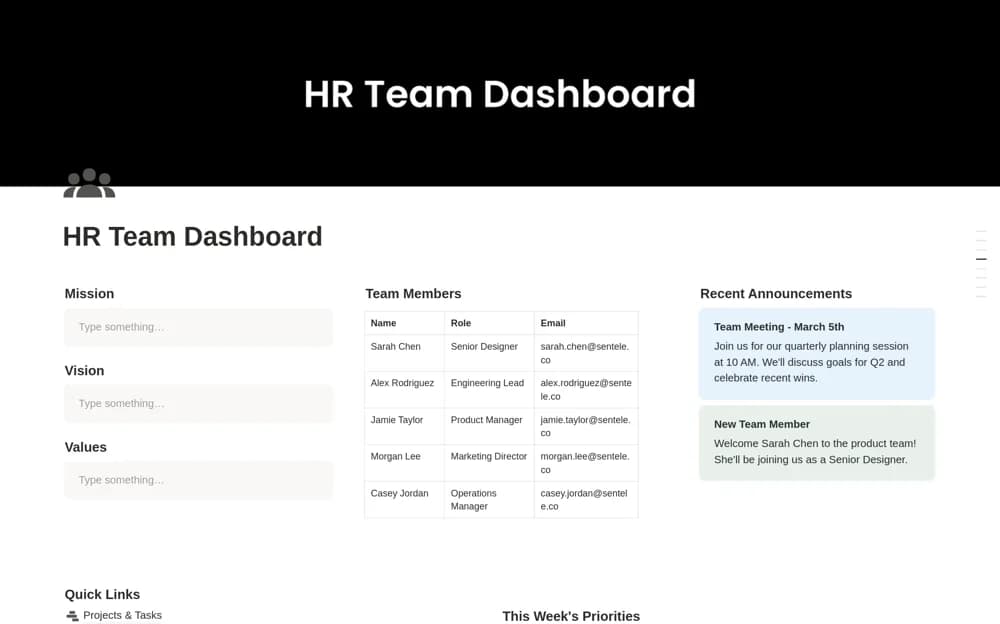
A lightweight home page for people operations, combining team values, a directory, announcements, quick links to HR pages, and a weekly priorities checklist.
 Free
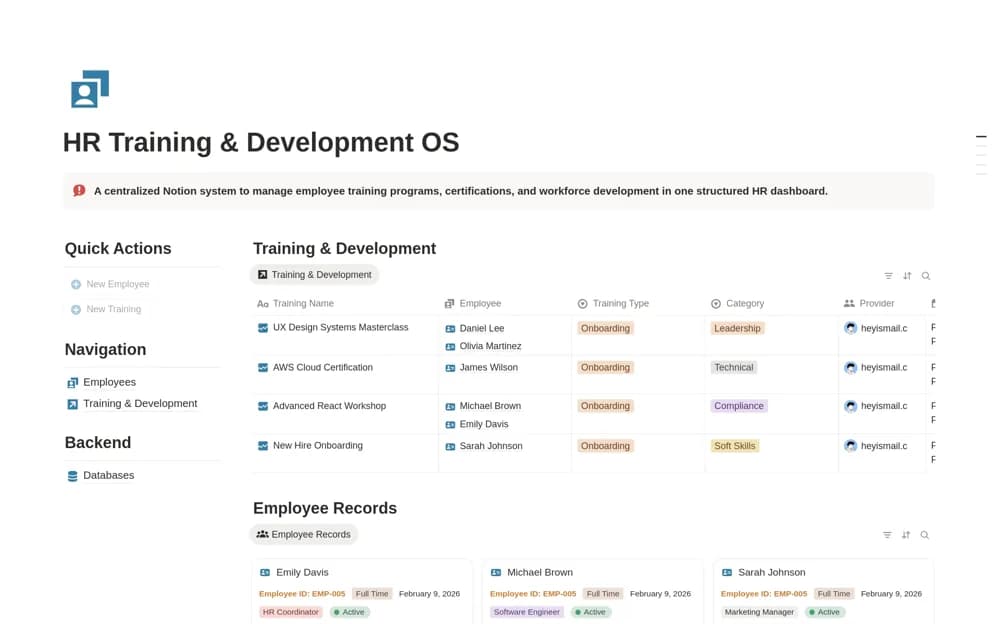
An HR learning hub for training programs, employee development records, certification dates, and learning progress.
 Paid
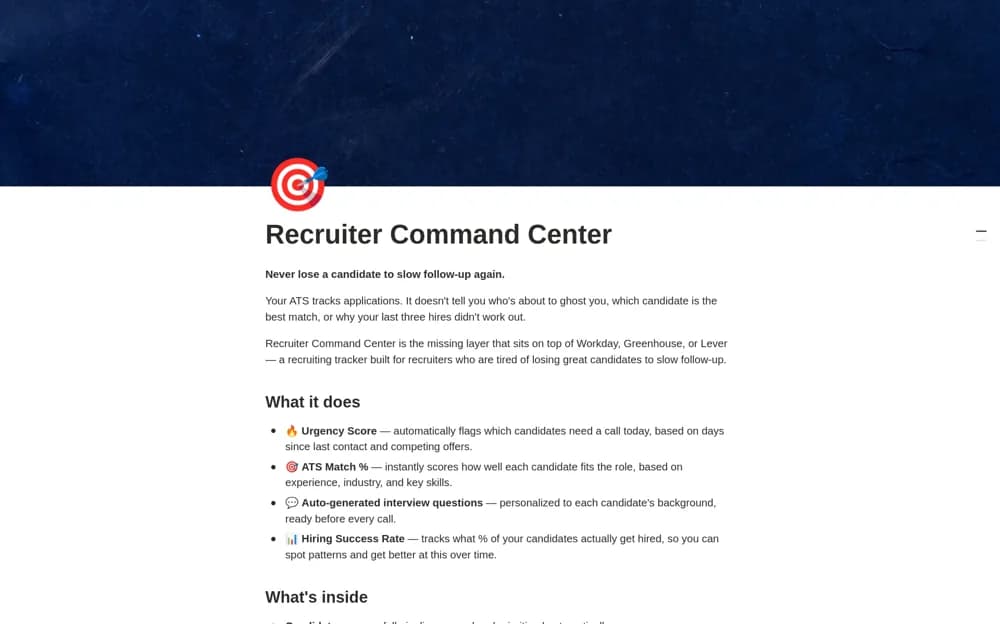
A paid recruiting decision layer with candidate urgency and match scores, interview questions, hiring outcomes, and team performance records, intended to sit alongside an existing ATS.
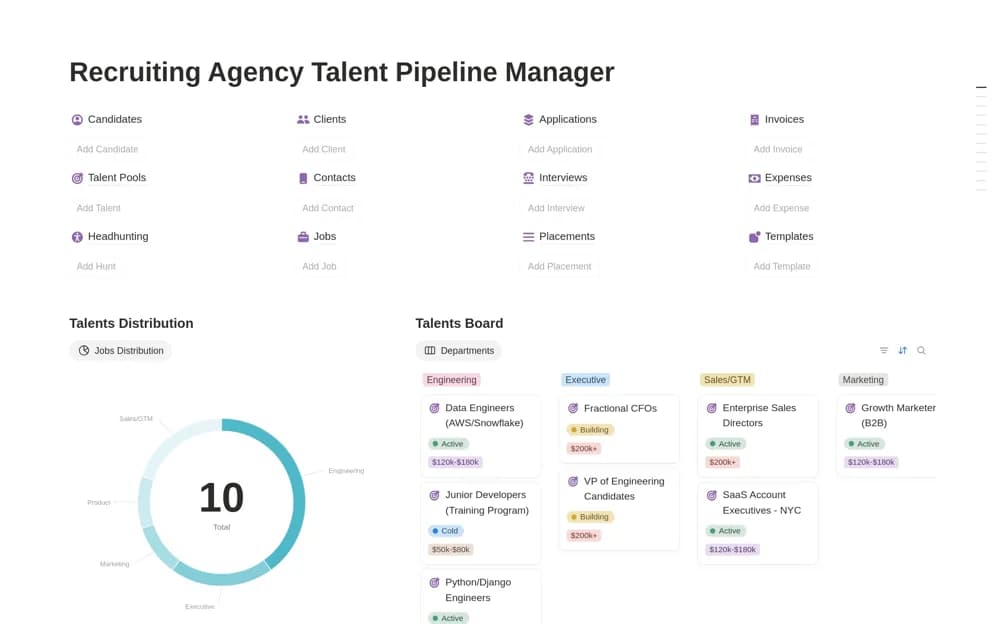 Paid
A paid recruiting-agency workspace covering candidates, talent pools, vacancies, applications, interviews, salary expectations, invoices, income, and operating expenses.
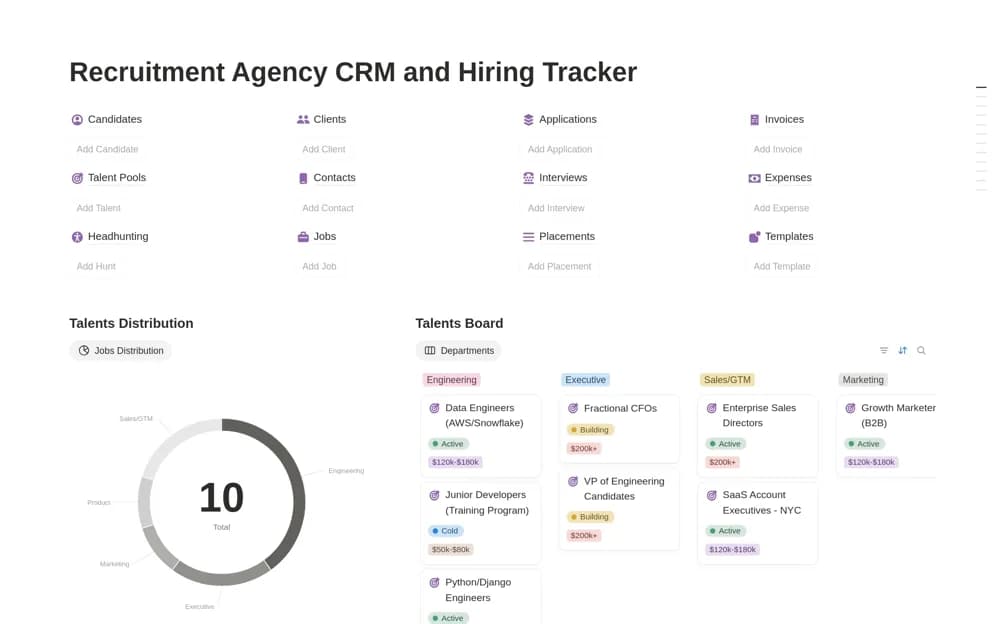 Paid
A paid recruitment workspace bringing candidate relationships, talent pools, job openings, application stages, interviews, and agency billing records into one connected dashboard.
Compare the purpose and included features before choosing a workspace.
Small hiring teams building a clear public destination for prospective applicants.
Independent recruiters and HR managers organizing a lightweight hiring process.
Small HR teams comparing a complete employee-lifecycle workspace with focused people-management tools.
10 working templates from 7 creators: 6 free and 4 paid, with paid options from $60 to $99. Links last checked October 12, 2026.
| Template | Best for | Price | Creator |
|---|---|---|---|
| Careers Page | Small hiring teams building a clear public destination for prospective applicants. | Free | Notion |
| HR Hub | Independent recruiters and HR managers organizing a lightweight hiring process. | $99 | Nation4Business |
| HR Management OS | Small HR teams comparing a complete employee-lifecycle workspace with focused people-management tools. | Free | NStation |
| HR Manager’s Employee Record | HR managers and small teams who need employee information and development records together. | Free | heyismail |
| HR Operations Team Workboard | HR coordinators and people-operations teams managing operational tasks. | Free | RunBook |
| HR Team Dashboard | HR teams who want a clear shared starting point for existing people-operations work. | Free | Sentele |
| HR Training & Development Hub | HR and learning teams coordinating internal training across employees. | Free | heyismail |
| RecruiterOS — Recruiting Tracker | Recruiters prioritizing shortlisted candidates and reviewing interview or hiring decisions. | $60 | ToolsByNoah |
Choose one process first and separate shared guidance from confidential employee records. Onboarding needs dated responsibilities; a handbook needs approved content and review ownership; training needs a record of activity and follow-up. Test access with the permissions of the intended reader before adding real information. A broad HR workspace can help coordination, but it still needs to fit your organization’s approved policies and systems.
Process-specific responsibilities
Approved policy sources
Separate confidential records
About the directoryChoose a single process, such as onboarding or policy review, and identify its owner, inputs, deadlines, and approval route. Keep employee-facing instructions distinct from private case details. Test access for the intended reader before adding real information. Review unresolved actions at the end of the process instead of equating a completed checklist with an approved outcome.
Jump straight to any listing in the collection.
Only the information intended for that audience should be broadly available. A handbook or onboarding guide and confidential employee records have different access needs. Follow the organization's approved processes and test the actual permissions of each shared area.
It depends on the job you need it to do. Good starting points in this collection include Careers Page (small hiring teams building a clear public destination for prospective applicants), HR Hub (independent recruiters and HR managers organizing a lightweight hiring process) and HR Management OS (small HR teams comparing a complete employee-lifecycle workspace with focused people-management tools). Compare the included features below, then try your first choice with a week of real information before moving everything across.
Yes. This collection currently includes 6 listings with a confirmed free creator offer, alongside 4 paid or freemium options. Use the Free filter to compare them. A free version can have different features from a creator’s paid upgrade, so check the original listing and current access terms before adding it to your workspace.