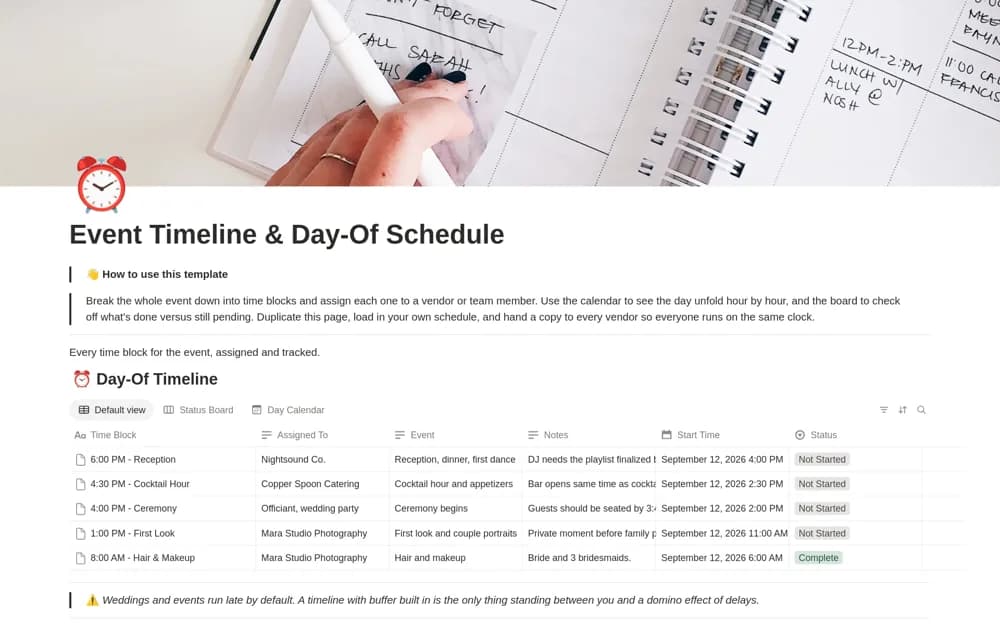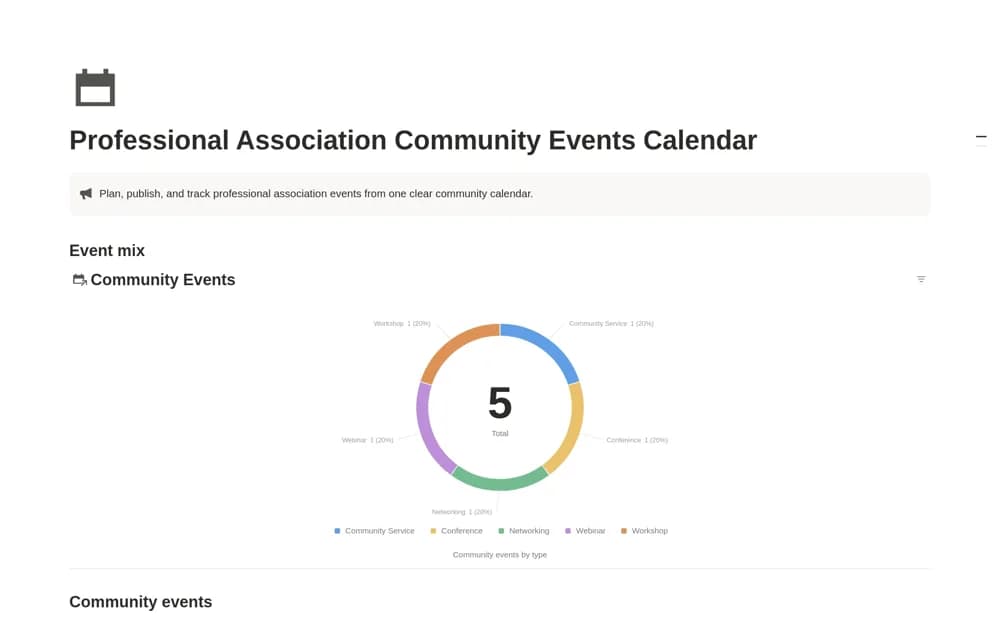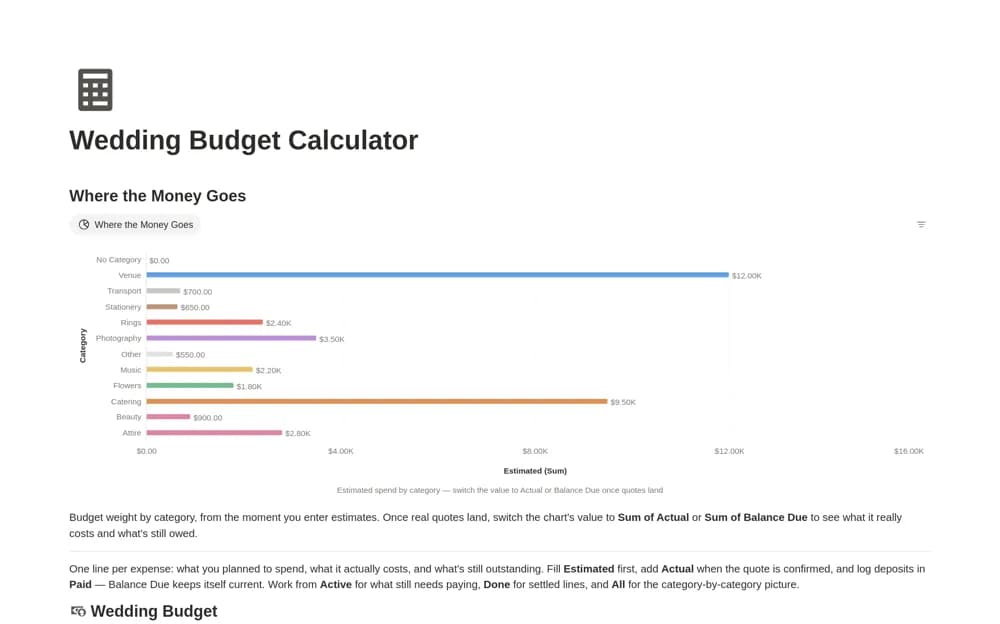
About Event Planners Budget & Vendor Tracker
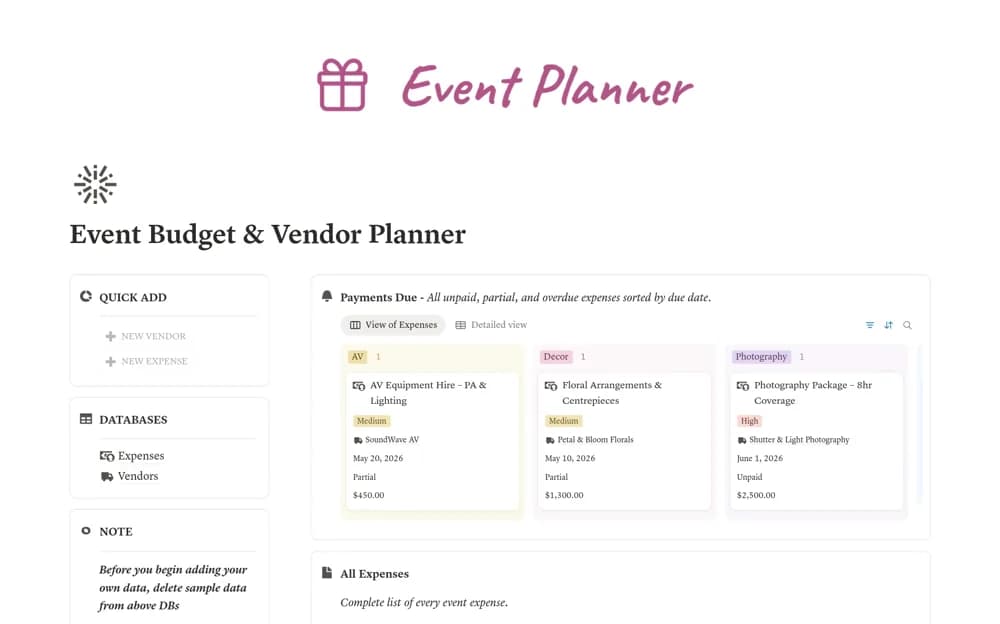
An event cost ledger linking vendors, payment deadlines, paid amounts, remaining balances, and spending categories.
What’s included
- Connected expense and vendor databases
- Balance and payment-status formulas
- Payments Due, Overdue, category, and vendor-directory views
How to use it in practice
Enter contracted costs and check one partial payment against the remaining-balance formula. Link each expense to the correct supplier, then review due dates before committing more spending. Keep the source contract or invoice available for resolving discrepancies.
Set it up in your workspace
- Open the original Notion Marketplace listing and add the template to your chosen workspace while signed in. Keep its example records until you understand how the pages connect.
- Enter contracted costs and check one partial payment against the remaining-balance formula.
- Try one complete example before adding a large backlog. Check that its views and any calculations show what you expect, then replace the sample content with your own.
Who it suits and what to consider
Event planners tracking supplier commitments and outstanding payments. Formula-driven status reflects entered amounts; the template does not make payments or independently confirm supplier balances.