 Free
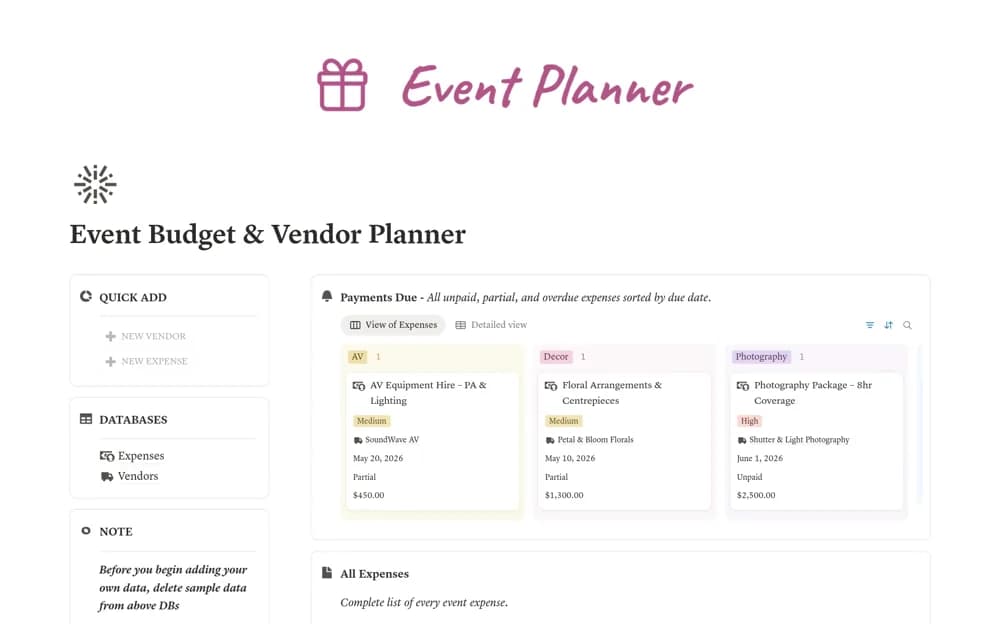
Event Planners Budget & Vendor Tracker
An event cost ledger linking vendors, payment deadlines, paid amounts, remaining balances, and spending categories.
Bring the details of professional event delivery together. Find Notion templates for event planners coordinating venues, vendors, budgets, timelines, approvals, and the people responsible on the day.
Showing 1–6 of 6 templates
FreeAn event cost ledger linking vendors, payment deadlines, paid amounts, remaining balances, and spending categories.
 Free
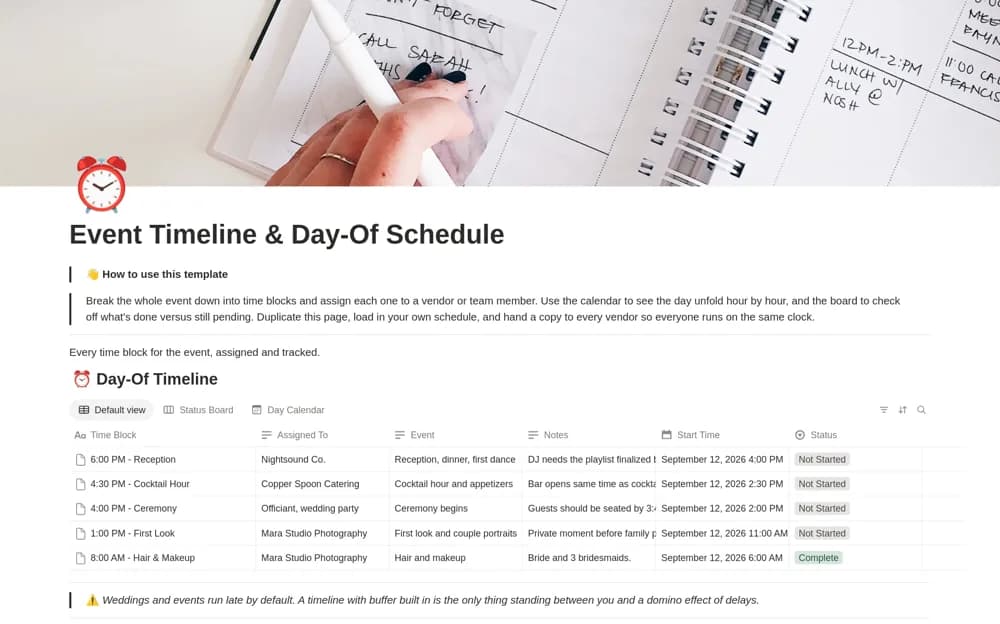
A day-of-event schedule with time blocks, assigned responsibilities, and calendar and progress-board views.
 Free
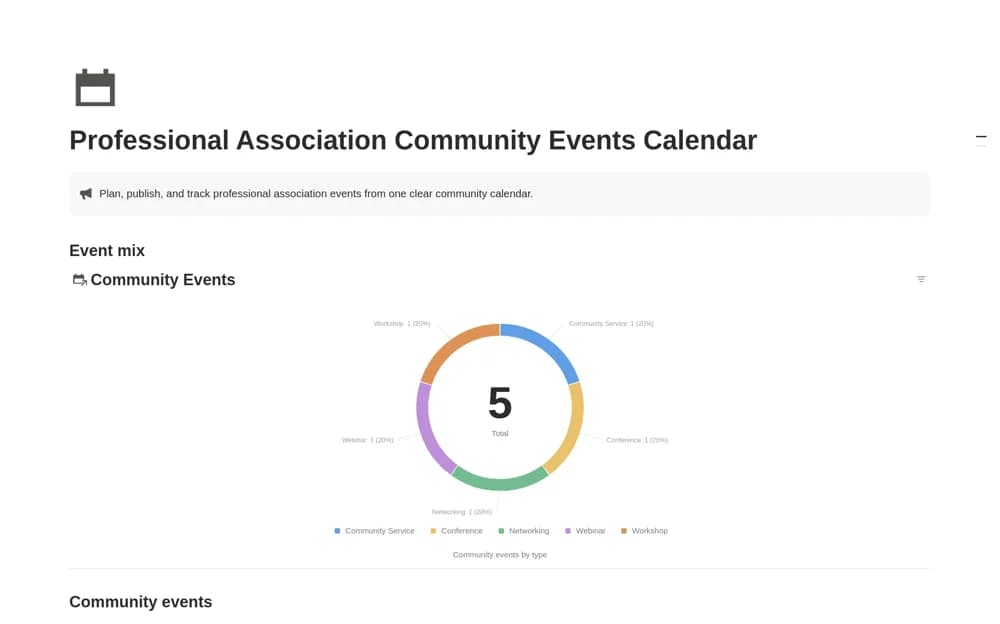
A membership-community event calendar recording dates, types, formats, venues, registration links, and planning status, with an overview of the event mix.
 Free
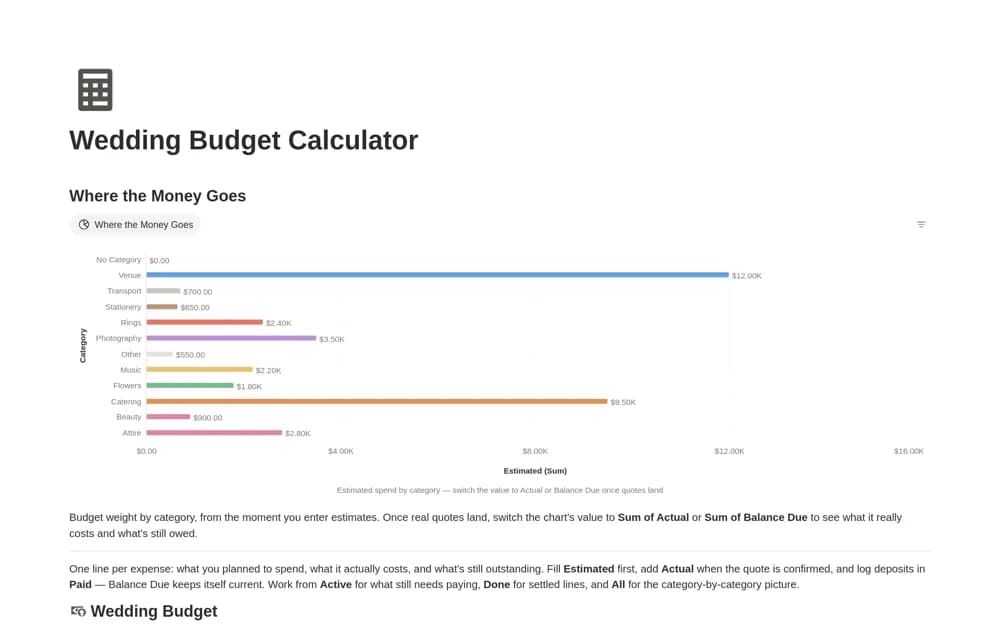
A wedding expense tracker comparing estimated and confirmed costs with amounts already paid, using a calculated balance due and category-level budget views.
 Free
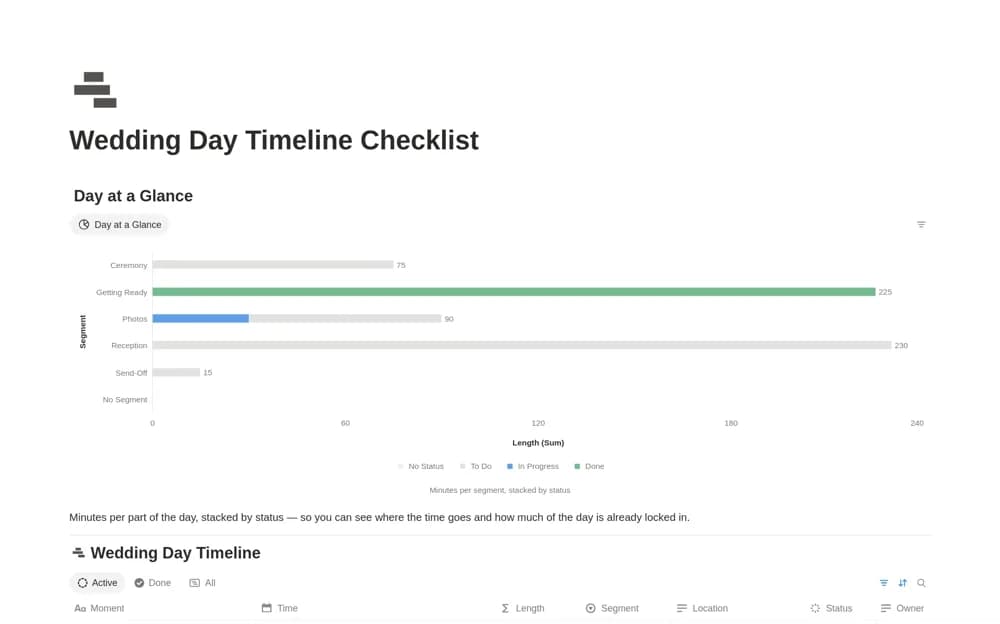
A wedding-day schedule with one record per moment, start and end times, location, responsible person, segment, and status, plus calculated durations.
 Paid
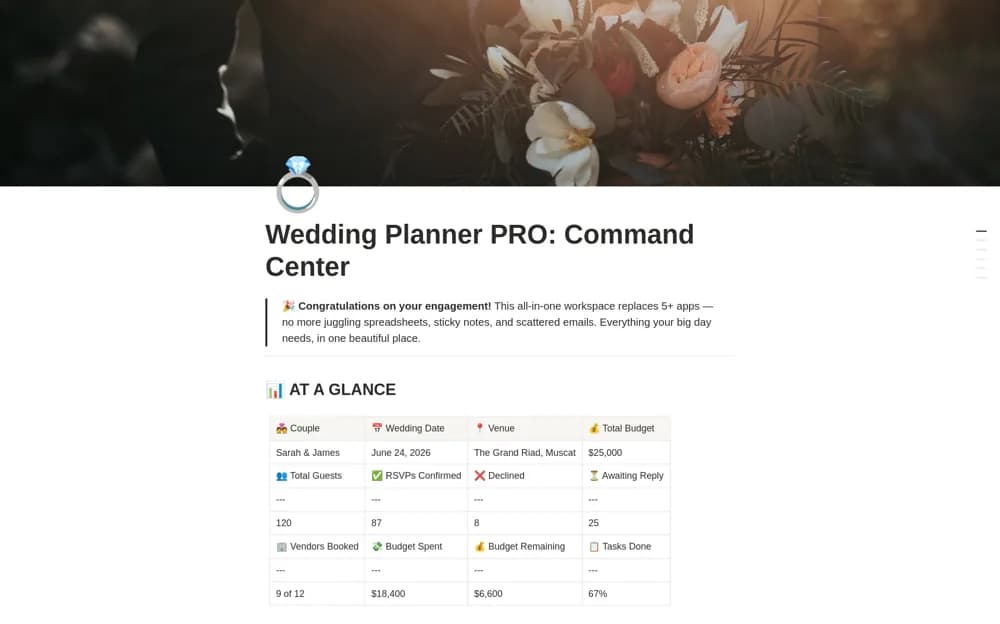
A paid wedding command center combining guest planning, budgets, vendors, a day-of timeline, gifts, and honeymoon preparation, with a dashboard and quick-start guidance.
Compare the purpose and included features before choosing a workspace.
Event planners tracking supplier commitments and outstanding payments.
Event organizers coordinating setup, activities, vendors, and the final handoff.
Association and community managers coordinating conferences, education, networking, and service activities.
6 working templates from 4 creators: 5 free and 1 paid, with paid options from $15.99. Links last checked October 11, 2026.
| Template | Best for | Price | Creator |
|---|---|---|---|
| Event Planners Budget & Vendor Tracker | Event planners tracking supplier commitments and outstanding payments. | Free | NotoMantra |
| Event Timeline & Day-Of Schedule | Event organizers coordinating setup, activities, vendors, and the final handoff. | Free | The Blueprint |
| Professional Association Community Events Calendar | Association and community managers coordinating conferences, education, networking, and service activities. | Free | RunBook |
| Wedding Budget Calculator | Couples and planners coordinating supplier quotes, deposits, and remaining payments. | Free | RunBook |
| Wedding Day Timeline Checklist | Wedding planners and couples preparing a practical run-of-day handover for helpers and suppliers. | Free | RunBook |
| Wedding Planner: Command Center | Couples and planners who prefer one broad planning workspace over separate event tools. | $15.99 | Anmar |
Separate planning records from the short schedule the delivery team will actually use. Keep approved quotes, vendor contacts, and payment dates with the relevant booking. Assign an owner to each event-day responsibility and make important changes visible. Test the handover with another organizer before the event, and retain lessons afterward so the next plan improves on real experience.
Vendor and booking context
Owned event-day responsibilities
A clear operational handover
About the directoryOrganize the event brief, budget assumptions, deadlines, supplier conversations, and client approvals around one engagement. Distinguish a quote from a confirmed booking and a proposed schedule from the agreed running order. Keep changes visible to the people they affect. Review outstanding decisions before committing to the next supplier or production step.
Jump straight to any listing in the collection.
The client needs clear decisions, approved plans, and relevant updates. Internal estimates, negotiation notes, and unrelated engagements may need separate access. Choose a workspace that lets each audience find the information it needs without exposing the whole operation.
It depends on the job you need it to do. Good starting points in this collection include Event Planners Budget & Vendor Tracker (event planners tracking supplier commitments and outstanding payments), Event Timeline & Day-Of Schedule (event organizers coordinating setup, activities, vendors, and the final handoff), Professional Association Community Events Calendar (association and community managers coordinating conferences, education, networking and and service activities). Compare the included features below, then try your first choice with a week of real information before moving everything across.
Yes. This collection currently includes 5 listings with a confirmed free creator offer, alongside 1 paid or freemium option. Use the Free filter to compare them. A free version can have different features from a creator’s paid upgrade, so check the original listing and current access terms before adding it to your workspace.