 Free
FreeWedding Budget Calculator
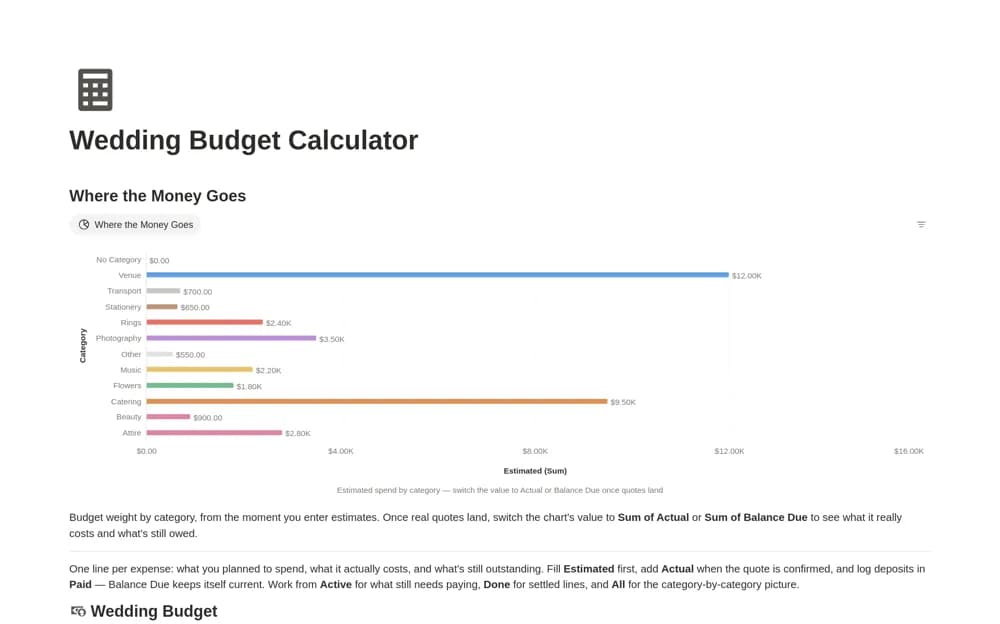
A wedding expense tracker comparing estimated and confirmed costs with amounts already paid, using a calculated balance due and category-level budget views.
Coordinate wedding timelines, budgets, and supplier details with a clearer handover. Find Notion templates for planners managing the preparations and the practical schedule people need on the day.
Showing 1–3 of 3 templates
A little structure goes a long way.FreeA wedding expense tracker comparing estimated and confirmed costs with amounts already paid, using a calculated balance due and category-level budget views.
 Free
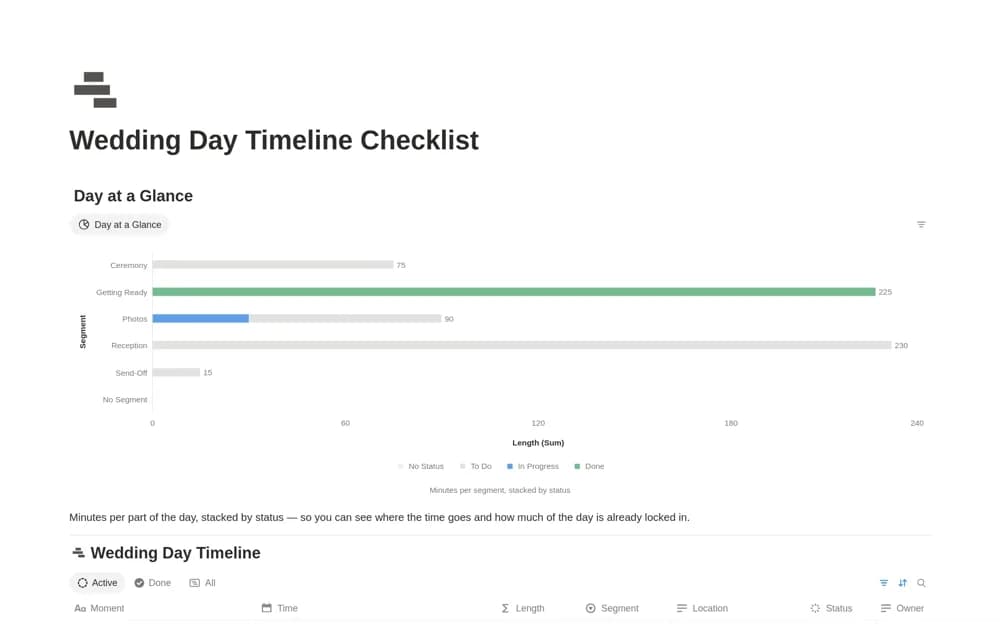
FreeA wedding-day schedule with one record per moment, start and end times, location, responsible person, segment, and status, plus calculated durations.
 Paid
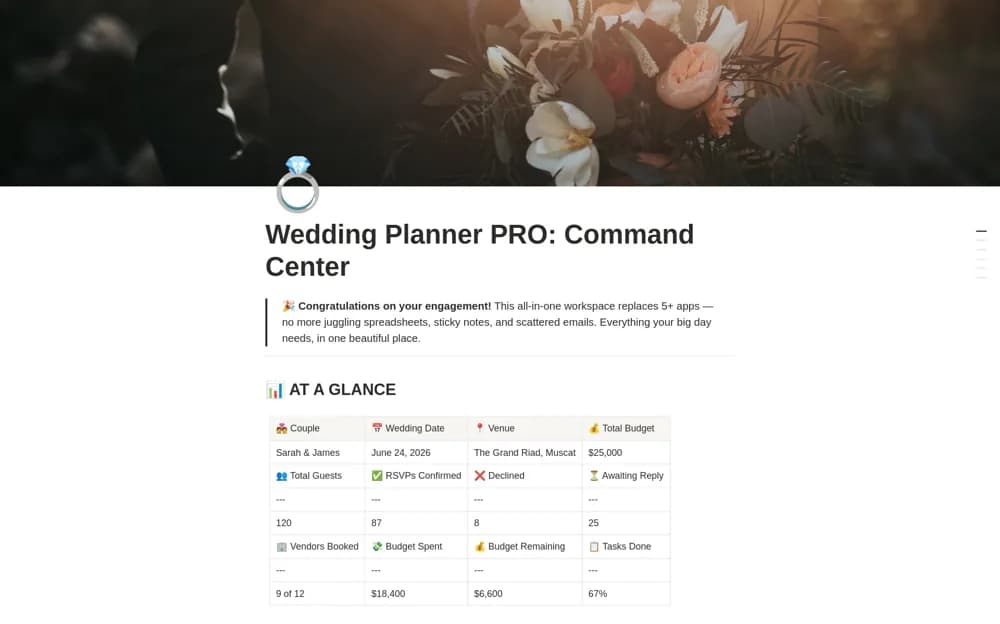
PaidA paid wedding command center combining guest planning, budgets, vendors, a day-of timeline, gifts, and honeymoon preparation, with a dashboard and quick-start guidance.
Compare the purpose and included features before choosing a workspace.
Couples and planners coordinating supplier quotes, deposits, and remaining payments.
Wedding planners and couples preparing a practical run-of-day handover for helpers and suppliers.
Couples and planners who prefer one broad planning workspace over separate event tools.
Test the template using a wedding with several suppliers and separate ceremony and reception locations. Every important time should identify a responsible person and a contact route. Keep an internal planning workspace and a concise day-of version that suppliers can use quickly. Review budget calculations with realistic deposits and final balances. Export essential contact and timing details so the day can run smoothly without relying on one workspace connection.
Supplier responsibilities and contacts
Day-of timelines
Budget and payment milestones
About the directoryKeep the full planning archive separate from the day-of handover. Every important moment should show the time, location, owner, and contact route. Review travel and setup dependencies with suppliers before freezing the schedule. Keep confirmed costs and payments traceable to their agreements so the final week is not spent reconstructing what has already been paid.
Usually a concise schedule and relevant contact details are more useful. Share the information each supplier needs and check permissions, keeping private guest, financial, and internal planning records appropriately restricted.
Yes. This collection currently includes 2 listings with a confirmed free creator offer, alongside 1 paid or freemium option. Use the Free filter to compare them. A free version can have different features from a creator’s paid upgrade, so check the original listing and current access terms before adding it to your workspace.