About Exam Cram Dashboard
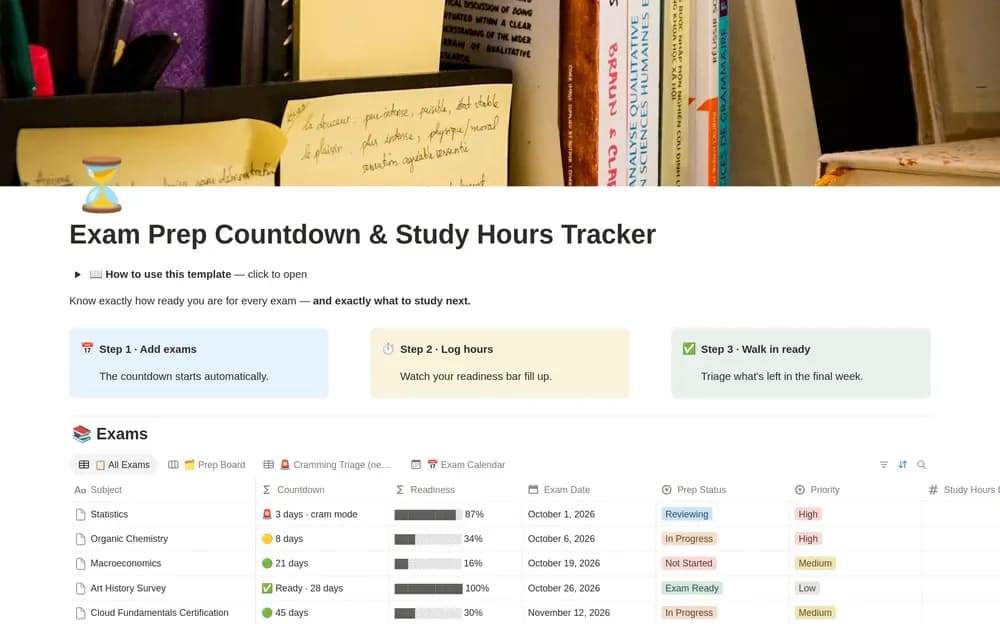
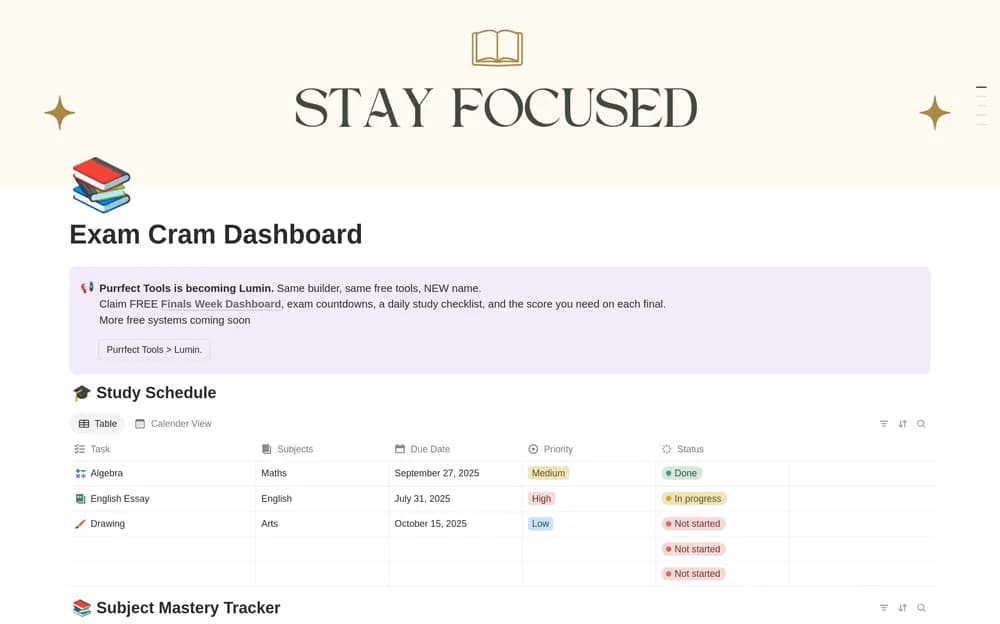
Prepare for finals in Notion with a study planner keyed to your exam date, subject progress bars, spaced repetition flashcards, and a grade predictor.
What’s included
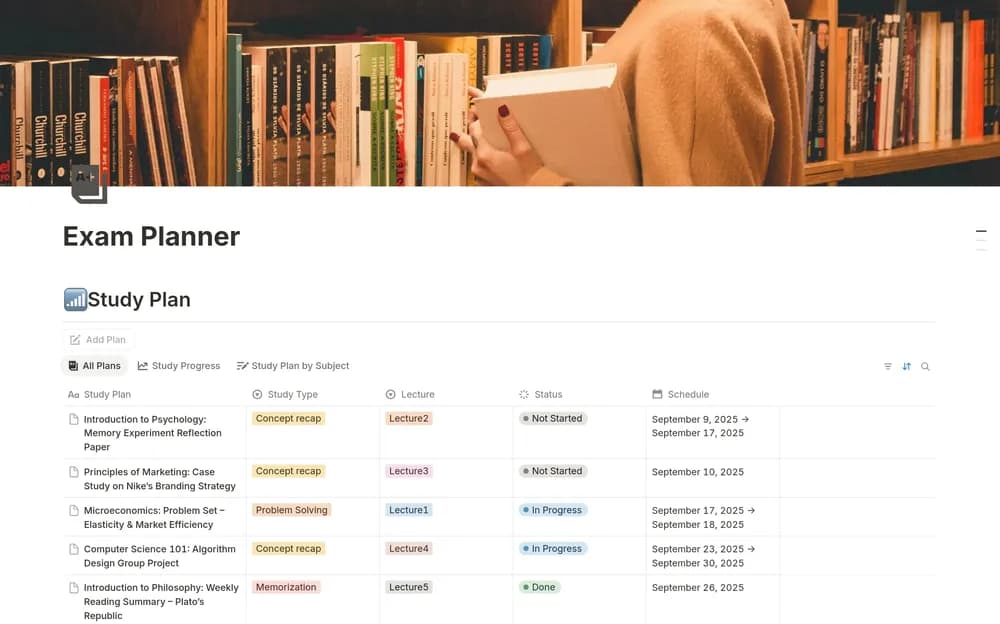
- Study planner that schedules topics from the exam date
- Progress bars showing mastery per subject
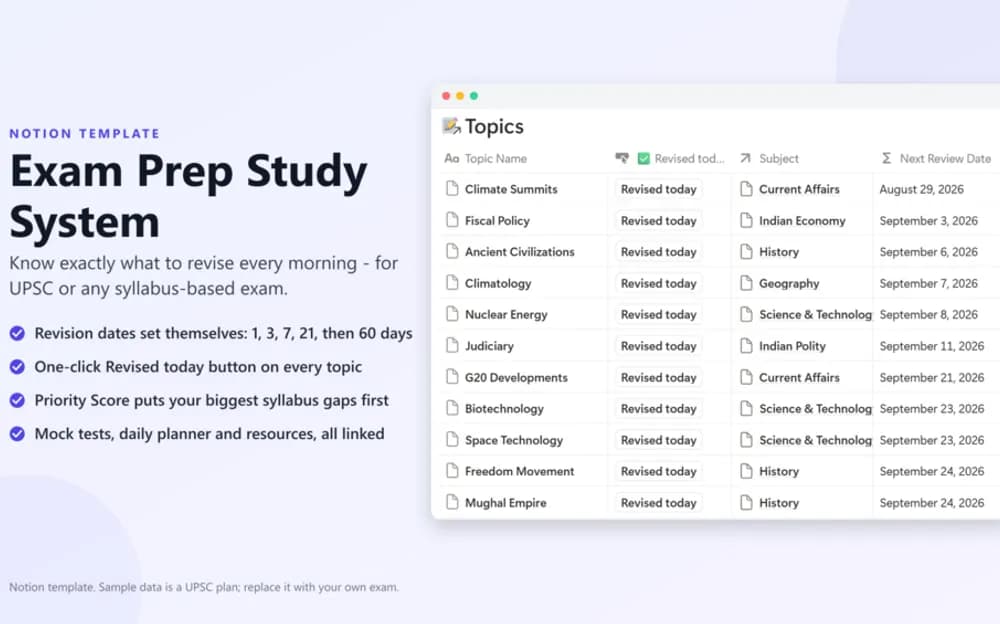
- Spaced repetition flashcards
- Grade predictor based on progress
- Minimal, distraction-free layout
How to use it in practice
Enter one upcoming exam with its date and list the topics it covers. Let the planner lay out the schedule, then study the first few topics and update their progress. Make ten flashcards for the hardest material and review them on the suggested days. At the end of the week, check the predicted grade but treat it as a rough signal.
Set it up in your workspace
- Open the original Notion Marketplace listing and add the template to your chosen workspace while signed in. Keep its example records until you understand how the pages connect.
- Enter one upcoming exam with its date and list the topics it covers.
- Try one complete example before adding a large backlog. Check that its views and any calculations show what you expect, then replace the sample content with your own.
Who it suits and what to consider
College students facing finals and high school students preparing for AP or IB exams. The grade predictor estimates from the progress you record, not from performance on practice tests. The listing does not explain how spaced repetition intervals are calculated or whether reminders are sent.