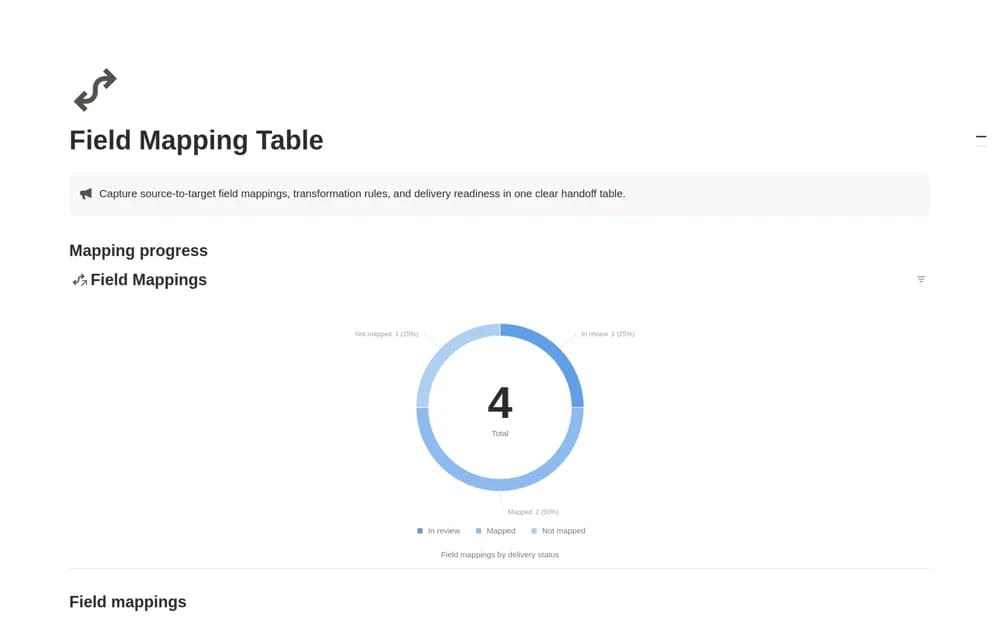
About Field Mapping Table
Document how fields move between systems in Notion, with transformation rules, required-data flags, and mapping progress.
What’s included
- Source and destination field records
- Direct, rename, format, and lookup classifications
- Required-field flags and mapping status
- Active and completed mapping views
How to use it in practice
Start with one object, such as a customer record. List its source and destination fields, then describe the transformation for each pair. Mark mandatory fields and send unclear mappings for review before handing the table to the developer implementing the connection.
Set it up in your workspace
- Open the original Notion Marketplace listing and add the template to your chosen workspace while signed in. Keep its example records until you understand how the pages connect.
- Start with one object, such as a customer record.
- Try one complete example before adding a large backlog. Check that its views and any calculations show what you expect, then replace the sample content with your own.
Who it suits and what to consider
Integration engineers and implementation teams agreeing on a source-to-target schema. This documents an integration. It does not transform data, run an ETL job, or connect your accounts automatically.