About Sync Test Checklist
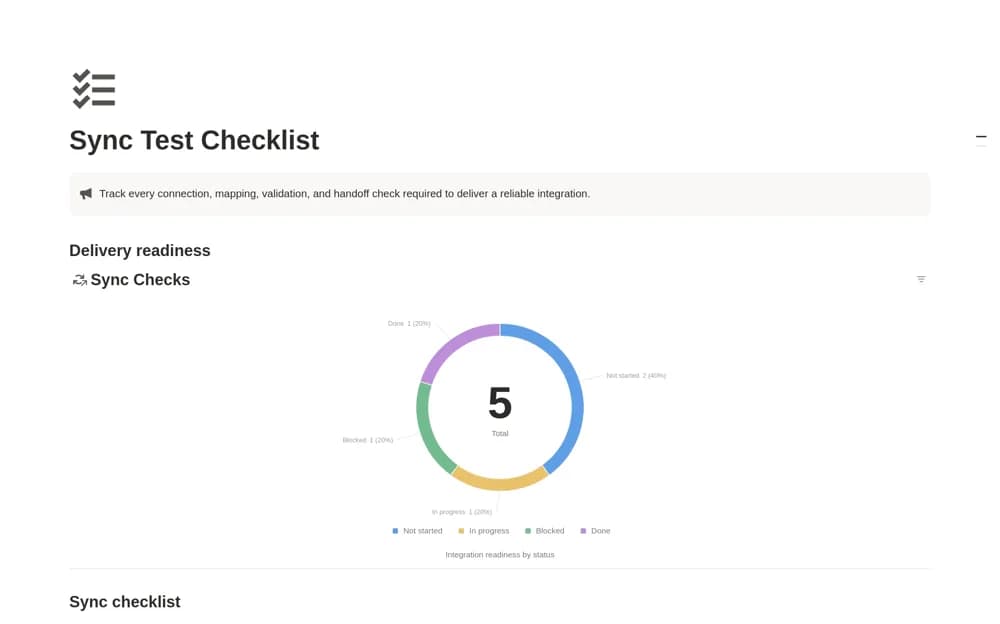
Keep integration acceptance checks in Notion, with testing phases, owners, deadlines, evidence links, and launch-readiness views.
What’s included
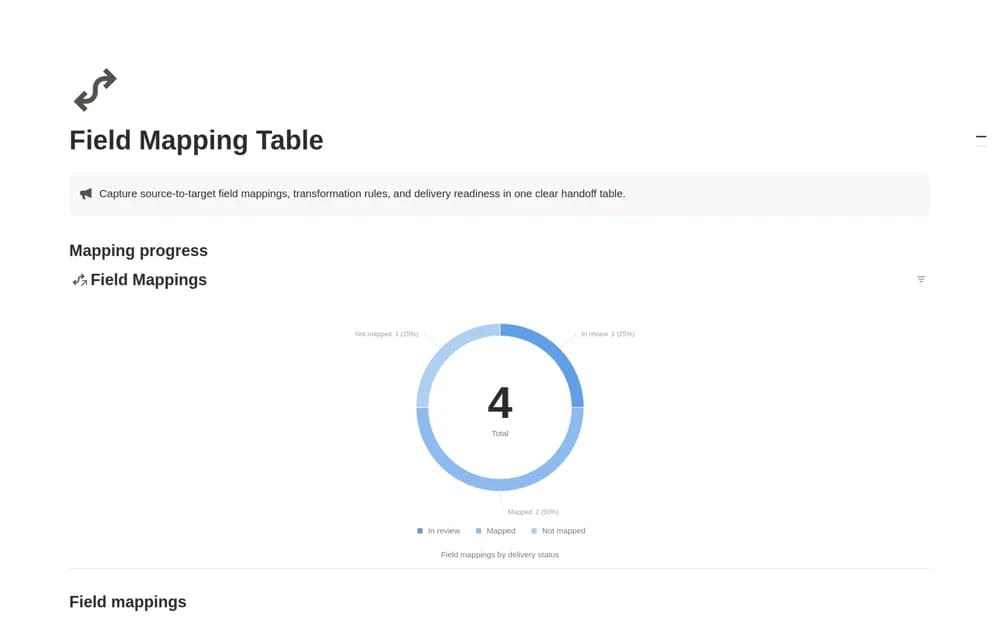
- Connection, mapping, validation, and handoff phases
- Checkpoint owners and due dates
- Required checks with supporting evidence
- Blocked and completed test views
How to use it in practice
Choose one end-to-end transaction and define the evidence that would show it worked. Assign the connection and mapping checks, then run the transaction in your test environment. Link the results to each checkpoint and review blocked items before recording delivery approval.
Set it up in your workspace
- Open the original Notion Marketplace listing and add the template to your chosen workspace while signed in. Keep its example records until you understand how the pages connect.
- Choose one end-to-end transaction and define the evidence that would show it worked.
- Try one complete example before adding a large backlog. Check that its views and any calculations show what you expect, then replace the sample content with your own.
Who it suits and what to consider
Implementation and QA teams coordinating the validation of an existing system connection. The checklist organizes testing records. It cannot execute API tests or establish that a connection is reliable by itself.