About Integration Requirements Form
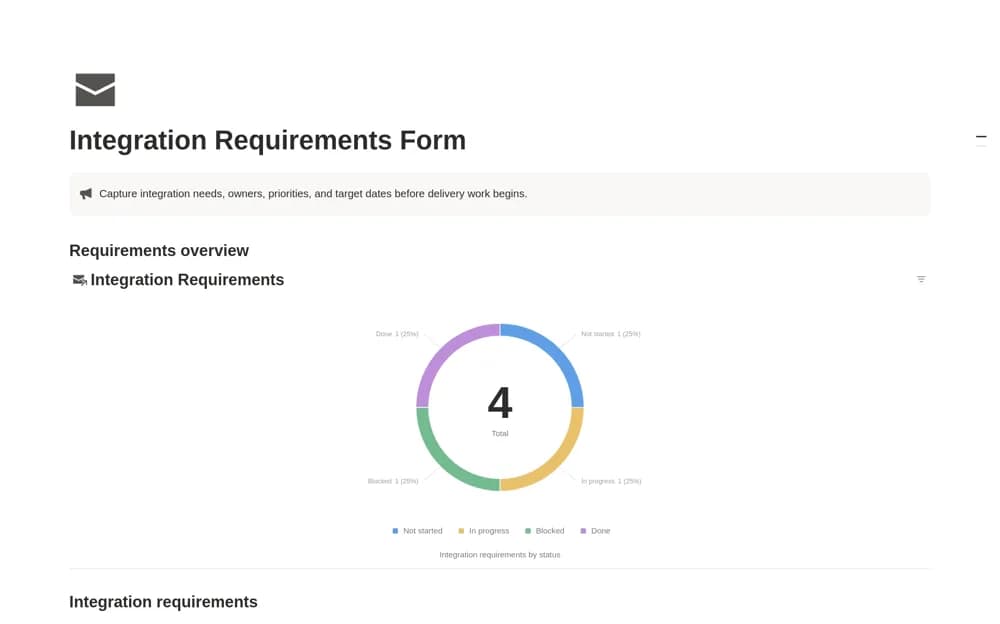
Collect integration requests in Notion with requester details, scope, priority, target dates, and a visible delivery queue.
What’s included
- Requirements database with requester contact
- Integration type and priority fields
- Target dates and workflow status
- Active and finished request views
How to use it in practice
Capture one request in plain language before discussing a solution. Record which systems are involved, the expected result, and the requester. Agree on priority and a target date, then review the active queue with whoever is responsible for implementation.
Set it up in your workspace
- Open the original Notion Marketplace listing and add the template to your chosen workspace while signed in. Keep its example records until you understand how the pages connect.
- Capture one request in plain language before discussing a solution.
- Try one complete example before adding a large backlog. Check that its views and any calculations show what you expect, then replace the sample content with your own.
Who it suits and what to consider
IT teams and agencies qualifying requests before committing to an integration project. A requirements record is an intake tool. Authentication, technical design, and the working connection still need separate implementation.