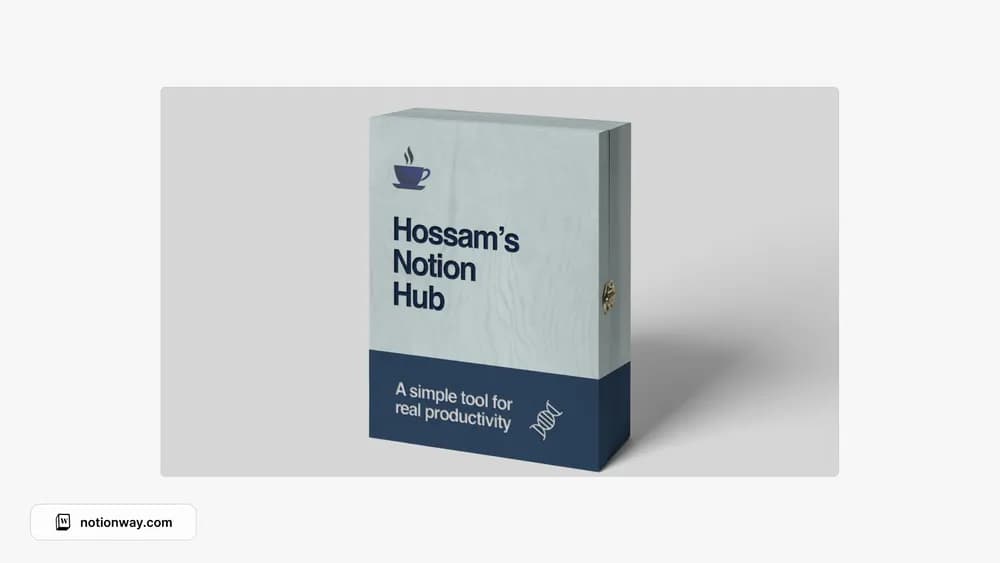
About Hossam's Ultimate Notion Hub
A broad personal hub can be helpful if it replaces scattered navigation. Hossam’s template is one option from the source collection. Look through its preview for the parts that match your routine, then make those easy to reach from the home page.
What’s included
- Connected projects, tasks, areas, resources, and notes
- A quick-capture inbox
- A daily section for habits, improvements, and highlights
How to use it in practice
Capture first, then process the inbox at a regular time. Decide whether each item is a task, a project reference, or something you can discard. Choose a daily highlight that connects to an active project and keep its next action visible. During a weekly review, remove old captures that no longer have a role so the inbox remains a temporary stop.
Set it up in your workspace
- Follow the original creator’s checkout or access instructions to obtain the Notion page. Open that page while signed in, then duplicate it into the workspace you want to use.
- Add links and information for your current week. Leave unused sections aside while you test the main workflow.
- Try one complete example before adding a large backlog. Check that its views and any calculations show what you expect, then replace the sample content with your own.
Who it suits and what to consider
People who like a central personal workspace. Useful if you want PARA organization with a daily planning element. It asks for a capture-and-review habit; without that, the inbox can become another unsorted notes list.