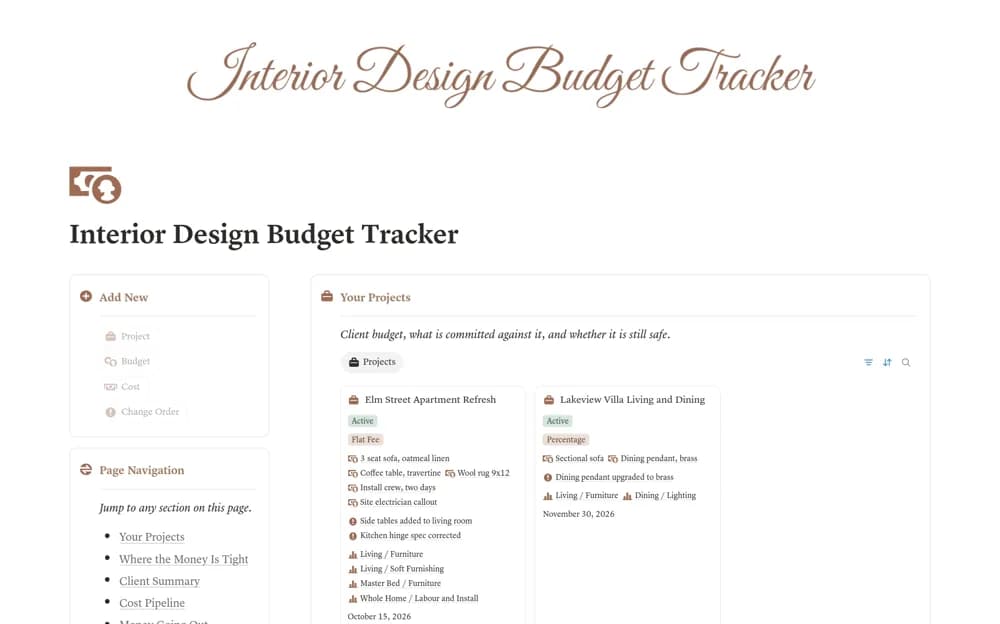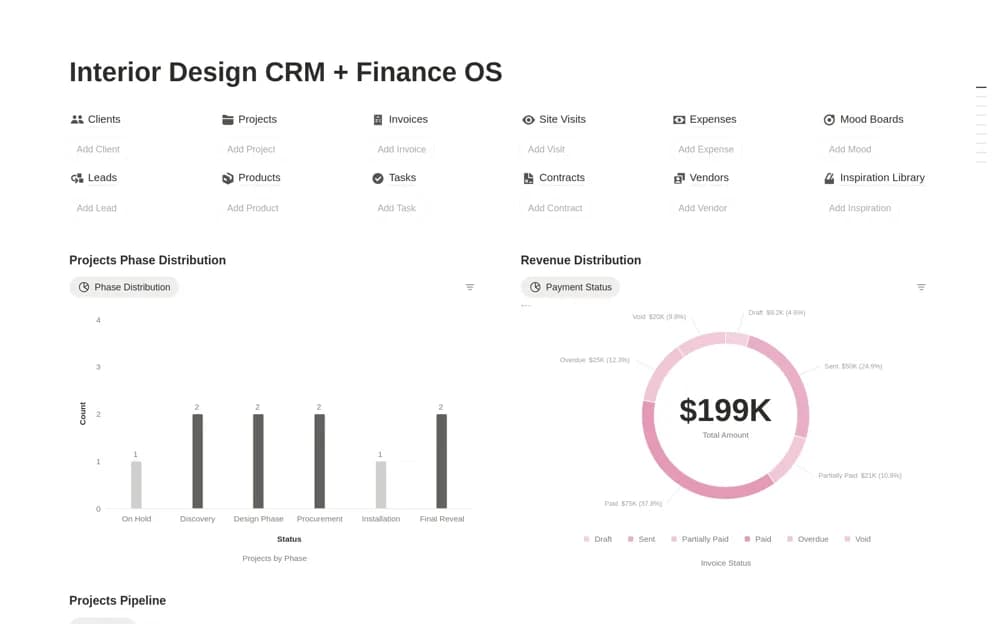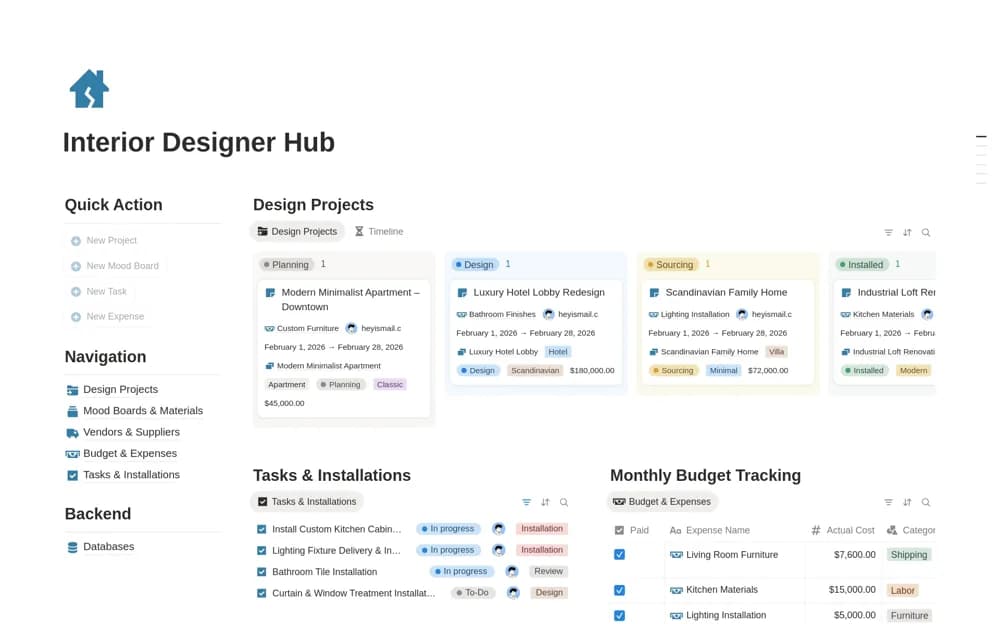
About Interior design Mood board
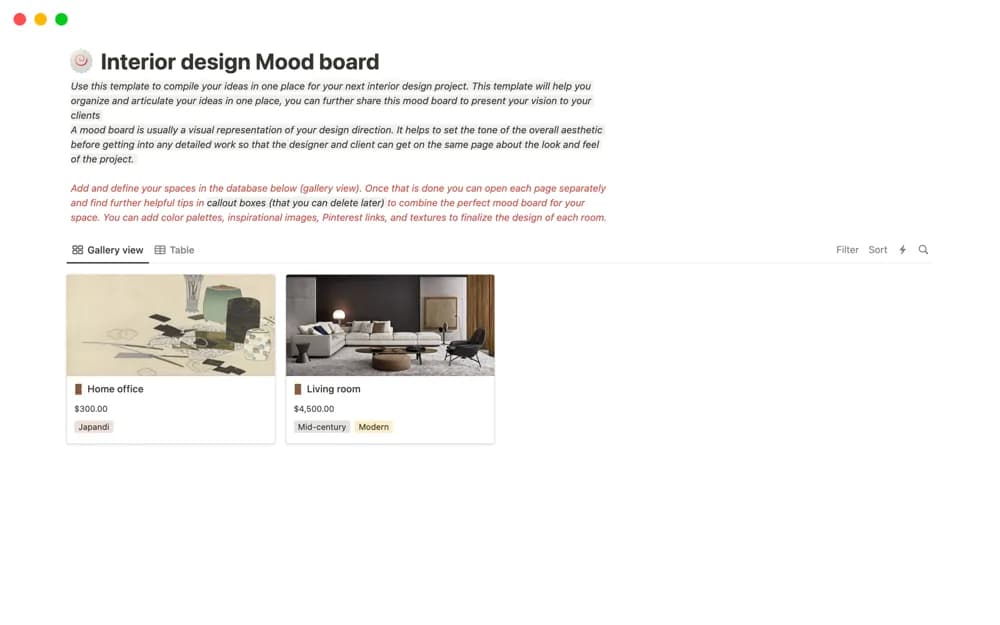
A room-based interior mood-board layout for images, references, links, colors, furniture, and textures, intended for collaboration or presenting a design direction.
What’s included
- Room or space mood boards
- Images, references, and useful links
- Color and material-direction organization
How to use it in practice
Choose one room and add a small set of references that communicate a coherent direction. Label the elements you want the client to notice, such as texture or proportion, rather than filling the board with unrelated favorites. Review the direction together before treating any pictured product as an approved purchase.
Set it up in your workspace
- Open the original Notion Marketplace listing and add the template to your chosen workspace while signed in. Keep its example records until you understand how the pages connect.
- Choose one room and add a small set of references that communicate a coherent direction.
- Try one complete example before adding a large backlog. Check that its views and any calculations show what you expect, then replace the sample content with your own.
Who it suits and what to consider
Interior designers preparing an early visual conversation with clients or collaborators. This is an early design-presentation tool. It does not establish product availability, exact specifications, procurement records, or the final budget.