About Interior Designer Hub
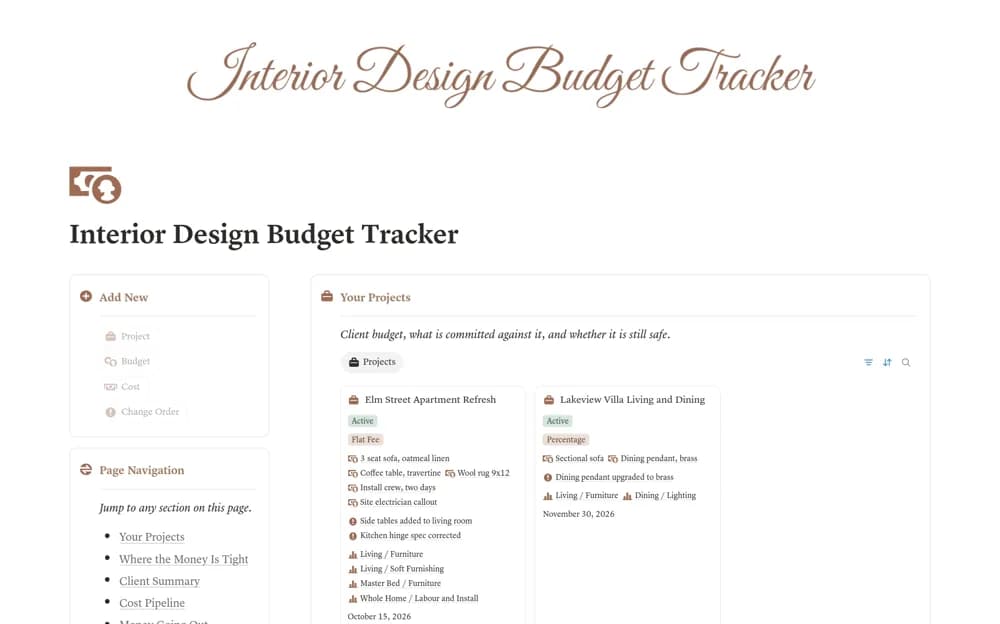
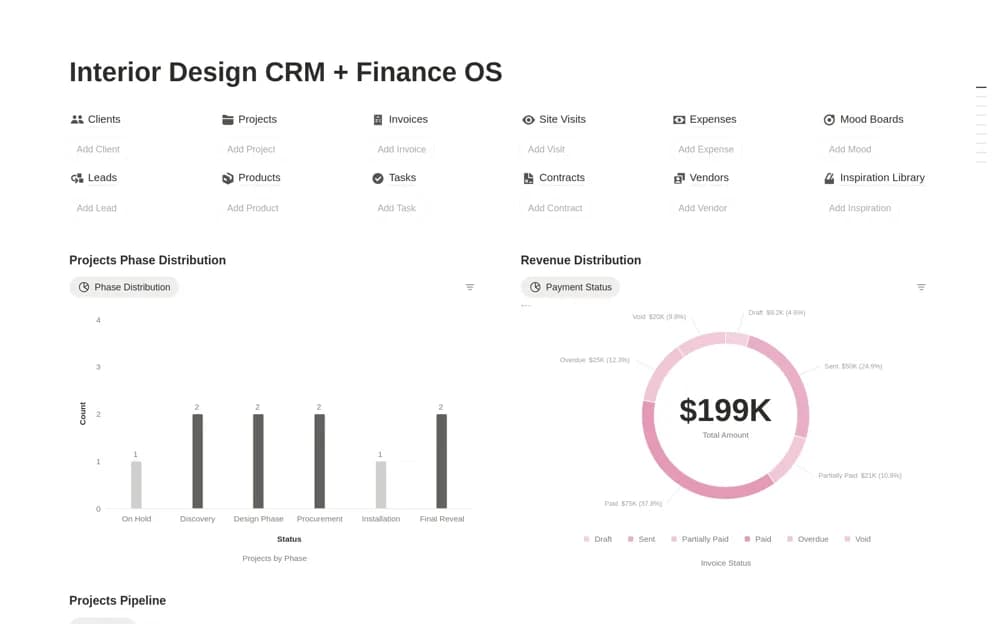
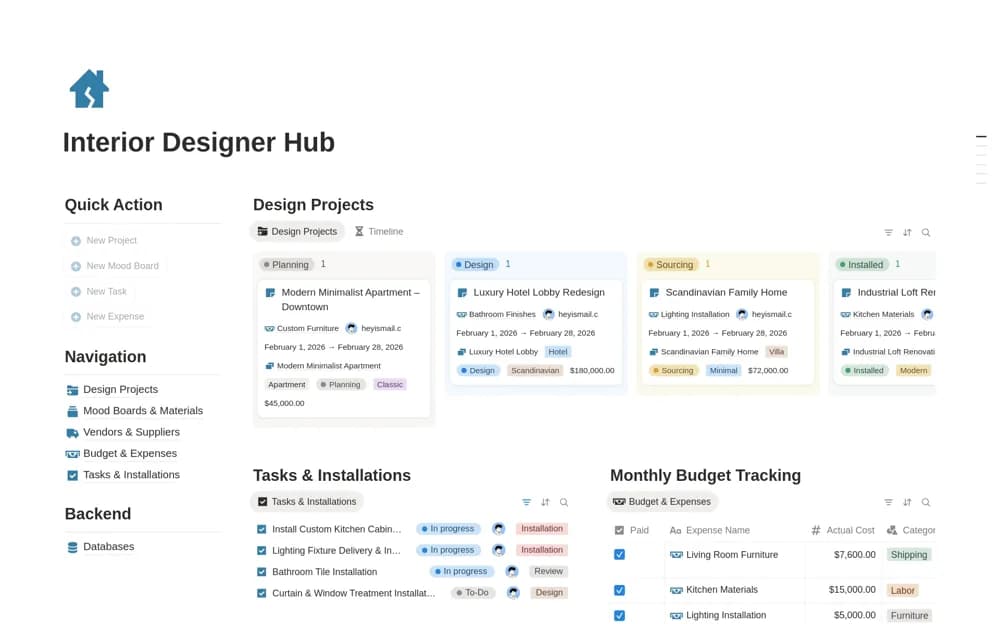
An interior-design project workspace combining clients’ projects, materials, mood boards, vendors, budgets, tasks, and installation work from concept through completion.
What’s included
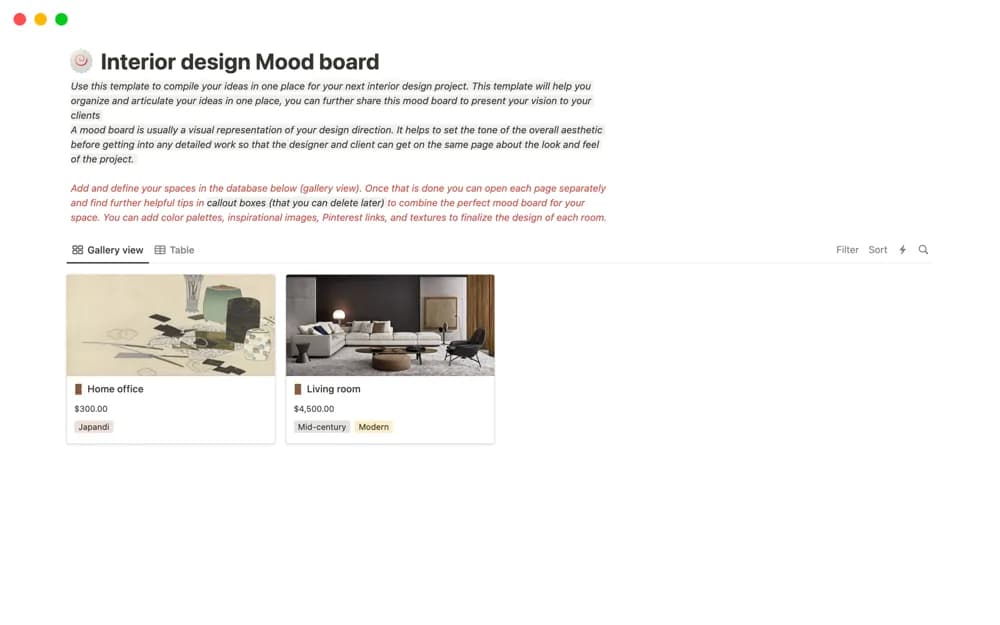
- Design projects and materials or mood boards
- Vendor contacts and budget tracking
- Tasks and installation organization
How to use it in practice
Add one project with its current concept stage and the next approval needed. Link the materials and vendor contacts that affect the decision, then record installation tasks with realistic dates. Keep approved choices distinguishable from options under consideration so the team does not purchase from an outdated shortlist.
Set it up in your workspace
- Open the original Notion Marketplace listing and add the template to your chosen workspace while signed in. Keep its example records until you understand how the pages connect.
- Add one project with its current concept stage and the next approval needed.
- Try one complete example before adding a large backlog. Check that its views and any calculations show what you expect, then replace the sample content with your own.
Who it suits and what to consider
Solo interior designers and small studios managing several residential or commercial engagements. The workspace coordinates project information. It does not verify supplier stock, establish purchasing integrations, or replace technical design and site documentation.