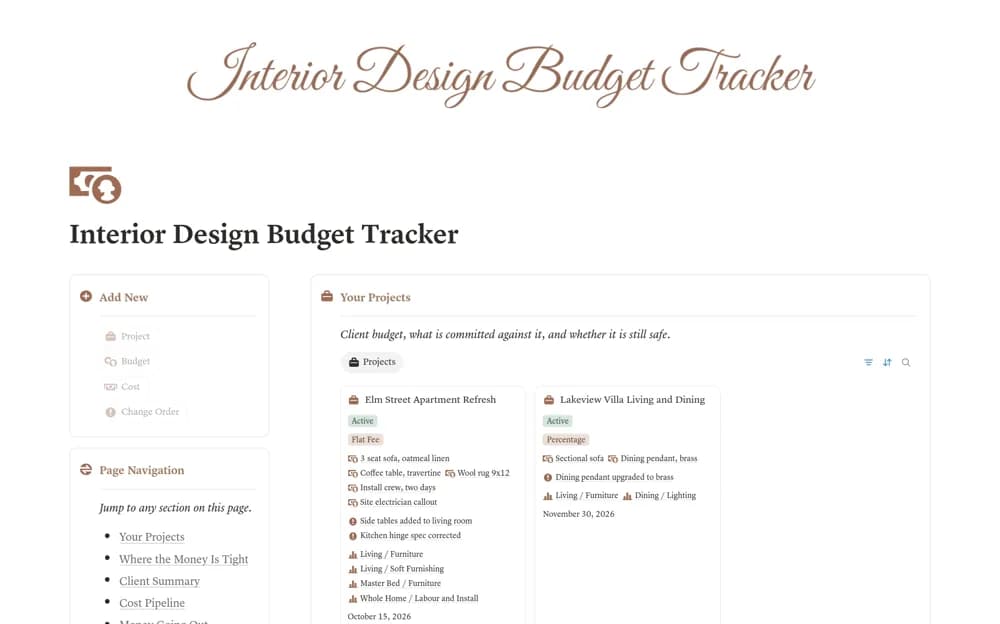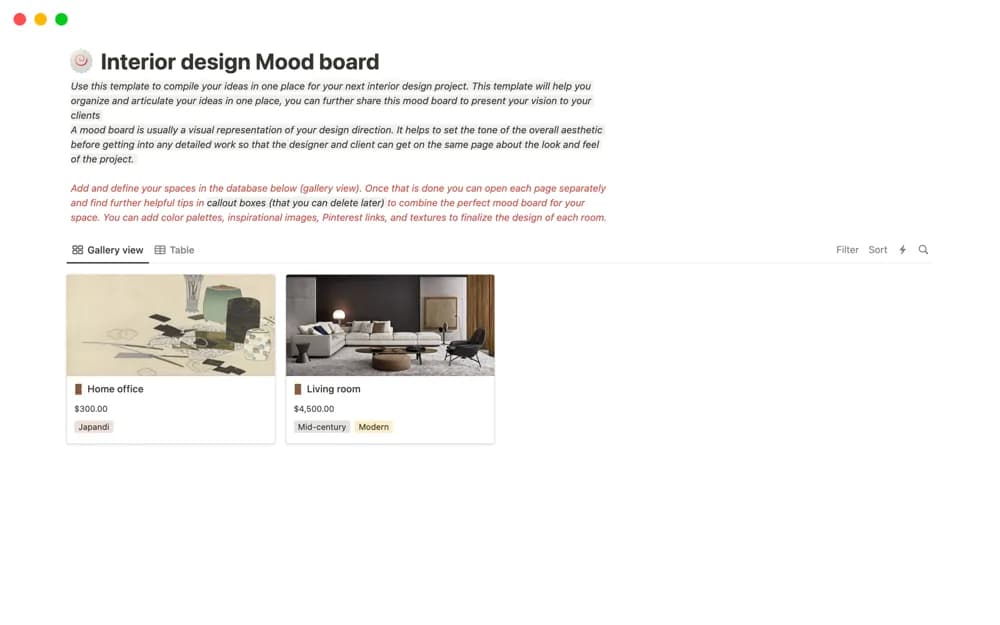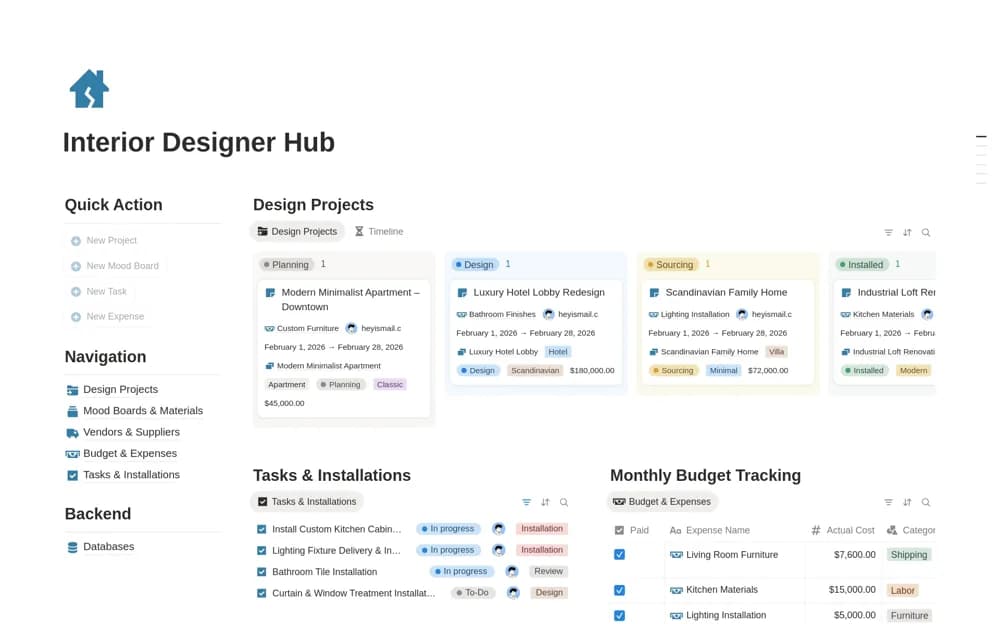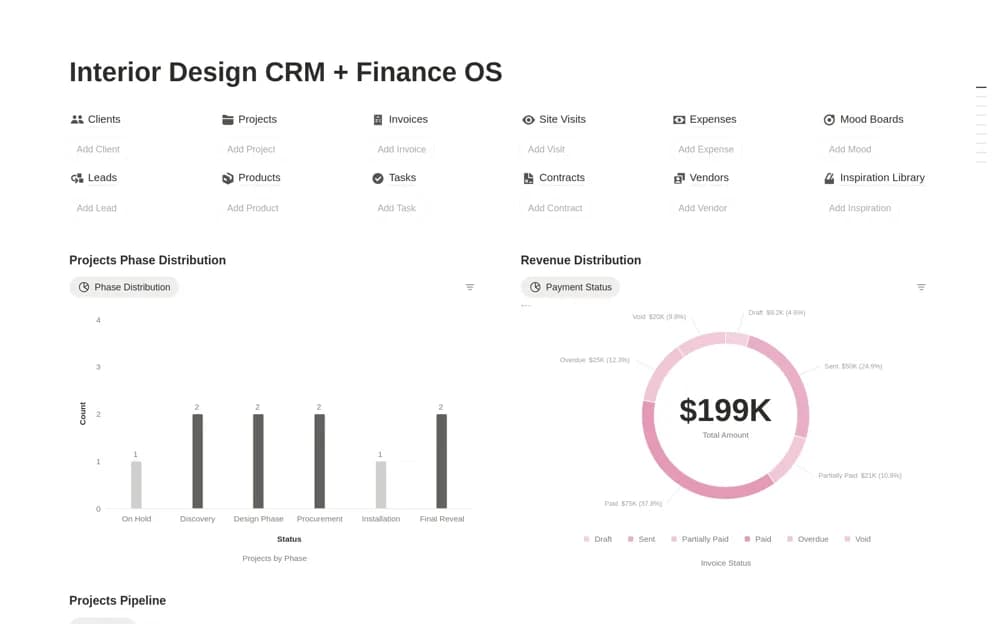
About Interior Design CRM + Finance OS
A paid interior-design business workspace connecting leads, clients, project phases, tasks, invoices, payments, and expenses, with charts for workflow and financial review.
What’s included
- Leads, client CRM, and project phases
- Tasks with design or procurement categories
- Invoice, payment, and expense records with dashboard charts
How to use it in practice
Add an accepted project and connect its next design and procurement tasks before filling the wider pipeline. Enter a known invoice with its amount paid and an associated expense, then compare the balance with your finance records. Keep billable and reimbursable costs identifiable so a project review does not lose their commercial context.
Set it up in your workspace
- Open the original Notion Marketplace listing and add the template to your chosen workspace while signed in. Keep its example records until you understand how the pages connect.
- Add an accepted project and connect its next design and procurement tasks before filling the wider pipeline.
- Try one complete example before adding a large backlog. Check that its views and any calculations show what you expect, then replace the sample content with your own.
Who it suits and what to consider
Interior studios needing client delivery and financial administration connected across engagements. The workspace records billing and expenses but does not establish payment processing or formal accounting compliance. Review access before sharing client-facing project pages.