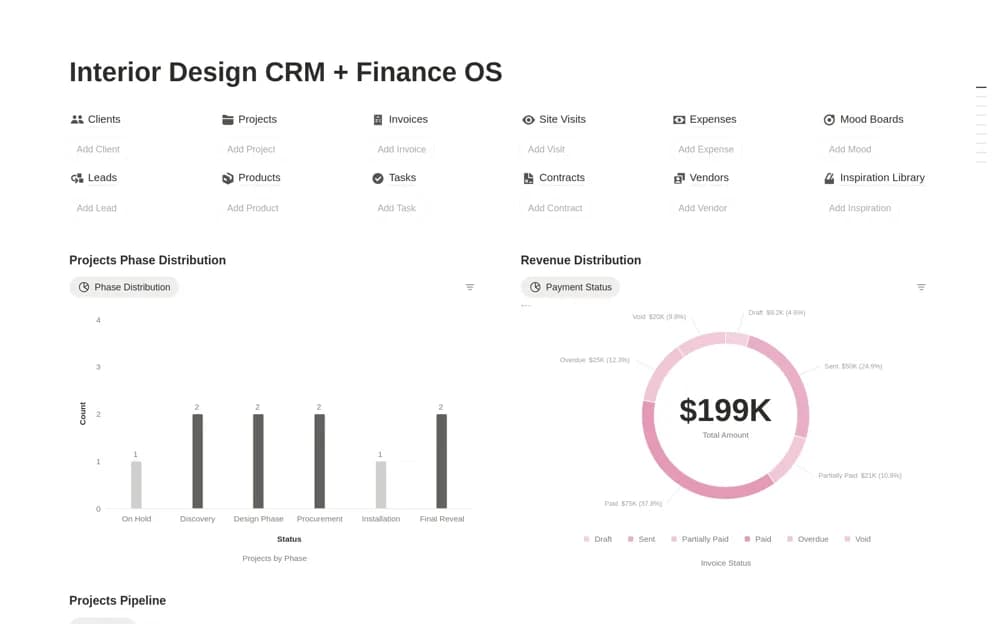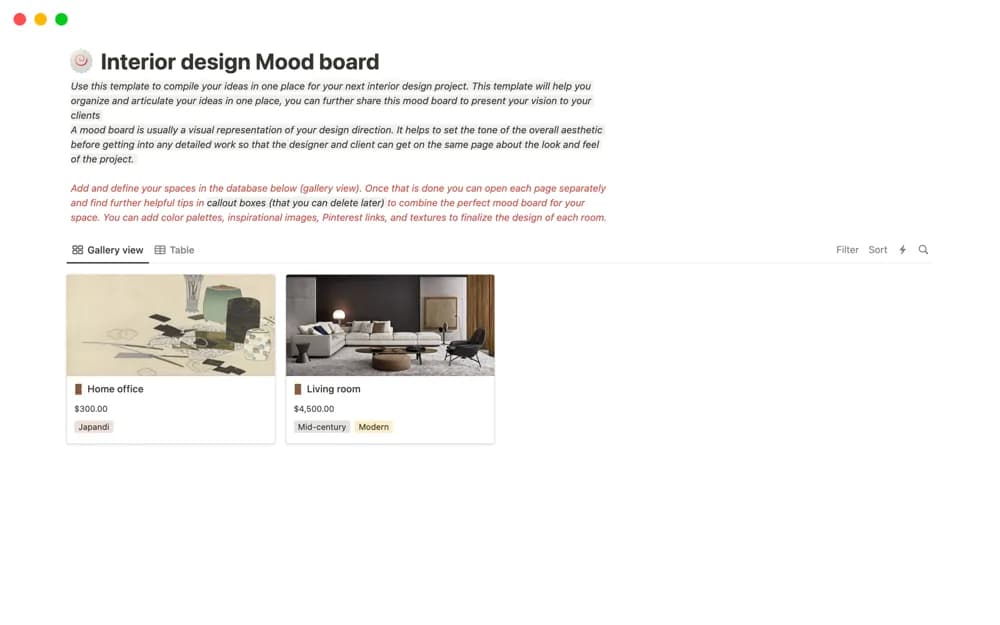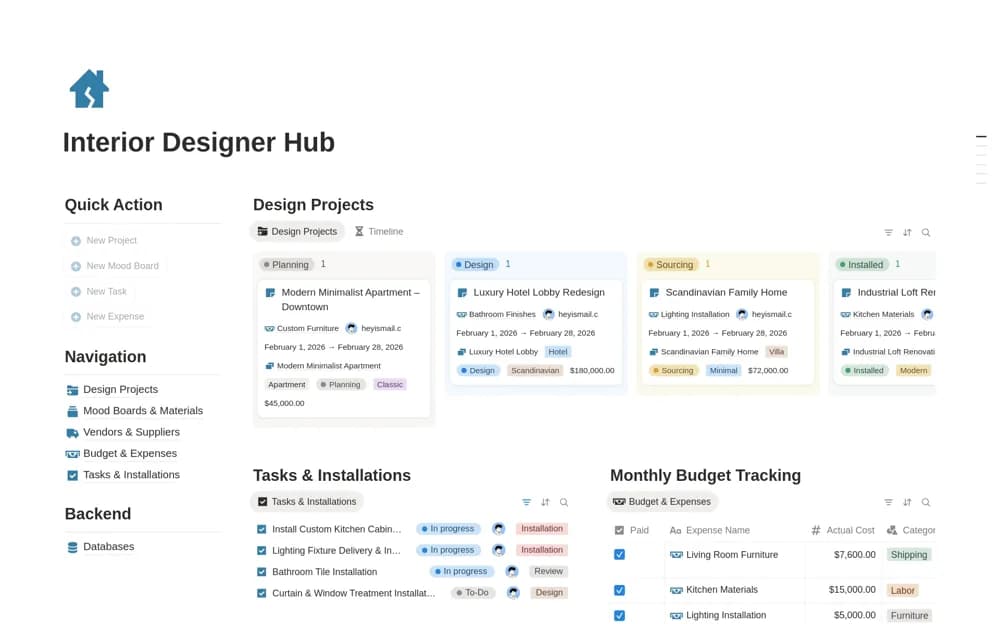
About Interior Design Budget Tracker & Change Orders
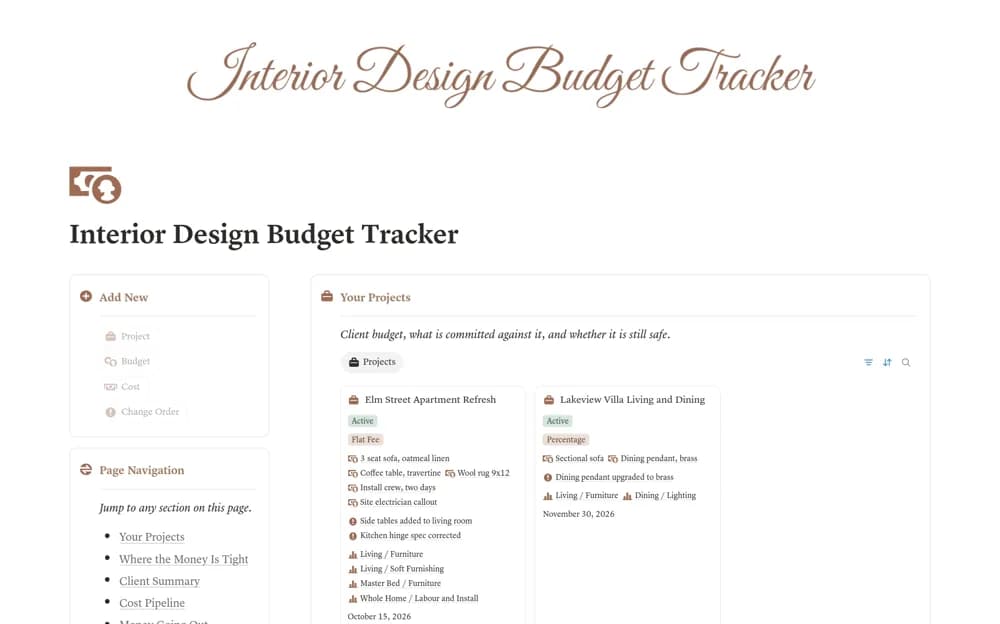
An interior-project budget system separating allowances from quotes, orders, invoices, and payments, with client-price budget consumption, change orders, and visible budget-risk signals.
What’s included
- Budget Lines and Costs records
- Client-price budget and burn indicators
- Change-order approval and absorbed-cost context
How to use it in practice
Enter a room allowance and one confirmed cost, then compare the client-price calculation with the quote. Test a quoted item before commitment and a change absorbed by the studio. Keep approval evidence with each change so a higher allowance reflects an actual client-funded decision rather than a proposed adjustment.
Set it up in your workspace
- Open the original Notion Marketplace listing and add the template to your chosen workspace while signed in. Keep its example records until you understand how the pages connect.
- Enter a room allowance and one confirmed cost, then compare the client-price calculation with the quote.
- Try one complete example before adding a large backlog. Check that its views and any calculations show what you expect, then replace the sample content with your own.
Who it suits and what to consider
Interior designers coordinating room budgets and documenting who pays for changes. The formulas reflect the creator’s pricing and change-order structure. Review discount, markup, tax, and approval assumptions against your agreements and financial records.